

 Scarecrow Control
Scarecrow Control gives server owners full control over vanilla Scarecrow NPCs without replacing their original AI.
Customize their names, health, movement, senses, equipment, targeting behavior, population and more through a simple configuration file.
Perfect for Halloween servers, PvE environments, seasonal events, or any server that wants to make vanilla Scarecrows more interesting.
 Features
-
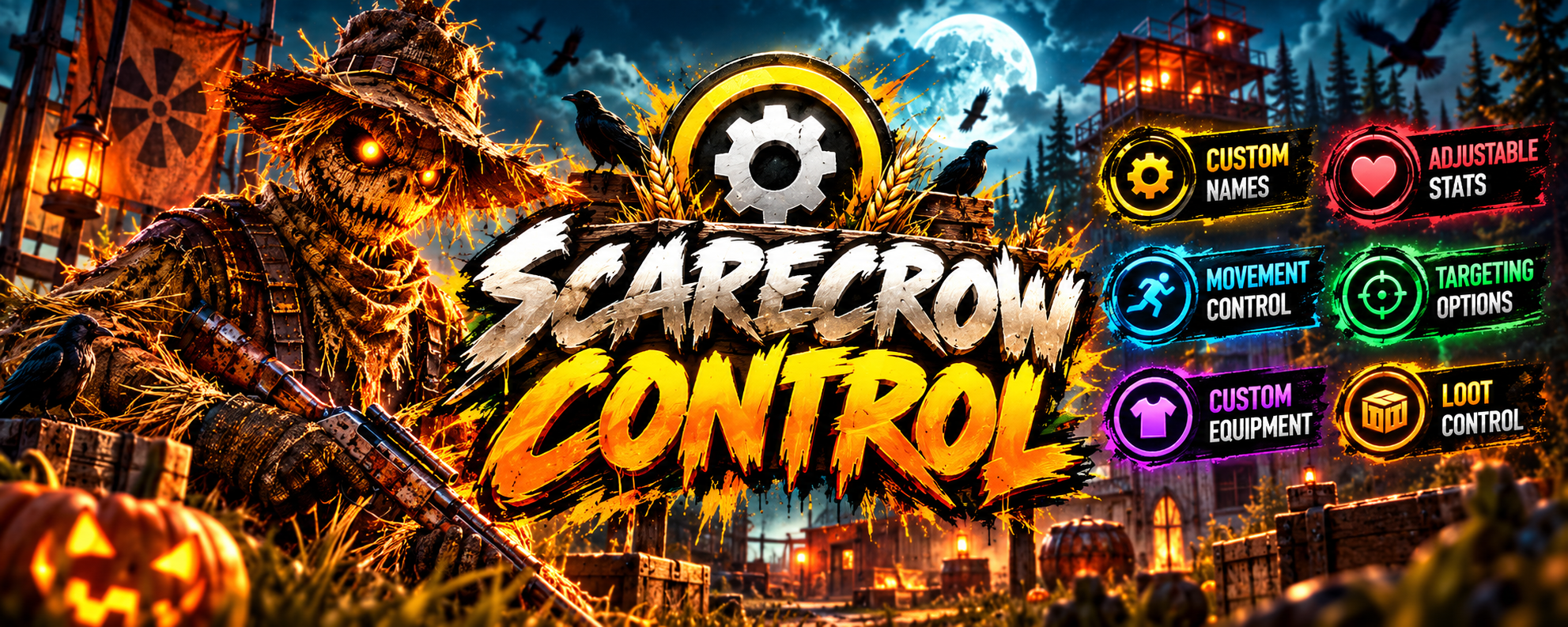
 Custom Names — Set one fixed name or randomly select names from a configurable list.
-
 Custom Health — Adjust Scarecrow maximum health.
-
 Movement Control — Configure walking and running speed.
-
 AI Senses — Control attack range, target lost range and detection range.
-
 Safe Zone Behavior — Choose whether Scarecrows ignore players inside safe zones.
-
 Custom Clothing — Equip Scarecrows with custom clothing and Workshop skins.
-
 Custom Weapons — Configure their weapon and skin.
-
 Targeting Control — Configure interactions with Scientists, Bandit Guards, Bradley APC and NPC Turrets.
-
 Loot Control — Optionally remove loot from Scarecrow corpses.
-
 Custom Death Sound — Play a configurable effect when a Scarecrow dies.
-
 Population Control — Override vanilla Scarecrow population and beancan settings.
-
 Night Mode — Automatically increase population or change combat stats during the night.
-
 Existing NPC Support — Settings are also applied to already spawned Scarecrows.
-
 Vanilla AI — Keeps Rust's original Scarecrow AI and behavior.
-
 Safe Unload — Modified vanilla ConVars are restored when the plugin unloads.
Custom Names
Give every Scarecrow the same name or enable a pool of random names.
"Name Settings": {
  "Enabled": true,
  "Use Random Names": true,
  "Name": "Scarecrow",
  "Random Names": [
    "Scarequack",
    "Strawbill",
    "Gravebill",
    "Rotten Quack",
    "Hollow Quack"
  ]
}
Each Scarecrow receives its own random name when spawned.
 Custom names are also transferred to their corpses, so players will see the correct NPC name while looting.
Custom Equipment
Replace the default Scarecrow outfit with your own clothing and skins.
"Clothing": {
  "Enabled": true,
  "Clear Default Clothing": true,
  "Items": [
    {
      "Shortname": "hoodie",
      "Skin ID": 0
    },
    {
      "Shortname": "pants",
      "Skin ID": 0
    }
  ]
}
Clear Default Clothing determines whether the original Scarecrow clothing is removed before applying configured equipment.
Custom Weapons
You can also replace their weapon:
"Weapon": {
  "Enabled": true,
  "Shortname": "machete",
  "Skin ID": 0
}
 Use weapons compatible with vanilla Scarecrow AI.
Scarecrow Control does not replace Rust's weapon or combat AI.
Targeting Control
Decide exactly how Scarecrows interact with other vanilla NPCs and defenses.
"Targeting Settings": {
  "Bradley APC Can Target Scarecrows": true,
  "NPC Turrets Can Target Scarecrows": true,
  "Scientists Can Target Scarecrows": true,
  "Scarecrows Can Target Scientists": true,
  "Bandit Guards Can Target Scarecrows": true,
  "Scarecrows Can Target Bandit Guards": true
}
 Every interaction can be enabled or disabled independently.
For example, you can allow Scarecrows to attack Scientists while preventing Scientists from fighting back.
Night Mode
Make the night considerably more dangerous.
Night Mode can automatically apply separate:
-
Health
-
Sense Range
-
Attack Range
-
 Target Lost Range
-
 Walk Speed
-
Run Speed
-
Scarecrow Population
Example:
"Night Settings": {
  "Enabled": true,
  "Start Hour": 18.0,
  "End Hour": 7.0,
  "Scarecrow Population": 15.0,
  "Override Stats": true,
  "Health": 500.0,
  "Attack Range Multiplier": 1.0,
  "Target Lost Range": 30.0,
  "Sense Range": 25.0,
  "Walk Speed Fraction": 0.4,
  "Run Speed Fraction": 1.2
}
 When night ends, Scarecrows automatically return to their normal configured stats.
Existing Scarecrows are updated automatically when the day/night state changes.
Vanilla Spawn Control
Scarecrow Control can optionally override Rust's vanilla Halloween Scarecrow settings.
"Spawn Settings": {
  "Override Vanilla Settings": false,
  "Scarecrow Population": 5.0,
  "Scarecrows Throw Beancans": true,
  "Beancan Throw Global Delay": 8.0
}
When Override Vanilla Settings is disabled, the plugin leaves the server's vanilla population settings untouched.
Any vanilla values modified by the plugin are automatically restored when Scarecrow Control unloads.
Loot Control
Don't want vanilla Scarecrow loot?
Simply enable:
"Loot Settings": {
  "Disable Loot": true
}
Their corpse containers will be cleared automatically while the corpse itself remains available.
Death Sound
Scarecrow Control supports an optional custom effect when a Scarecrow dies.
"Sound Settings": {
  "Death Sound Enabled": false,
  "Death Sound": ""
}
The feature is disabled by default and can be configured with your preferred compatible Rust effect.
 Configuration
All settings are controlled through:
oxide/config/ScarecrowControl.json
Most features can be enabled or disabled independently, so you can use only the systems your server needs.
The plugin also validates important configuration values during startup and reports invalid settings or item shortnames in the server console.
 Installation
- Download ScarecrowControl.cs
- Place it in:
oxide/plugins/
- The configuration will be generated automatically.
- Configure oxide/config/ScarecrowControl.json.
- Reload the plugin:
oxide.reload ScarecrowControl
 Notes
Notes
Scarecrow Control modifies vanilla Scarecrow NPCs — it does not replace their AI.
Weapon handling, combat behavior and other core NPC mechanics therefore remain dependent on Rust's vanilla Scarecrow AI.
-
 No dependencies
-
No custom AI replacement
-
Lightweight configuration
-
Works with vanilla Scarecrows
Take Control of the Scarecrows
Turn Rust's standard Halloween Scarecrows into configurable NPCs with custom identities, equipment, stats, behavior and nighttime difficulty — while keeping the original vanilla AI.