

About Chest Logger
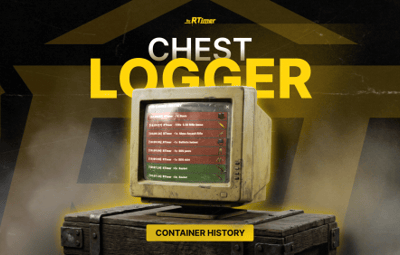
ChestLogger is a simple and handy plugin that displays the interaction history of storage containers. It's a great tool for clans (to quickly find who moved resources) and for admins.
How it works:
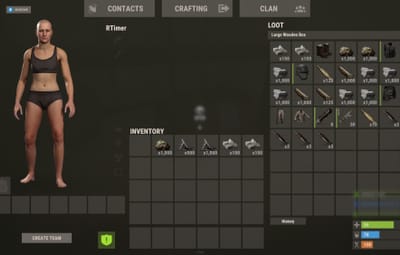
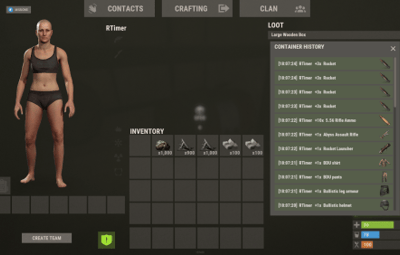
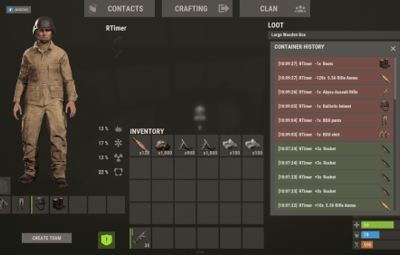
When a player opens any storage, a neat History button appears on the screen. Clicking it opens the history for that specific container:
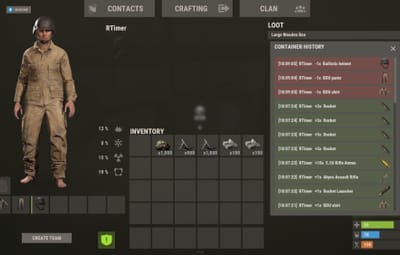
Green background (+) — an item was added.
Red background (-) — an item was removed.
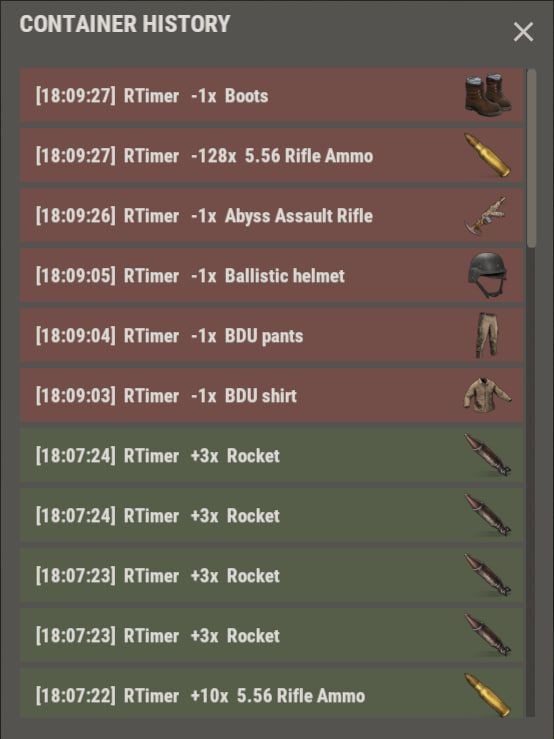
The list instantly shows the exact time, the player's name, item icon, and amount. The interface doesn't block the inventory and looks like a native part of the game.
Main features:
Native design: The menu perfectly blends with the standard Rust UI and doesn't look out of place.
Works everywhere: Supports any storage containers in the game that have an owner (regular boxes, tool cupboards, etc.).
Auto-clear: Records older than 24 hours are deleted automatically so that container logs don't pile up endlessly.
Configuration
RequirePermission (true / false) — if set to false, the history will be available to all players on the server. If true, only those with the granted permission can use it (e.g., for VIP players).
PermissionName — the name of the permission itself (defaults to chestlogger.use).
TimeToClearLogs — how often the plugin checks containers and wipes old logs inside them (in seconds). The default is 3600 — meaning the check runs once an hour.


.thumb.png.869cef4c06723841adb05a43027fe8f0.png)