Jump to content

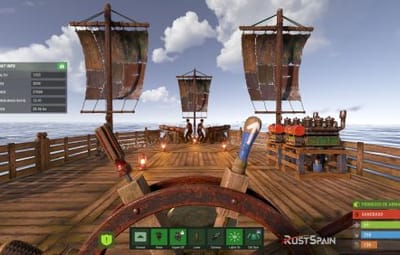
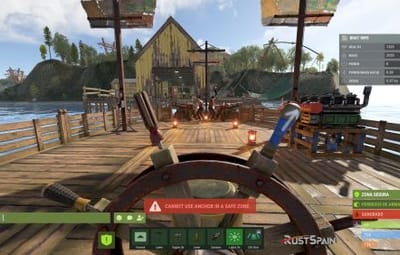
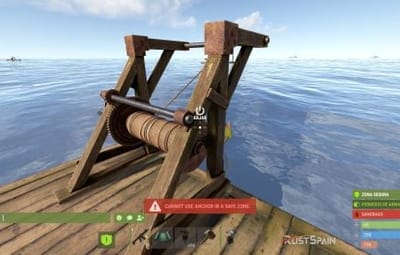
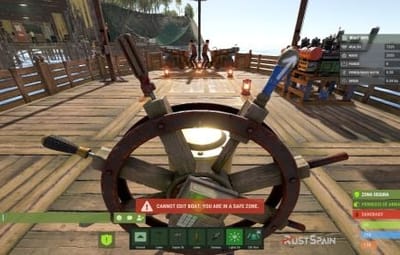
9 Screenshots

  • 2.6k
  • 160
  • 103.75 kB

This area is for discussion and questions. Please use the support area for reporting issues or getting help.

Recommended Comments

Nambo1641

Posted

Hello, is it possible to use the ZQSD controls instead of WASD?

ninco90

Posted

3 hours ago, Nambo1641 said:

Hello, is it possible to use the ZQSD controls instead of WASD?

For what purpose? To replace W and S with Z and Q for gear changes?

These keys can only be used in plugins:
FORWARD
BACKWARD
LEFT
RIGHT
JUMP
DUCK
SPRINT
USE
FIRE_PRIMARY
FIRE_SECONDARY
RELOAD
FIRE_THIRD

Junk Rat Rust

Posted

Can you turn functions off in the config? like firing cannons etc

ninco90

Posted

27 minutes ago, Junk Rat Rust said:

Can you turn functions off in the config? like firing cannons etc

No, but you can disable NPC spawning in Crew Cannon, which ultimately prevents the cannons from being moved.

It might be worthwhile to add a setting to completely disable the cannon option if that's what you mean.

Covfefe

Posted

is this compatible with PVE? don't want players destroying other players buildings and ships

ninco90

Posted

14 minutes ago, Covfefe said:

is this compatible with PVE? don't want players destroying other players buildings and ships

Hi! In this respect, you would only need a plugin that cancels the damage from cannons or blocks the crafting of cannons, I suppose.

Nambo1641

Posted

15 hours ago, ninco90 said:

For what purpose? To replace W and S with Z and Q for gear changes?

These keys can only be used in plugins:
FORWARD
BACKWARD
LEFT
RIGHT
JUMP
DUCK
SPRINT
USE
FIRE_PRIMARY
FIRE_SECONDARY
RELOAD
FIRE_THIRD

Because I use an AZERTY keyboard, for me, forward is Z. Backward is S. Left is Q and Right is D.

Junk Rat Rust

Posted

22 hours ago, ninco90 said:

No, but you can disable NPC spawning in Crew Cannon, which ultimately prevents the cannons from being moved.

It might be worthwhile to add a setting to completely disable the cannon option if that's what you mean.

Yeah that would be great

  • Like 1
shturval

Posted

Nice!


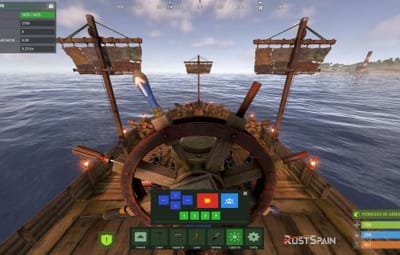
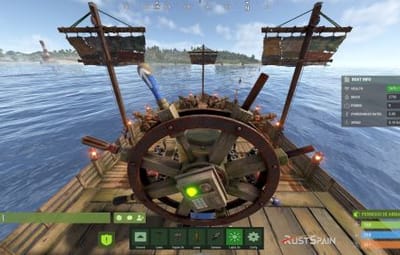
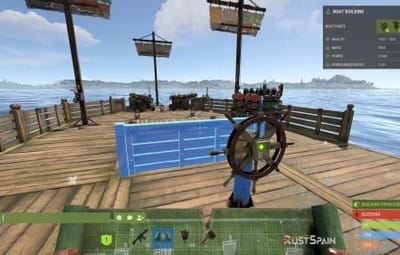
I would also recommend highlighting the buttons in a different color. For example, off - one tone (like dark red), and on - a brighter one (like green).


I also noticed. The light is off, it says on the button: light off. But the engine button says: engine on, although it is off.

ninco90

Posted

14 hours ago, shturval said:

Nice!


I would also recommend highlighting the buttons in a different color. For example, off - one tone (like dark red), and on - a brighter one (like green).


I also noticed. The light is off, it says on the button: light off. But the engine button says: engine on, although it is off.

Check out the latest update 🙂

Junk Rat Rust

Posted

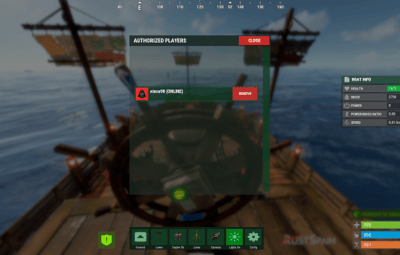
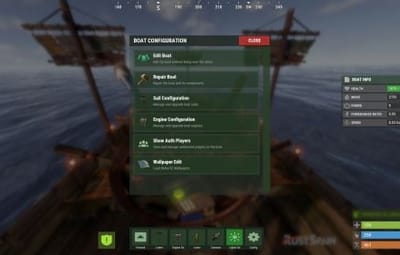
Enabled the authlist but can't see how you access it

Create an account or sign in to comment

You need to be a member in order to leave a comment

Create an account

Sign up for a new account in our community. It's easy!

Register a new account

Sign in

Already have an account? Sign in here.

Sign In Now
  • Like 4
  • Love 3

User Feedback

2.2m

Downloads

Total number of downloads.

10.3k

Customers

Total customers served.

149.3k

Files Sold

Total number of files sold.

3.2m

Payments Processed

Total payments processed.

×
×
  • Create New...

Important Information

We have placed cookies on your device to help make this website better. You can adjust your cookie settings, otherwise we'll assume you're okay to continue.