

About 2x AlphaLoot Config (Optimized Loot Table) - October Update
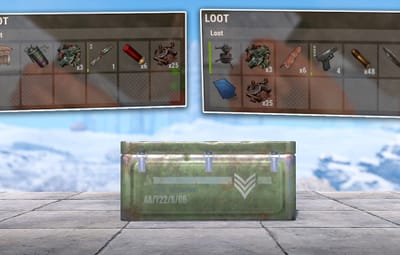
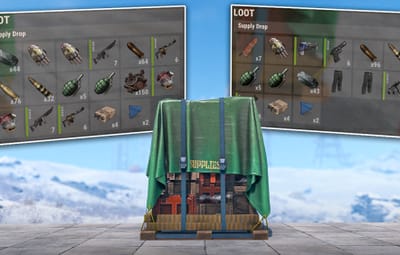
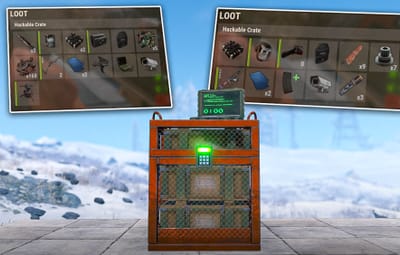
 2x AlphaLoot Config - A Optimized 2x Loot Table
Designed for moderately boosted servers, this Optimized 2x Loot Table configuration enhances the standard Rust experience while maintaining the core Rust survival experience. Perfect for servers looking for a slightly faster pace without overwhelming players with too much gear. We’ve focused on removing low-value “junk” items, ensuring every container contains high-quality loot for your players. Expect more consistency and value in every crate. This config uses the paid plugin AlphaLoot, this config does not include the plugin.
 Features:
- Removed most unnecessary junk or roleplayer items, some clothing and electrical items have been left to ensure a balanced gameplay experience without disrupting game balance. This loot table will feel a lot like a vanilla server but slightly modded.
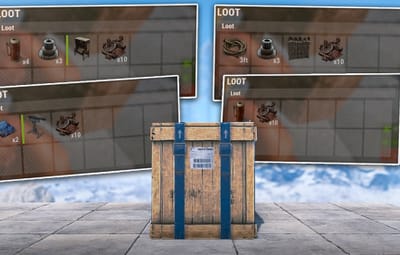
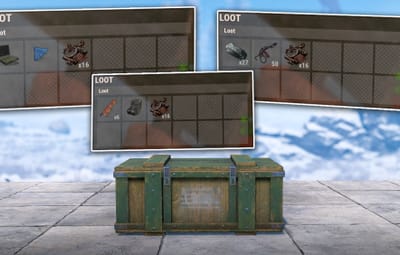
- Every container contains something useful. Note: Some items may need to be set as default blueprints to ensure players can access them.
- Perfect for weekly wipe PvP servers, small-group combat or community servers with moderate boosts.
- Added high value items like the Backpack, Metal Armor Insert to Elite crates to ensure a better experience for all players.
- Updated Loot tables for all holiday events, this includes: Easter, Halloween, and Christmas.
- Added Support for the Naval Update.
- Updated Loot tables for all NPC types.
- Vanilla item condition on spawn.
 How To Install:
Installation is straightforward, with a detailed guide also included in the ZIP file for quick setup.
1. Navigate to oxide\data\AlphaLoot\LootProfiles
2. Delete or Backup your current LootTables files.
3. Drag and Drop the oxide folder from the extracted ZIP into your oxide folder, if done correctly the files will be placed automatically in the correct area.
4. Make sure to set the loot tables to my configuration, to do this use these commands:
This will update the main containers on the map, barrels, crates, elite crates e.c.t. - al.setloottable al_mrlou_main_loottable
This will update the Heli containers. - al.setheliloottable al_mrlou_heli
This will update the Bradley containers. - al.setbradleyloottable al_mrlou_bradley
5. If you're having issues, Reload the plugin with "oxide.reload AlphaLoot".
After that, enjoy your new loot table.
 Important:
Note: This is a AlphaLoot only configuration, if you would like to use this make sure to purchase and download the plugin, plugin is not included. If you need any help, message me on Codefling and I’ll get back to you as soon as possible. If you enjoy my work, please leave a 5* review. Thank you!