
-
Posts
1,428 -
Joined
-
Last visited
-
Days Won
8
Content Type
Profiles
Warranty Claims
Downloads
Forums
Store
Services
Downloads Plus Support
DOWNLOADS EXTRA
Reels
Everything posted by Kobani
-
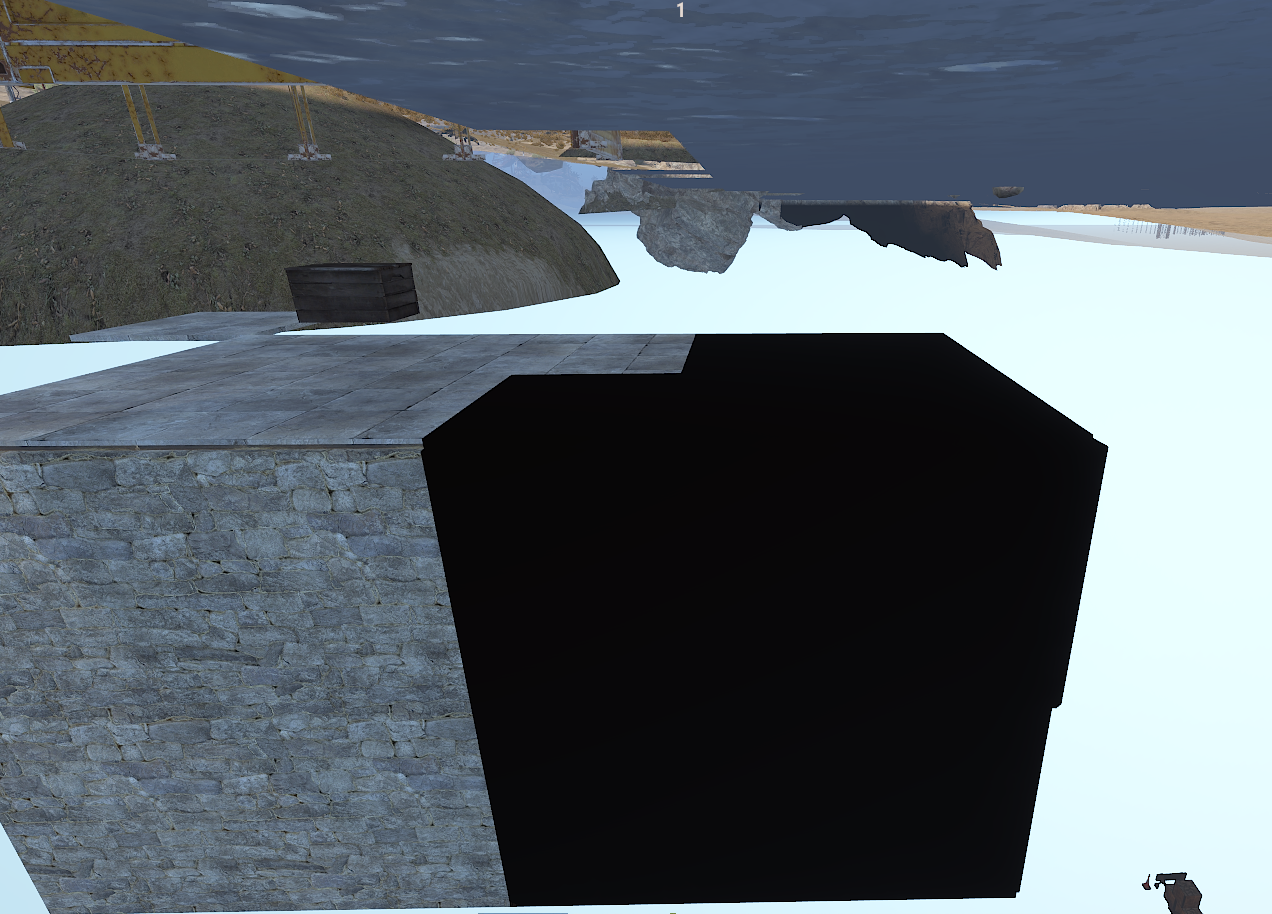
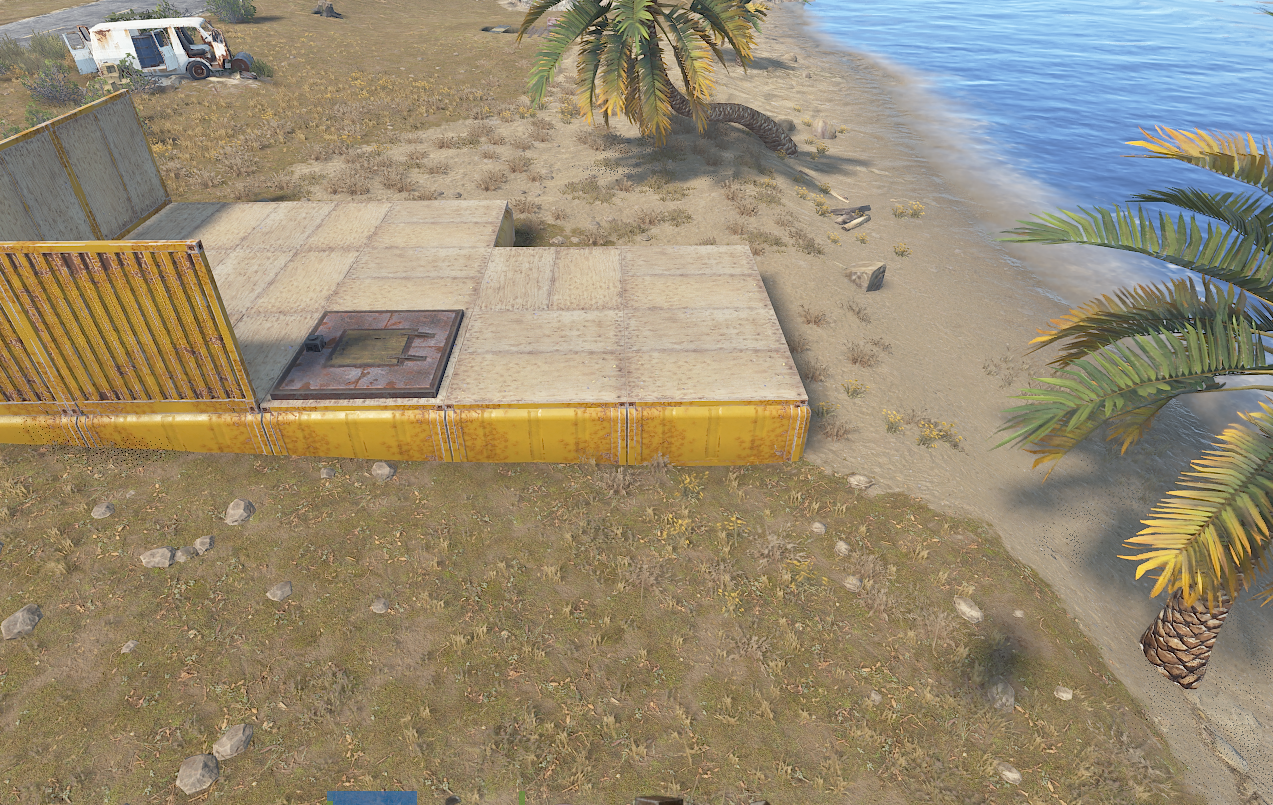
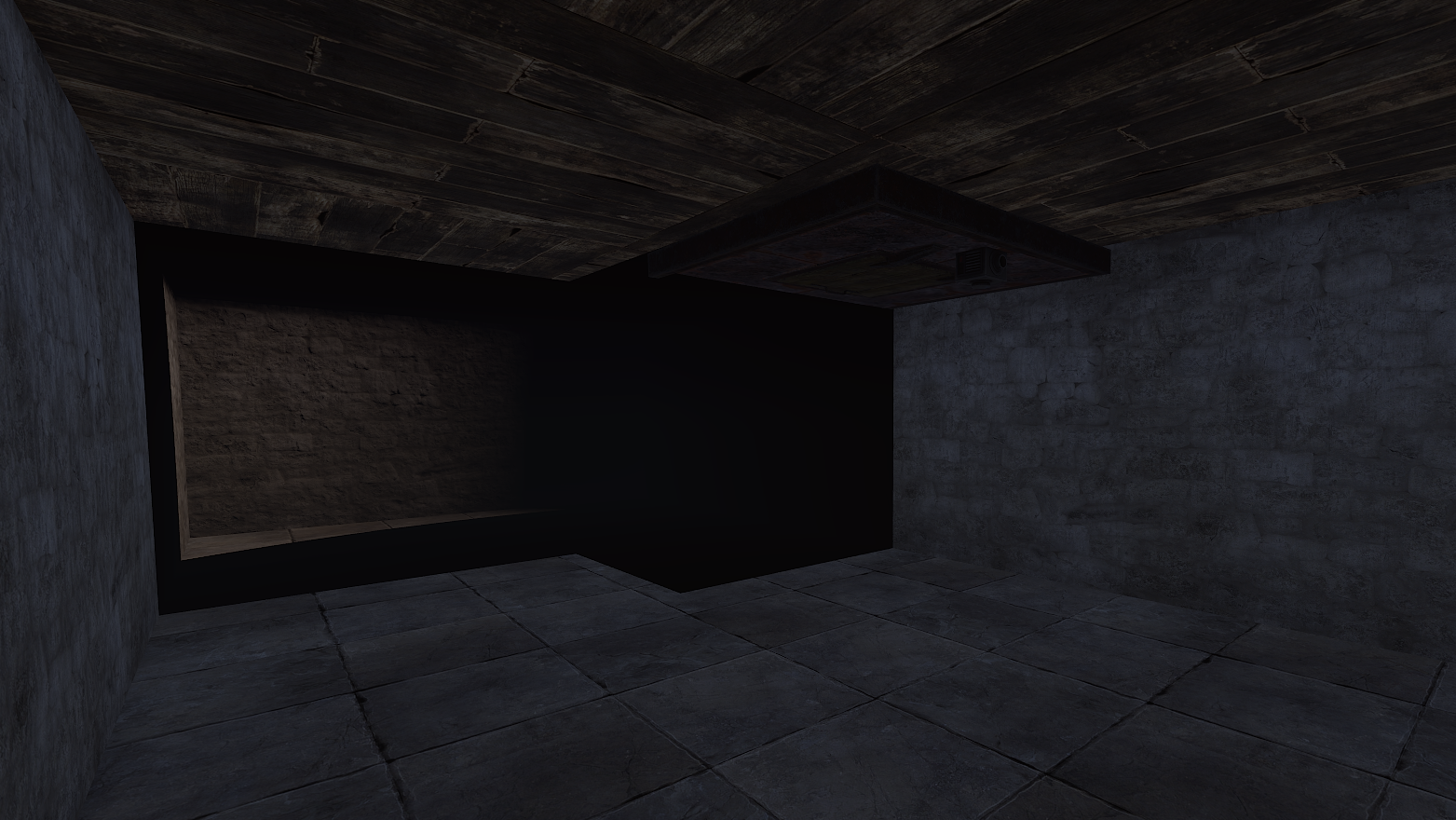
Hi, when building a basement in or near an area marked with water topology, a black vertical surface appears inside the basement. The screenshots show the water boundary cutting through the room. Could you please take a look? Is there a way to prevent this surface from appearing inside basements? Thanks and best regards, Michael

-
Thank you. One more note: The issue also occurs with the other add-ons for the WelcomPanel.
-
@David Since the last wipe, some UI elements in the shop appear partially transparent when used together with WelcomePanel. Content from the interface underneath shows through, making parts of the shop difficult to read. I suspect the new Rust Render Pipeline handles the UI materials differently, particularly background and blur materials, causing rendering issues when the shop and WelcomePanel overlap. The issue does not occur when the new pipeline is disabled. Based on feedback from my community, the new pipeline also seems to re-enable itself after every game restart for several players. Having to disable it manually each time is becoming quite frustrating. Could you please look into this and check whether the shop’s UI can be adjusted to display correctly with WelcomePanel while the new Rust Render Pipeline is enabled? I would really appreciate your help. Best regards, Kobani / Michael
-
The recorded sounds are not being played, even when using the hrec test. The ghost appears, but no sound is played. Could you please check what might be causing this? My Fail!! (Vanish)
- 1 reply
-
- 1
-

-
Some dropped items remain floating in the air after the ship despawns. Could you please check what is causing this and fix it?
- 1 reply
-
- 1
-
-
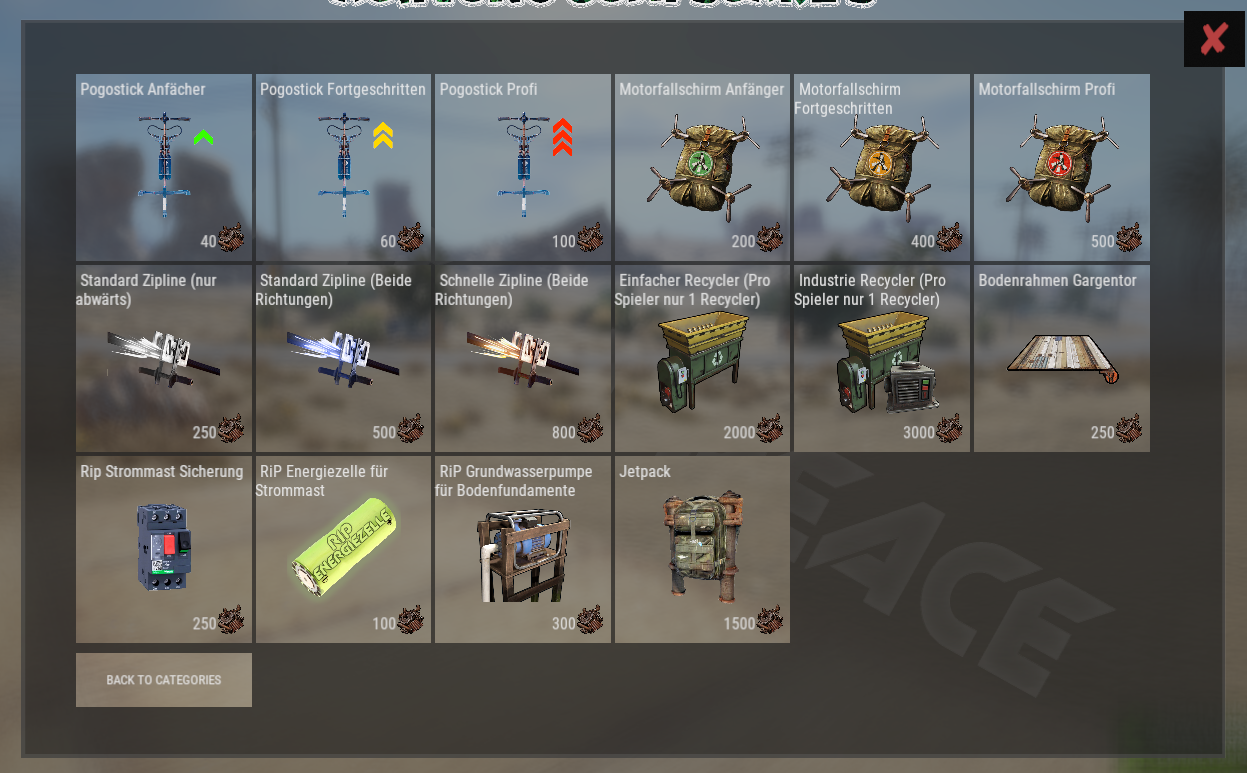
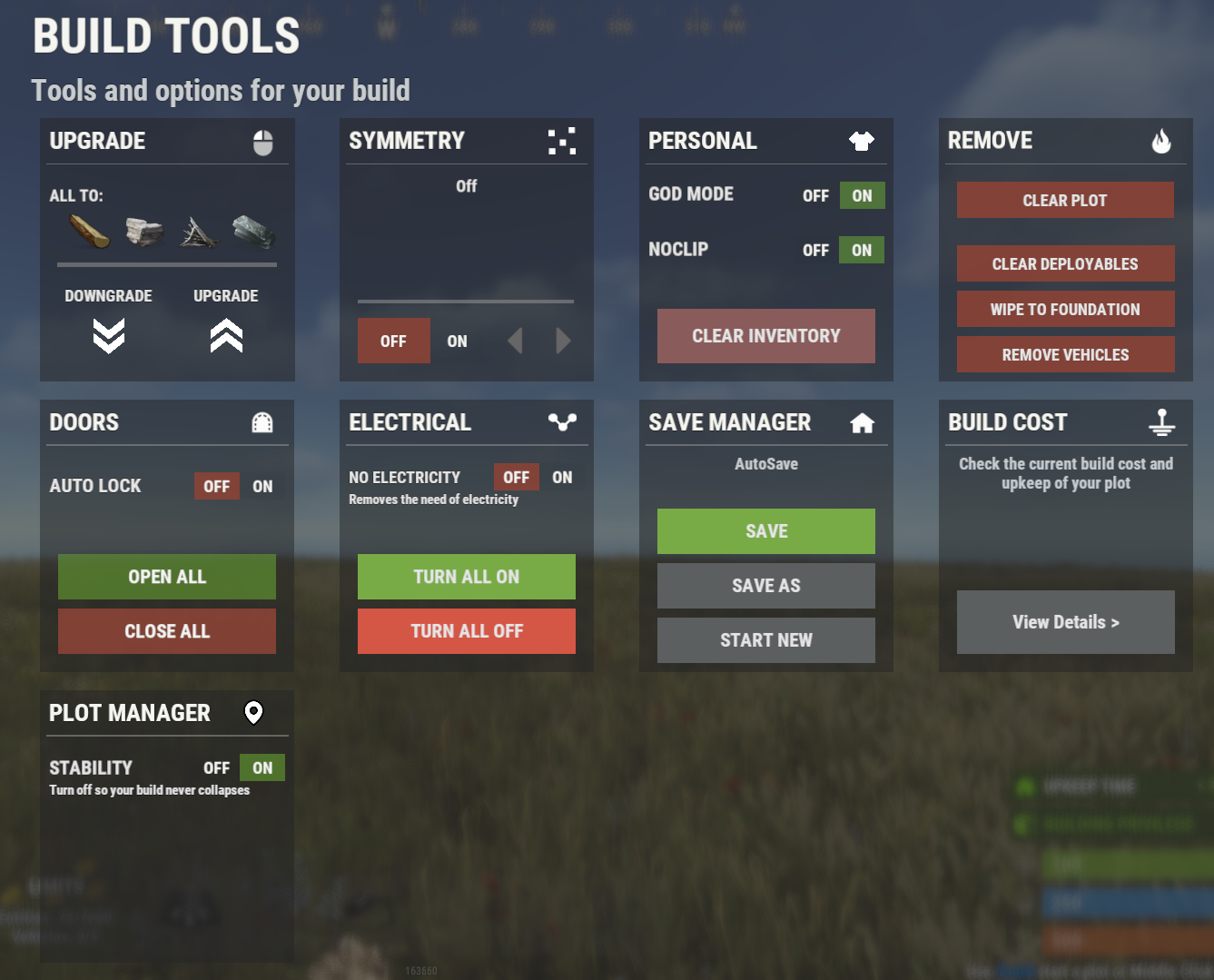
Hello, I found a few issues 1. Electrical settings do not work correctly No Electric: Setting this to On only seems to make the light turn on when it is placed. The Turn All On / Turn All Off buttons have no effect at all. Tested with Ceiling Lights and Industrial Lights. 2. Configuration buttons Not all buttons can be properly configured through the config. Please see the attached screenshot. 3. Allow claiming in water With "Allow claiming in water": false, it is still possible to claim in water. Thanks!
-
Hi, I’m getting this error when the Heli crates spawn. The message appears 4 times: MissingMethodException: Method 'LockedByEntCrate.SetLockingEnt' not found. at System.RuntimeType.InvokeMember (System.String name, System.Reflection.BindingFlags bindingFlags, System.Reflection.Binder binder, System.Object target, System.Object[] providedArgs, System.Reflection.ParameterModifier[] modifiers, System.Globalization.CultureInfo culture, System.String[] namedParams) [0x006e0] in <41d29b352f6a475ab1bf7c6628b82790>:0 at UnityEngine.SetupCoroutine.InvokeMember (System.Object behaviour, System.String name, System.Object variable) [0x0001e] in <541bad9922cc471fb776cf62c05b1d38>:0 UnityEngine.Component:SendMessage_Injected(IntPtr, ManagedSpanWrapper&, Object, SendMessageOptions) UnityEngine.Component:SendMessage(String, Object, SendMessageOptions) Oxide.Plugins.<>c__DisplayClass109_1:<SpawnHeliCrates>b__0() Oxide.Core.OxideMod:OnFrame(Single) Oxide.Core.Unity.UnityScript:Update() Could you please check if you can fix this?
-
The weather isn’t changing; it’s still raining continuously. Could you please check this?
-
Just a heads-up: This error occurs on the Rust Staging server Error while compiling LSkins: Delegate 'Func<BasePlayer, Item, int, bool>' does not take 2 arguments | Line: 2963, Pos: 35 Just wanted to let you know in case you haven't seen it yet.
-
Just a heads-up: This error occurs on the Rust Staging server Failed to compile: 'Recycler' does not contain a definition for 'SetFlag' and no accessible extension method 'SetFlag' accepting a first argument of type 'Recycler' could be found (are you missing a using directive or an assembly reference?) | Line: 718, Pos: 22 Just wanted to let you know in case you haven't seen it yet.
-
I will continue to monitor the situation and let you know as soon as I am able to narrow down the issue further. Thank you very much for your effort and support!
-
It doesn’t work properly. For example, it doesn’t move when the oxygen meter appears after briefly being in the water.
-
In line 21 replace layer.flyhackPauseTime = 10f; with player.PauseFlyHackDetection(10f);
-
Hi, I noticed an issue when adding skins for the small wooden box. When I use: lskins add 3323662488 the console shows: 07/28 22:08:34 | >>> lskins add 3323662488 07/28 22:08:33 | [LSkins] Try add 3323662488 07/28 22:08:33 | [LSkins] Add skin(LSystem/LSkins/Skins/component.box.wood.large.json): 3323662488 The problem is that the skin is being added to component.box.wood.large.json, so it is recognized as a large wooden box skin instead of a small wooden box skin. It looks like the plugin is detecting the wrong prefab/item when registering the skin. Could you please check the detection logic for small wooden box skins?
-
Thank you for the clarification. Yes, saving the files in /data/copypaste is exactly what I was looking for. I don't need the plugin to create URLs or upload the files to another website. The file management is handled through our own Discord server using a custom plugin. The workflow would be: The player creates an export using your plugin. The CopyPaste-compatible .json file is saved in /data/copypaste. My system handles the download/upload process through Discord. Before uploading, the file is checked by our system and only approved files are automatically uploaded. For importing, my plugin transfers the file back to the server, and then the normal import process can be used. The Import/Export functionality itself is still very useful. It would be great if players could save and load their builds with custom names, so they can easily find the correct base later. One additional suggestion: It would be great if players could choose the filename when creating an export. This would make it much easier to organize and manage saved builds, especially when there are many files.
-
Thank you for the clarification. I understand the part about the website exports being temporary. My main question was actually about the file handling on the server side: Is the CopyPaste-compatible .json file first created and saved somewhere inside Rust's data directory (for example, in a subfolder) before it is uploaded to the website? The reason I'm asking is that I already use my own upload/download system and would like to continue using it. If the file exists locally in the data directory first, I could test compatibility with my setup. If it helps, you can also send me one or two example files via private message. I would be happy to test them with my system and let you know if everything works correctly. Of course, only if that is convenient for you.
-
-
Hi, Sorry for asking so many questions lately, and thank you for taking the time to answer them. I really appreciate it. I have one more question regarding the new save format. Many of my players use Fortify to design or refine their Rust bases before building them in-game. They also use CopyPaste to save and restore those builds. Since Fortify can read the CopyPaste JSON format, this has become the standard workflow for many players. Unless I'm overlooking something, BuildSystem only saves builds in its native format. Is there already a way to export a build as a CopyPaste JSON file? If not, would it be possible to add an optional CopyPaste-compatible export? It wouldn't replace your native save format, but it would allow players to continue using Fortify alongside BuildSystem. This is something my players ask me about quite often, as they like to plan and modify their builds in Fortify before using them in-game. I think adding an optional CopyPaste export would be a great quality-of-life feature and would also make it easier for communities to adopt BuildSystem without changing their existing workflow. Thanks again for your time and for creating such a great plugin!
-
 @PromeusI contacted the BattleMetrics support regarding the API issue, and they confirmed that they recently changed their API access requirements. API access now requires an active subscription. In addition, all API requests must be authenticated using a valid API token from a regular subscription. Their response was: “We made a change that requires a subscription in order to access the API. If you haven’t already, you’ll want to start a subscription. I see you already have an RCON trial subscription, so it should work fine once you upgrade to the regular RCON subscription.” It looks like the template needs to be updated to support API tokens (or provide a way to enter one). Otherwise, API requests will no longer work for users unless the template can authenticate with a valid API token from a subscribed BattleMetrics account.
 -
Hello, I contacted the BattleMetrics support regarding the API issue, and they confirmed that they recently changed their API access requirements. API access now requires an active subscription. In addition, all API requests must be authenticated using a valid API token from a regular subscription. Their response was: "We made a change that requires a subscription in order to access the API. If you haven't already, you'll want to start a subscription. I see you already have an RCON trial subscription, so it should work fine once you upgrade to the regular RCON subscription." It looks like the plugin needs to be updated to support API tokens (or provide a way to enter one). Otherwise, API requests will no longer work for users unless the plugin can authenticate with a valid API token from a subscribed BattleMetrics account.
-
[Servers] Battlemetrics: faild api request | Server ... | CODE: 403 | Try get info from cache Am I doing something wrong, or is it Battlemetrics?
-
I have tried several times to get it working and tested it with different servers. Unfortunately, even restoring backups did not solve the issue. Just out of curiosity: Is anyone else experiencing problems with the template, especially with the server display? Is this template still actively maintained and kept up to date? The developer's support Discord and the demo page are both no longer accessible. I would really appreciate any help or advice with this issue.
-
@Promeus The server’s header image and description have recently stopped displaying. Is there a problem? I tried the latest version. That doesn't work anymore either.