

SinKohh
-
Posts
188 -
Joined
-
Last visited
-
Days Won
3
Content Type
Profiles
Warranty Claims
Downloads
Forums
Store
Services
Downloads Plus Support
DOWNLOADS EXTRA
Reels
Everything posted by SinKohh
-
 This will be released in the next update pushed out this evening
 -
You must add it to the config to allow it to be destroyed. "name": "pookie", "members": "pookie_deployed", "exclusions": "" and "players can hurt pookie",
-
Changed Status from Pending to Not a Bug Changed Fixed In to 1.1.5
-
Resolved by helping customer configure proper PvE settings.
-
Request sent
-
Are you using any kind of PvE plugins? Can you add me on discord and send me your config.
-

Version 1.2.1
62 downloads
***YOU WILL NEED A MySQL Database for this to work! The attached txt file will create a table for you in the database you create with the required fields.**** Cross-Server Economics Storage: The plugin allows players' in-game currency balances (Economics balance) to be saved and accessed across different Rust game servers that you own. This enables players to maintain the same balance even when they switch between servers. Tracking Last Login: The plugin keeps track of the last login date and login count for each player. This information is also saved in the database, allowing server administrators to monitor player activity. Please note that for the "EcoWallet" plugin to work correctly, the "Economics" plugin must be installed and functioning on the server. Additionally, the plugin's configuration file should be properly set up with the correct database connection details. You must have all of the servers configs set up to the same database. PlayerDatabase Create Statement.txt$9.99 -
Sure. Ill get that added today!
-
That is currently in the works
-
Thank you for pointing it out. I have updated the plugin to include the fix.
-
Sure, Ill get that set up shortly.
-
Default Config has been added to the description. If you have any questions, let me know!
-
Version 1.4.3
713 downloads
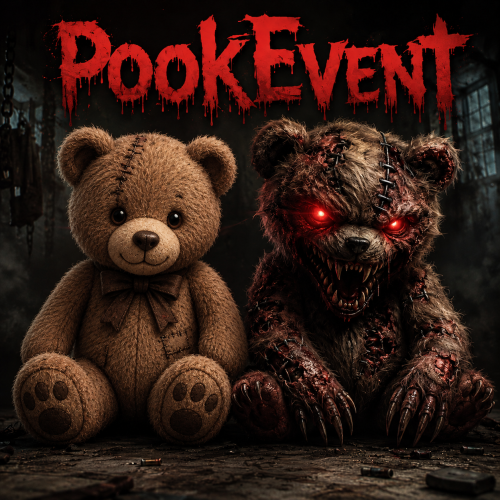
The PookEvent plugin adds a thrilling and rewarding twist to your Rust server. Brace yourself for encounters with the mischievous Pookie Bear and its glowing lantern, lurking at random locations across the map. However, defeating the Pookie Bear is just the beginning of the adventure. When players triumph over the Pookie Bear, they will be rewarded with exciting treasures and valuable loot. It's a chance to claim unique items and enhance their survival in the harsh Rust environment. The greater the challenge, the richer the rewards! But beware, for the Pookie Decoy presents a different story. Once players vanquish this cunning decoy, they may face random and unpredictable punishments. These negative effects can test their resilience, introducing obstacles and surprises that require quick thinking and adaptability to overcome. Will you emerge victorious and reap the spoils, or will you fall victim to the Pookie Decoy's wrath? The fate of your Rust adventure lies in your hands. The PookEvent plugin empowers you to customize the experience according to your server's preferences. Enable or disable negative effects, fine-tune the rewards, and unleash the full potential of the PookEvent on your server. Prepare yourself for exhilarating encounters, strategic decision-making, and a world of surprises. The PookEvent plugin injects a dose of excitement into Rust, making every journey an unforgettable adventure. (Note: Make sure to configure the plugin's settings and intervals to suit your server's gameplay and balance.) Are you ready to face the PookEvent challenge? Embrace chaos, claim rewards, and conquer the mysteries that await in the world of Rust! Event Description: Based on the "Event Interval" set in the config, two Pookie bears will spawn on the map in random locations. One of them, when killed, will reward the player with a random reward and quantity from the config. The other one however, will apply a random negative effect that is enabled in the config. Admin Commands: /spawnpookie - Force starts the event. Chat Commands: /pg- Displays Pookie grids in chat. Default Config: { "Event Interval (in minutes)": 60, "Event Length (in minutes)": 20, "How many decoys should spawn?": 1, "Item to spawn next to Pookies": "assets/prefabs/deployable/lantern/lantern.deployed.prefab", "Broadcast grids they spawn in?": true, "Show map markers when they spawn?": false, "Color of Map Marker": "#00FF00", "Map Marker Radius": 0.25, "Name color for decoy killer.": "orange", "Name color for pookie killer.": "green", "Enable custom HP for Pookie and Decoy?": false, "Custom Pookie HP Amount": 100, "Custom Decoy HP Amount": 100, "Enable Negative Effects?": true, "Enable Negative Effect Commands?": false, "Give Reward Item AND Currency?": false, "Use ServerRewards?": false, "ServerRewards Amount to give per kill.": 0, "Use Economics?": false, "Economics Amount to give per kill.": 0, "Reward Items (Item Shortname, Quantity)": [ { "Item Shortname": "ammo.rifle", "Item Skin": 0, "Item Name": "", "Minimum Quantity": 1, "Maximum Quantity": 5 }, { "Item Shortname": "apple", "Item Skin": 0, "Item Name": "", "Minimum Quantity": 2, "Maximum Quantity": 3 }, { "Item Shortname": "bandage", "Item Skin": 0, "Item Name": "", "Minimum Quantity": 7, "Maximum Quantity": 11 } ], "Negative Effects (Executes on player for killing Decoy)": [ { "Effect Name": "Health", "Effect Description": "Subtracts amount from players health. (If players health is less than amount, they will die!)", "Enabled": true, "Amount": 25 }, { "Effect Name": "Dehydration", "Effect Description": "Sets players hydration to the value given.", "Enabled": true, "Amount": 25 }, { "Effect Name": "Hunger", "Effect Description": "Sets players hunger to the value given.", "Enabled": true, "Amount": 25 }, { "Effect Name": "Radiation", "Effect Description": "Amount of radiation poisoning you want to give the player.", "Enabled": true, "Amount": 25 }, { "Effect Name": "Bleeding", "Effect Description": "Bleeding amount you want applied to the player.", "Enabled": true, "Amount": 25 }, { "Effect Name": "Spawn Bears", "Effect Description": "Number of bears you want spawned around the player.", "Enabled": true, "Amount": 1 }, { "Effect Name": "Spawn Wolves", "Effect Description": "Number of wolves you want spawned around the player.", "Enabled": true, "Amount": 1 }, { "Effect Name": "Spawn Boar", "Effect Description": "Number of boar you want spawned around the player.", "Enabled": true, "Amount": 1 }, { "Effect Name": "Drop Inventory", "Effect Description": "Drops the players inventory on the ground.(1 = Hot Bar, 2 = Armor, 3 = Main Inventory, 4 = All)", "Enabled": true, "Amount": 1 }, { "Effect Name": "Spikes", "Effect Description": "Spawn a ring of spike traps around a player for x secs.(e.g. Amount = 10 is 10 seconds.)", "Enabled": true, "Amount": 10 } ], "Negative Effect Commands (When using commands, put %steamid% where the player ID would be used in the command)": [ { "Command": "killplayer %steamid%", "Enabled": false }, { "Command": "killplayer %steamid%", "Enabled": false }, { "Command": "killplayer %steamid%", "Enabled": false } ] } Special thanks to @Delco6467 for helping with debugging, testing, and functionality feedback!$5.00 -
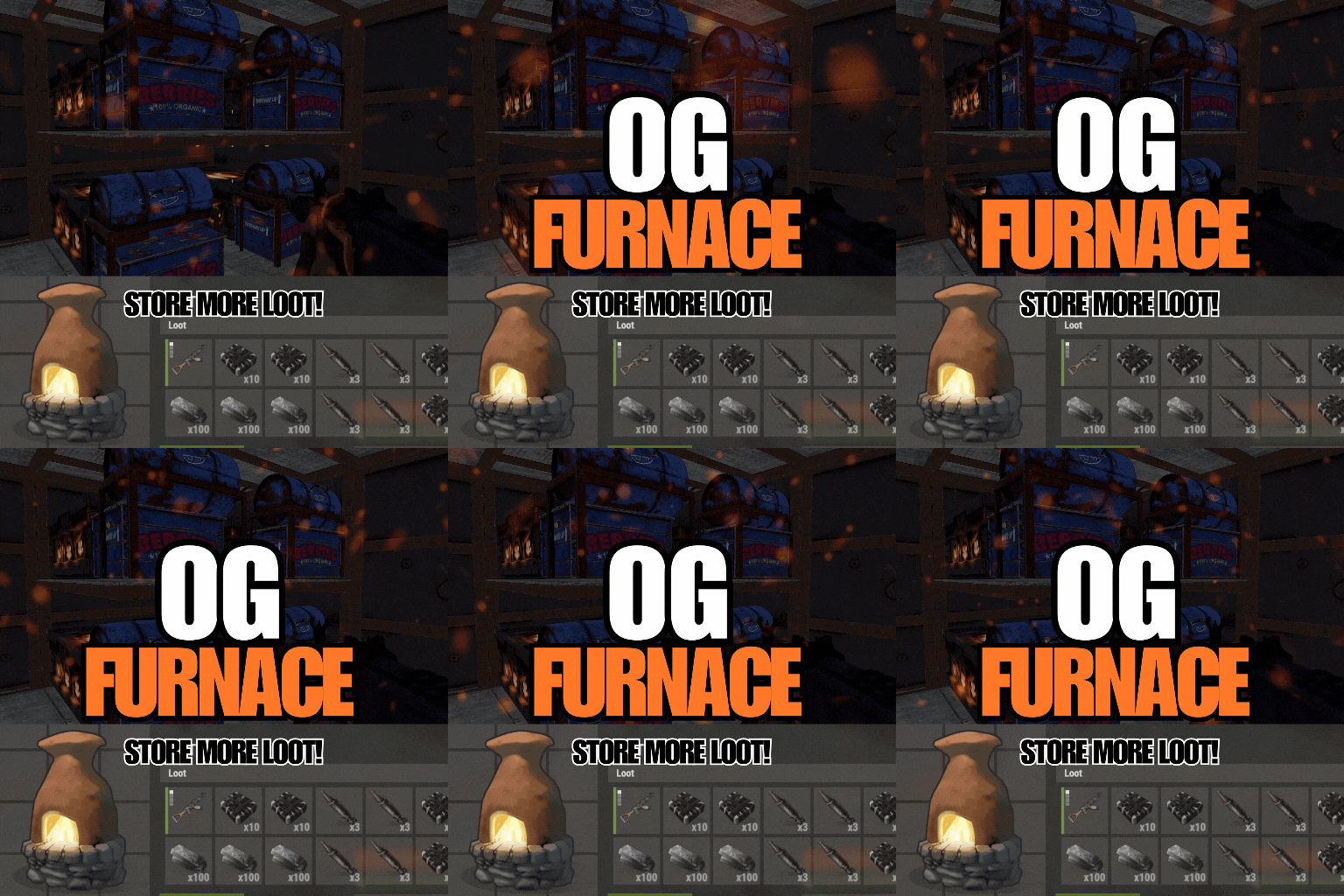 Amazing plugin! If you are looking for a plugin that gets rid of that headache furnace system FP has given us, this is the one! Not only does this bring back to look we all love but it also contains an item smelt speed controller! The overall functionality of the plugin is smooth and ties in well with everything I have. I love the customizable furnace slot option. The author is quick to respond and address any issues you may have. I will definitely suggest this plugin to anyone who is looking for furnace options.
 -
I got it working and sent you the explanation in discord. Great plugin!
-
I cannot seem to get the permission side working. I just used the preset you had in the config changed some of the values and reloaded. I gave myself the perm and set a new furnace down and nothing changed. Am I missing something?