

SinKohh
-
Posts
210 -
Joined
-
Last visited
-
Days Won
3
Content Type
Profiles
Warranty Claims
Downloads
Forums
Store
Services
Downloads Plus Support
DOWNLOADS EXTRA
Reels
Everything posted by SinKohh
-
Crates can now have stacked rerolls set up in config per crate. Working on incrementing logic to implement prices increase per reroll.
-
Changed Status from Pending to Work in Progress Changed Fixed In to Next Version
-
Changed Status from Pending to Closed Changed Fixed In to 1.1.0
-
Player rolls will now be stored in data file
-
 Im currently in the process of adding a data file that will store roll information. It will have a "Rerolls left:" field. I will add a command to add to that.
-
Ill get it added!
-
Currently stored inside the plugin on a daily timer or server reset. Would you like me to add a data file?
-
Patch will be out for you to test in about 2 minutes
-
So in the config you have the Free reroll amount set to 1 and it is not showing as free(1)? Have you already rerolled a container for free? The free reroll is X amount a day as set in config. That is out of all containers not free X rerolls for each container.
-
Ok. I will look into it now. Are you using a loot plugin?
-
Can you please provide a screenshot of the supply drop button? I'm using 1.0.1 and I have this.
-
Still working out the logic for incrementing cost. I will have a multiplier percentage config setting that will determine how much the price increases per purchase.
-
Ill do a hotfix and add a config option to set currency display to the left or right of amount.
-
I'm actually about to update this to include items for currency "Free Rerolls (Daily)": 10 "Daily Reroll Limit": 11, Setting these above will allow your players to have a total of 21 rerolls a day. The first 10 won't cost the player anything and the last 11 will cost them whatever the currency is set to. The vip values are the limits for the players that have the VIP permission.
-
Sure. I'll get the Eco changed to $ and setup a Lang field for it if you ever want to change it to something else. I will also look into adding an incremented reroll option for a container to allow rerolling the same one multiple times.
-
Sure I can look into adding that this evening!
-
Version 1.3.0
212 downloads
Didn't like what was in that crate? Roll it again. Loot Reroll adds a Reroll button to the loot window. Players can spend currency or use a free reroll to instantly regenerate a crate's contents while it's still open. It gives players something to spend their points, cash or scrap on, and it keeps every crate interesting. It's built to be secure, lightweight and fully configurable. Features One-click reroll: a clean button in the loot window shows the price ("Reroll – 50 RP") or how many free rerolls are left. Three currency options: ServerRewards, Economics, or any in-game item such as scrap. Per-crate control: turn rerolls on or off for each container type, and give each one its own price and VIP price. Free and daily rerolls: give players free rerolls each day, cap total daily rerolls, or turn free rerolls off completely. VIP and custom ranks: VIP gets its own prices and limits. You can also add as many extra ranks as you like, each with its own free rerolls, daily limit and discount. Multiple rerolls per crate: allow more than one reroll on the same crate, with an optional price increase on each extra roll. Fixed daily reset: limits reset at a set time each day, in server time or UTC. Players who stay online get their reset too, and limits can reset automatically on map wipe. Cooldown and confirm click: optionally add a short cooldown between rerolls, or require a second click to confirm. Reroll sound: a satisfying sound plays when the loot changes. You can change it or turn it off. Heli crate support: works with heli and Bradley crates, including servers running Heli Signals. Fully translatable: every message and the button text can be edited in the language file. Oxide and Carbon: both are supported, and configs update automatically without losing your settings. Permissions lootreroll.use: required to use the reroll button lootreroll.vip: VIP prices and limits lootreroll.admin: use the addrolls commands without being a server admin Plus any custom rank permissions you add in the config, such as lootreroll.elite Player Commands /rerolls: shows how many free and daily rerolls you have left /rollreport: reports that the reroll button didn't appear Admin Commands Chat: /addrolls <player> <daily|free> <amount> Console/RCON: addrolls <player> <daily|free> <amount> Example: /addrolls sinkohh daily 5 gives SinKohh 5 daily rerolls. How Rerolling Works Only the first player to open a crate can reroll it. The reroll has to happen before you move an item or close the crate. After that, the button goes away. Each crate can be rerolled once by default, and you can raise that in the config. Developer API IsRerolling(LootContainer) //check whether a crate is being rerolled CanLootReroll //return non-null to block a reroll OnLootRerolled(player, container) //called after the new loot is in place$9.99 -

Version 1.2.5
155 downloads
The Key Crates plugin introduces a captivating gameplay feature centered around locked loot crates and colored keys. Players must gather these keys to access the valuable rewards hidden within the crates. Each key color corresponds to a unique crate type, offering different levels of rarity and rewards Keys The keys spawn in world loot containers listed in the config. Each container has a probability field that can be customized to set the probabilities for each key type to spawn in the container. Normal cards CANNOT be used at the loot crates and loot keys cannot be used in monuments. Upon collection 10 Green loot keys they will be upgraded to one Blue key. The same for Blue to Red Loot Crates The three loot crates all have their own configurable reward lists that even allows you to specify skinID and names to allow custom rewards to be given when the key is claimed. Each item added must be given a probability %. This will determine how likely a player is to receive the item. Admin Commands There are a few admin commands: /addcustomloc - This will allow you to set the coords for a custom set of crates to spawn at. You MAY need to alter the coords to best fit your needs in the config. Just stand where you want them to spawn, face the way you want the readers to face, and run the command. Within 5 seconds a set of crates will spawn and be ready for use. /gk - This will give you, the admin, one of each key. This can be used for testing rewards and handing out randomly. /givekey <color> - This is a console command. It can be used to give keys through shops, rewards, or anything that allows commands as a reward. /givekey <player> <color> <qty> - This admin command allows you to give a specific color and quantity of key to a specific player. Monument Spawning The three loot crates will spawn in default positions. These can be changed by altering the config position and rotation values for the crates at a specific monument OR by using the /addcustomloc command mentioned above. Example Config: { "Custom Crate Location": [ { "enabled": true, "pos": { "x": -1785.229, "y": 3.521712, "z": 1480.33313 }, "rot": { "x": 0.0, "y": 150.63768, "z": 0.0 } } ], "Crates that Keys will spawn in": [ { "crateName": "heli_crate", "enabled": true, "gKeyChance": 0, "bKeyChance": 0, "rKeyChance": 5 }, { "crateName": "bradley_crate", "enabled": true, "gKeyChance": 0, "bKeyChance": 0, "rKeyChance": 5 }, { "crateName": "codelockedhackablecrate_oilrig", "enabled": true, "gKeyChance": 0, "bKeyChance": 0, "rKeyChance": 5 }, { "crateName": "codelockedhackablecrate", "enabled": true, "gKeyChance": 0, "bKeyChance": 0, "rKeyChance": 5 }, { "crateName": "wagon_crate_normal_2", "enabled": true, "gKeyChance": 5, "bKeyChance": 1, "rKeyChance": 0 }, { "crateName": "wagon_crate_normal", "enabled": true, "gKeyChance": 0, "bKeyChance": 5, "rKeyChance": 0 }, { "crateName": "crate_tools", "enabled": true, "gKeyChance": 5, "bKeyChance": 1, "rKeyChance": 0 }, { "crateName": "crate_underwater_advanced", "enabled": true, "gKeyChance": 0, "bKeyChance": 5, "rKeyChance": 0 }, { "crateName": "crate_normal_2", "enabled": true, "gKeyChance": 5, "bKeyChance": 1, "rKeyChance": 0 }, { "crateName": "crate_normal", "enabled": true, "gKeyChance": 0, "bKeyChance": 5, "rKeyChance": 0 }, { "crateName": "supply_drop", "enabled": true, "gKeyChance": 0, "bKeyChance": 0, "rKeyChance": 5 }, { "crateName": "crate_elite", "enabled": true, "gKeyChance": 0, "bKeyChance": 5, "rKeyChance": 0 } ], "Green Loot Rewards": [ { "itemShortname": "wood", "skin": 0, "itemName": "", "minQuantity": 500, "maxQuantity": 500, "probability": 100 }, { "itemShortname": "stones", "skin": 0, "itemName": "", "minQuantity": 500, "maxQuantity": 500, "probability": 100 }, { "itemShortname": "lowgradefuel", "skin": 0, "itemName": "", "minQuantity": 250, "maxQuantity": 250, "probability": 100 }, { "itemShortname": "metal.fragments", "skin": 0, "itemName": "", "minQuantity": 250, "maxQuantity": 250, "probability": 100 }, { "itemShortname": "metal.refined", "skin": 0, "itemName": "", "minQuantity": 50, "maxQuantity": 50, "probability": 100 }, { "itemShortname": "scrap", "skin": 0, "itemName": "", "minQuantity": 100, "maxQuantity": 100, "probability": 100 }, { "itemShortname": "ammo.pistol", "skin": 0, "itemName": "", "minQuantity": 50, "maxQuantity": 50, "probability": 100 }, { "itemShortname": "wood", "skin": 0, "itemName": "", "minQuantity": 500, "maxQuantity": 500, "probability": 100 }, { "itemShortname": "stones", "skin": 0, "itemName": "", "minQuantity": 500, "maxQuantity": 500, "probability": 100 }, { "itemShortname": "lowgradefuel", "skin": 0, "itemName": "", "minQuantity": 250, "maxQuantity": 250, "probability": 100 }, { "itemShortname": "metal.fragments", "skin": 0, "itemName": "", "minQuantity": 250, "maxQuantity": 250, "probability": 100 }, { "itemShortname": "metal.refined", "skin": 0, "itemName": "", "minQuantity": 50, "maxQuantity": 50, "probability": 100 }, { "itemShortname": "scrap", "skin": 0, "itemName": "", "minQuantity": 100, "maxQuantity": 100, "probability": 100 }, { "itemShortname": "ammo.pistol", "skin": 0, "itemName": "", "minQuantity": 50, "maxQuantity": 50, "probability": 100 } ], "Give Green rewards through commands?": true, "Green Command (use %steamid% where player ID would be)": [ { "Command": "givekey %steamid% blue", "Command Chat Message": "", "Enabled": true } ], "Blue Loot Rewards": [ { "itemShortname": "rifle.ak", "skin": 0, "itemName": "", "minQuantity": 1, "maxQuantity": 1, "probability": 100 }, { "itemShortname": "explosive.satchel", "skin": 0, "itemName": "", "minQuantity": 2, "maxQuantity": 2, "probability": 100 }, { "itemShortname": "largebackpack", "skin": 0, "itemName": "", "minQuantity": 1, "maxQuantity": 1, "probability": 100 }, { "itemShortname": "grenade.f1", "skin": 0, "itemName": "", "minQuantity": 10, "maxQuantity": 10, "probability": 100 }, { "itemShortname": "rifle.lr300", "skin": 0, "itemName": "", "minQuantity": 1, "maxQuantity": 1, "probability": 100 }, { "itemShortname": "metal.facemask", "skin": 0, "itemName": "", "minQuantity": 1, "maxQuantity": 1, "probability": 100 }, { "itemShortname": "metal.plate.torso", "skin": 0, "itemName": "", "minQuantity": 1, "maxQuantity": 1, "probability": 100 }, { "itemShortname": "electric.generator.small", "skin": 0, "itemName": "", "minQuantity": 1, "maxQuantity": 1, "probability": 100 }, { "itemShortname": "black.raspberries", "skin": 0, "itemName": "", "minQuantity": 10, "maxQuantity": 10, "probability": 100 }, { "itemShortname": "rifle.ak", "skin": 0, "itemName": "", "minQuantity": 1, "maxQuantity": 1, "probability": 100 }, { "itemShortname": "explosive.satchel", "skin": 0, "itemName": "", "minQuantity": 2, "maxQuantity": 2, "probability": 100 }, { "itemShortname": "grenade.f1", "skin": 0, "itemName": "", "minQuantity": 10, "maxQuantity": 10, "probability": 100 }, { "itemShortname": "rifle.lr300", "skin": 0, "itemName": "", "minQuantity": 1, "maxQuantity": 1, "probability": 100 }, { "itemShortname": "metal.facemask", "skin": 0, "itemName": "", "minQuantity": 1, "maxQuantity": 1, "probability": 100 }, { "itemShortname": "metal.plate.torso", "skin": 0, "itemName": "", "minQuantity": 1, "maxQuantity": 1, "probability": 100 }, { "itemShortname": "electric.generator.small", "skin": 0, "itemName": "", "minQuantity": 1, "maxQuantity": 1, "probability": 100 }, { "itemShortname": "black.raspberries", "skin": 0, "itemName": "", "minQuantity": 10, "maxQuantity": 10, "probability": 100 } ], "Give Blue rewards through commands?": false, "Blue Command (use %steamid% where player ID would be)": [ { "Command": "givekey %steamid% red", "Command Chat Message": "", "Enabled": true } ], "Red Loot Rewards": [], "Give Red rewards through commands?": true, "Red Command (use %steamid% where player ID would be)": [ { "Command": "sr add %steamid% 3", "Command Chat Message": "<color=white>%steamid%</color> <color=red> received <color=white>3 RP</color> from the Red Key Crate!</color>", "Enabled": true }, { "Command": "opl %steamid%", "Command Chat Message": "<color=white>%steamid%</color> <color=red> received a <color=white>RP Rocket Launcher</color> from the Red Key Crate!</color>", "Enabled": true }, { "Command": "inventory.giveto %steamid% supply.signal 3", "Command Chat Message": "<color=white>%steamid%</color> <color=red> received <color=white>3 Supply Signals</color> from the Red Key Crate!</color>", "Enabled": true }, { "Command": "recycler.give %steamid%", "Command Chat Message": "<color=white>%steamid%</color> <color=red> received a <color=white>Recycler</color> from the Red Key Crate!</color>", "Enabled": true }, { "Command": "inventory.giveto %steamid% blood 3", "Command Chat Message": "<color=white>%steamid%</color> <color=red> received <color=white>3 Blood</color> from the Red Key Crate!</color>", "Enabled": true }, { "Command": "addrolls %steamid% free 3", "Command Chat Message": "<color=white>%steamid%</color> <color=red> received <color=white>3 Free Rerolls for today</color> from the Red Key Crate!</color>", "Enabled": true } ], "Broadcast when Red Key used?": true, "Monument Info": [ { "name": "assets/bundled/prefabs/autospawn/monument/medium/bandit_town.prefab", "enabled": false, "pos": { "x": 9.0, "y": 2.8, "z": 0.7 }, "rot": { "x": 0.0, "y": -90.0, "z": 0.0 } }, { "name": "assets/bundled/prefabs/autospawn/monument/medium/compound.prefab", "enabled": false, "pos": { "x": -24.1, "y": 0.2, "z": 12.1 }, "rot": { "x": 0.0, "y": 90.0, "z": 0.0 } } ] }$5.99 -
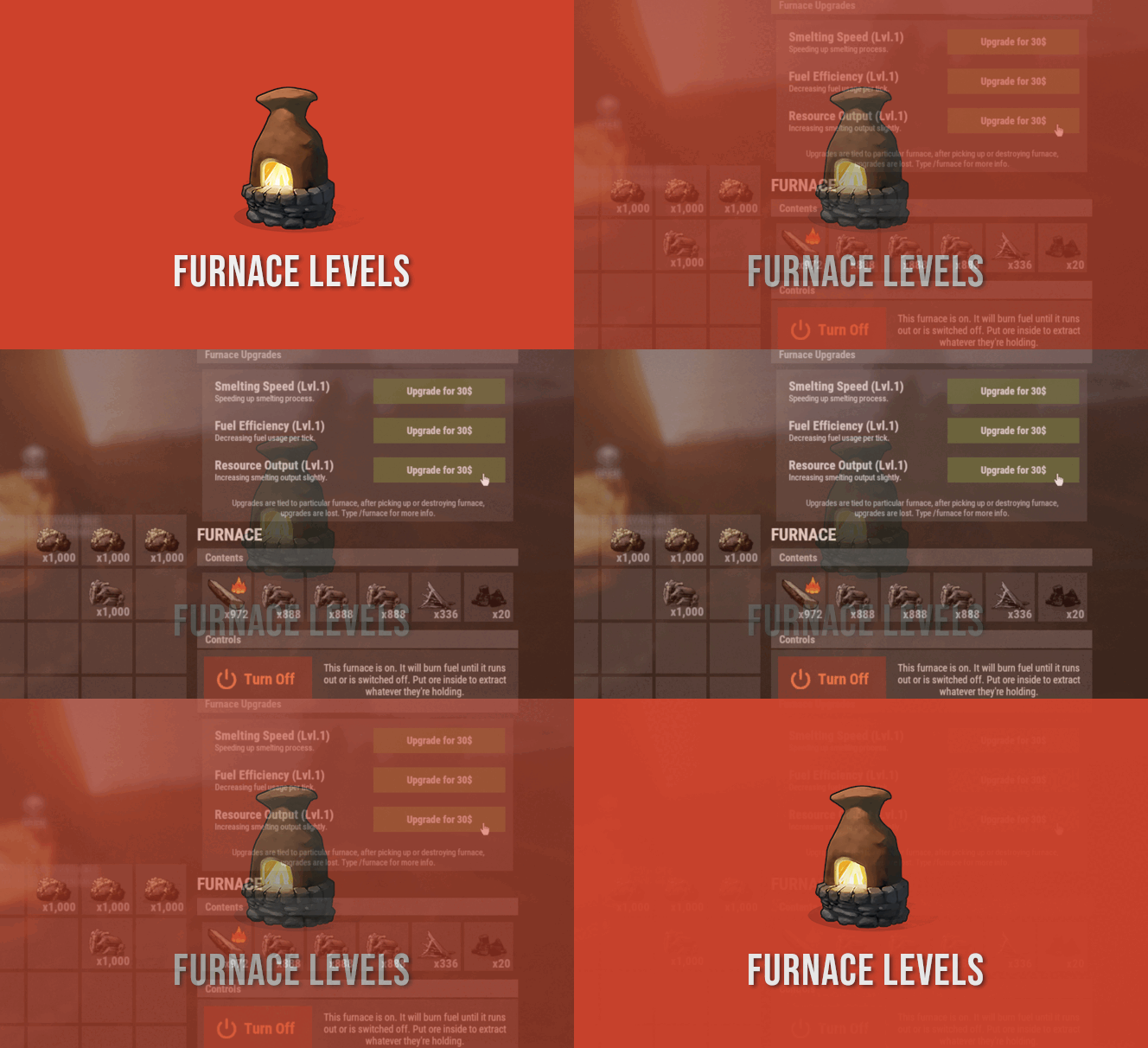 I helped develop the original version and I am currently in the process of updating everything to function properly within the new furnace system. I will provide the update to David for him to review prior to posting.
-
Not a big deal but I was wanting to get Developer role on the site like I have in discord and I needed the CF+ role in discord.
-
 This will be released in the next update pushed out this evening
-
You must add it to the config to allow it to be destroyed. "name": "pookie", "members": "pookie_deployed", "exclusions": "" and "players can hurt pookie",
-
Changed Status from Pending to Not a Bug Changed Fixed In to 1.1.5