LeroyJenkins420
-
Posts
331 -
Joined
-
Last visited
-
Days Won
2
Content Type
Profiles
Warranty Claims
Downloads
Forums
Store
Services
Downloads Plus Support
DOWNLOADS EXTRA
Reels
Everything posted by LeroyJenkins420
-

This plugin break armoredtrain event
LeroyJenkins420 replied to mark bergervoet's Support Report in Support
Unfortunately the fix I identified did not work @mark bergervoet. When using the hook in armored trains, "bool IsTrainWagon(uint netID)" and passing in the net id of the train car it always returns false. I suspect this is because I am checking it in, "OnEntitySpawned" which may fire before the train is added into the WagonDatas List inside the ArmoredTrain plugin. This will take some further investigating to make compatible. -
This plugin break armoredtrain event
LeroyJenkins420 replied to mark bergervoet's Support Report in Support
Working on this now, I believe I have a fix in place, testing now and will upload once I confirm the build is stable. -
This plugin break armoredtrain event
LeroyJenkins420 replied to mark bergervoet's Support Report in Support
I could have sworn I replied here, apologies @mark bergervoet. I will have to look into ways to exclude their wagons, currently I use OnEntitySpawn. I'll have to look into making this compatible, though this will likely take some time. Previously this has never been an issue. -
Changed Status from Pending to Fixed Changed Fixed In to 1.3.9
-
Apologies for my delay here, I am working on updating this now. An update should be available momentarily!
-
Interesting, well I'm happy to help where I can. I'll double check that I was running the latest version of Oxide, however I had JUST updated the server prior to starting it so I pretty much assumed the update was successful. If you get a chance can you do o.version or c.version and confirm which version you're running? If all else fails maybe try a fresh install, delete ANY files associated with the plugin and completely reinstall.
-
Changed Status from Pending to Not a Bug Changed Fixed In to 1.3.8
-

-
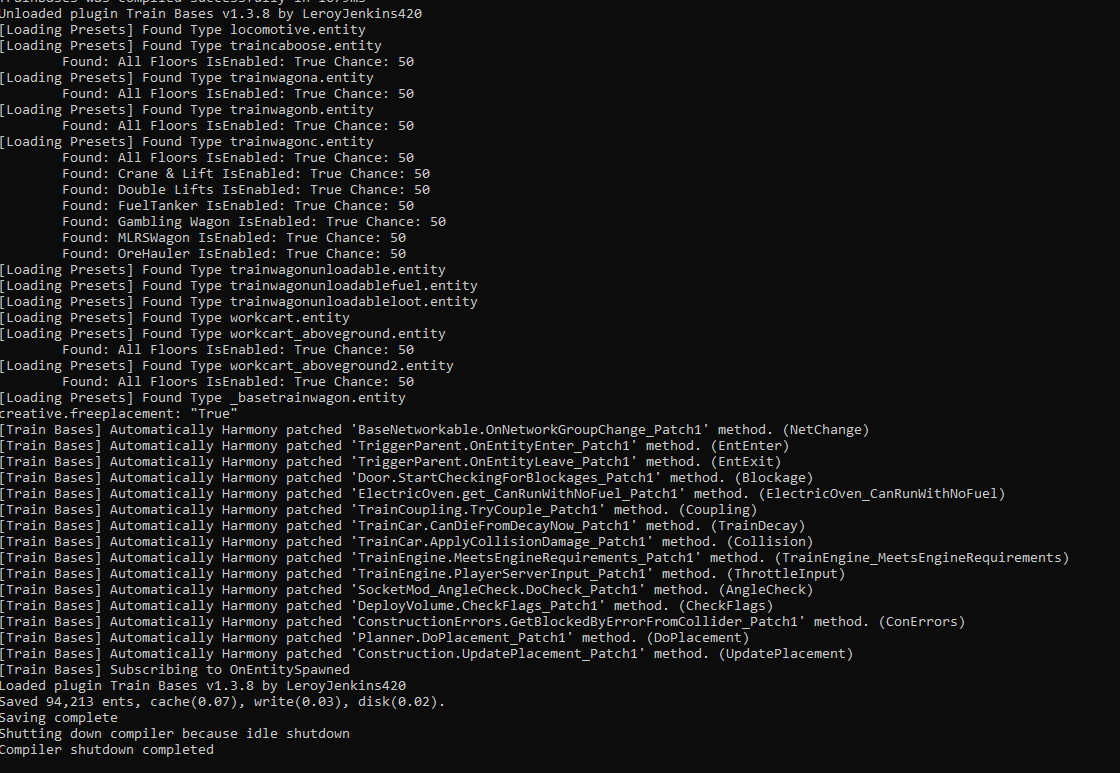
Hello @monreaper after looking into this the latest version loads just fine, did you edit anything with the plugin such as preset files or the code itself?
-
Hey @monreaper I am working on this now and should have a fix published soon, I apologize for my delay.
-
They probably renamed the entity, I will look into this and should have a fix before Friday. I apologize for any inconvenience! I will try to get around to this tomorrow afternoon!
-
Changed Status from Pending to Closed Changed Fixed In to 1.3.8
-
sorry you had this experience but glad to hear you got it working! I'll close this out for now but if you have any other issues feel free to open another request!
-
Changed Status from Pending to Not a Bug Changed Fixed In to 1.3.8
-
My plugin doesn't do anything to the map and simply bypasses vanilla build checks in multiple different ways. I tested this today and didn't find any issue with "building too close to road." What I can assume happened here is a misunderstanding on how the plugin functions. The trains spawn with floors attached, you then build on these floors. Many players and server owners assume you can place the floor/foundations yourself, this is a common misconception. Glad you got it working!
-
You shouldn't be getting a too close to road error, I'll boot up a local server and report back soon! If its an issue I'll get it fixed ASAP, otherwise I'll work with you to find out what's causing your issue.
-
@SPENSER how long did you have the plugin running before encountering this? Did the server restart at all during this time? Somehow the floors arent being sent to the client even though I network all blocks.
-
Yes, so the value in the config is an overall chance that a train will spawn "built" then the weighted chances inside the presets control the likely hood of each type spawning. You can also just completely disable them using the IsEnabled config value in the preset config.
-
yes to both questions, cwagon is buildable by default (as long as it spawns with the floors on it). To make this spawn %100 of the time you'll want to set the upgrade chance in TrainBase.json to %100. Keep in mind there are multiple presets for this wagon that will cause variations in spawning. To adjust weights for them head to TrainBases > TrainPresets > [wagon type] > [preset] to adjust which preset is most likely to spawn for that wagon.
-
Weird, let me do some digging and get back to you. Network updates should be sent to all players within range of the train car. If possible can you provide a video replicating this bug? It might be helpful for me to track down whats causing this issue for you. Thanks in advance Leroy
-
Can you try reloading the plugin once? If you encounter this again after reloading please let me know
-
Absolutely! I'm about to head out but i'll work on this when I get back. For now i sent you a version that fixes this error however removes the ability to adjust max velocity for Tugboats and Parachutes. I'll also look into adding the new boats but this will probably be a seperate update.
-
 so sorry I missed this, but i'm not quite sure I understand what you're saying here @Flammable. Is this in regard to the blacklist? If so the blacklist is meant to prevent those components from being wired. EX you might want to disable siren lights from being wired but not placed. This is because siren lights serve a functional purpose however they can create lag when powered. Preventing them from being powered allows players to still place them but not activate them. Hope this helps!
 -
Changed Status from Pending to Fixed Changed Fixed In to 1.3.8
-
Ambiguous reference Issue has been fixed @FurryFailure @VoodooLights