Jump to content

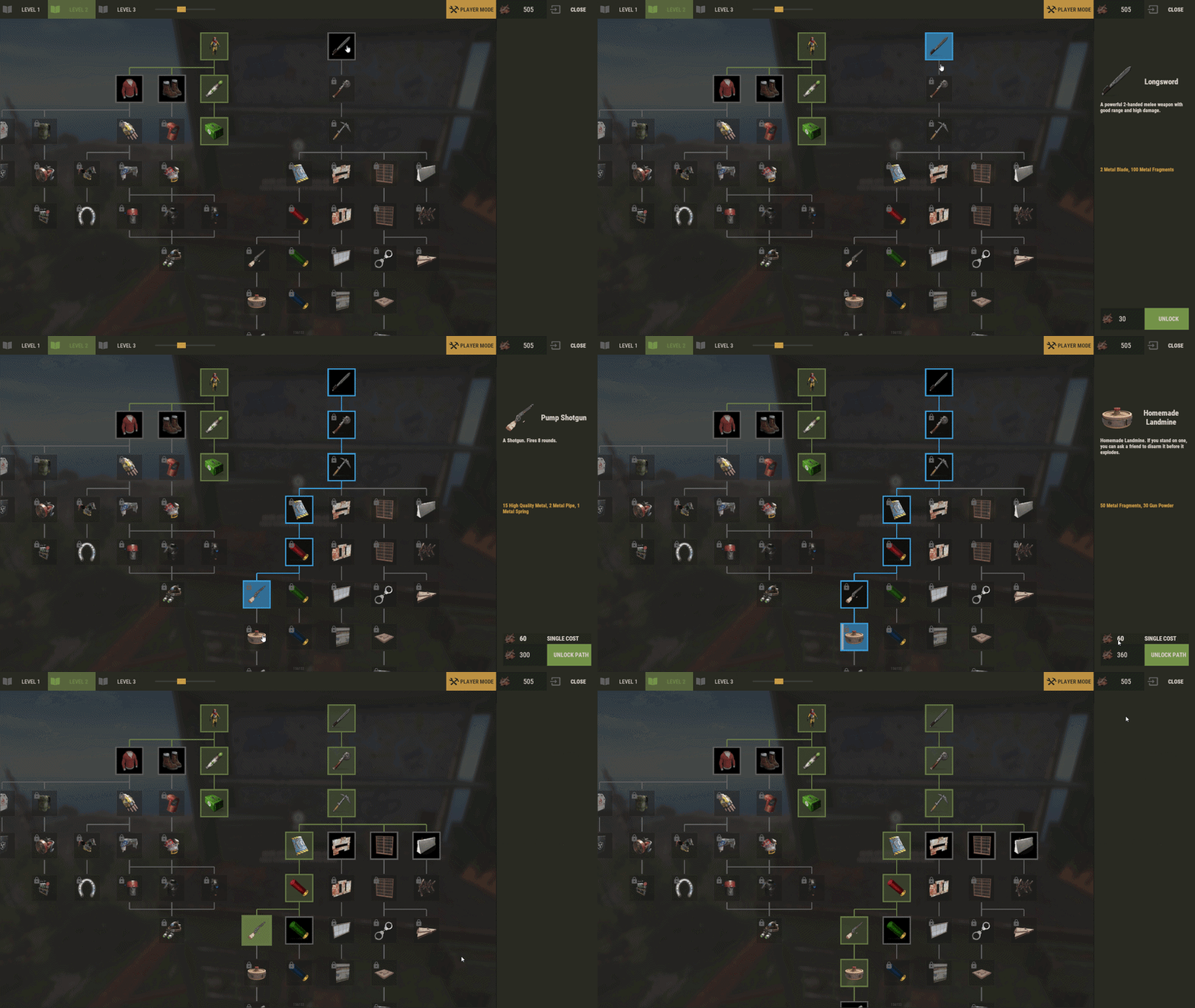
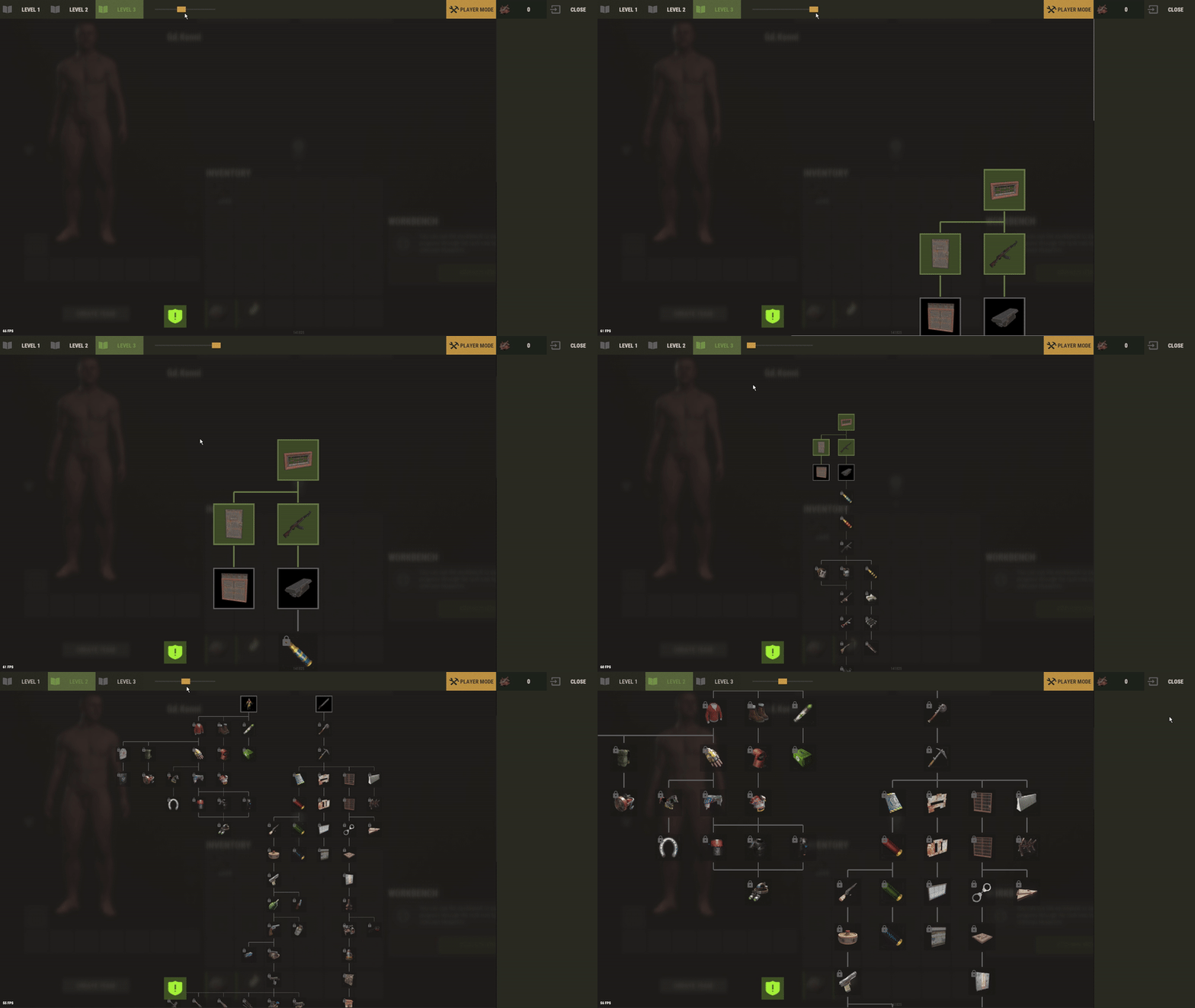
15 Screenshots

  • 10.1k
  • 174
  • 72.38 kB
  • Update details
    v2.3.9
    Released
    Download size72.38 kB
    Total versions24
    Time between versions 28 days
    Typical update pace About every 22 days
    Freshness 9 days ago

This area is for discussion and questions. Please use the support area for reporting issues or getting help.

Recommended Comments


aomuu

Posted

i see.

copcopekcro

Posted

Hey ...
Is there option to make new categories/tabs ( like those level 1 - 2 - 3 enge) .
Example Special tab and that we can chose what wb is required ..
So player opens wb 3 and he see lets say level 3 , and special tab ? 
IF there isnt that option , can you maybe make it ? 

I see that this is based on opening UI with workbench ..
Can Ui be opened on chat/console command ?
So that tech tree can be independent actually from wbs ..

So that we can maybe make some non wb researches what we open on command .

Thank you !
 

Gd.Kenni

Posted

11 minutes ago, copcopekcro said:

Hey ...
Is there option to make new categories/tabs ( like those level 1 - 2 - 3 enge) .
Example Special tab and that we can chose what wb is required ..
So player opens wb 3 and he see lets say level 3 , and special tab ? 
IF there isnt that option , can you maybe make it ? 

I see that this is based on opening UI with workbench ..
Can Ui be opened on chat/console command ?
So that tech tree can be independent actually from wbs ..

So that we can maybe make some non wb researches what we open on command .

Thank you !


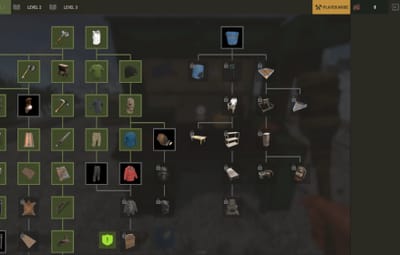
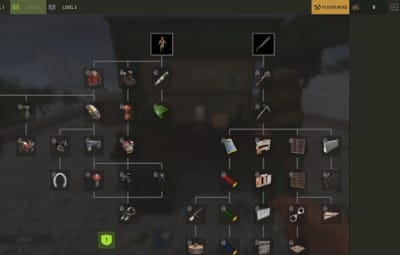
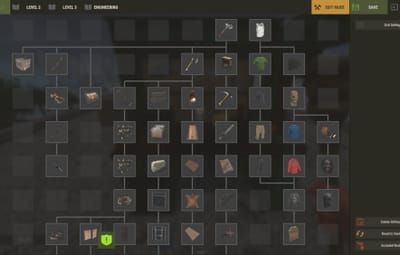
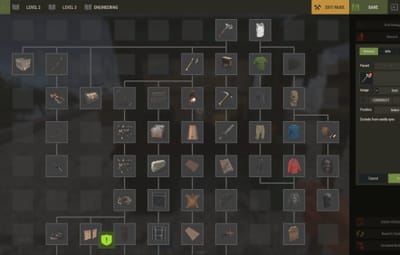
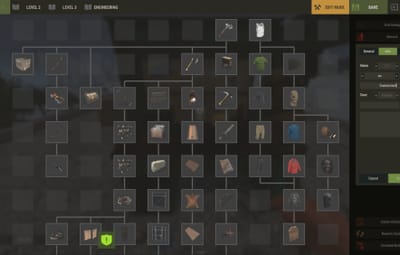
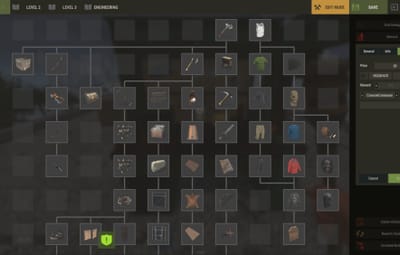
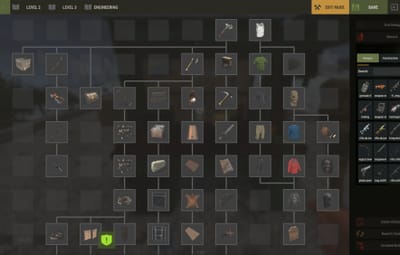
Hey, that's actually the next feature I'm working on: “Subcategories.” 😄

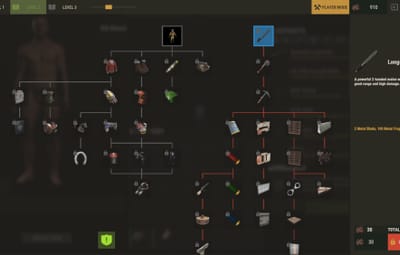
image.png.7ae09f037104125f9241c6247fcf87aa.png


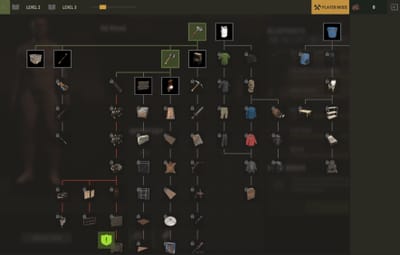
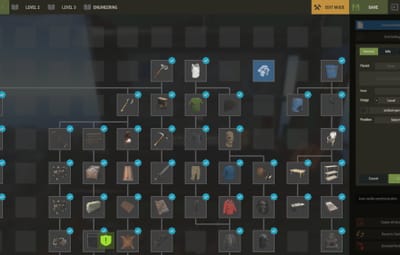
It's already possible to use my plugin independently of the game's tree. In the settings, under “Replace vanilla tree? Open with [R] if false,” set it to “false.” This allows you to use the Workbench natively and open the plugin's tree with the R key. However, it is currently required to be linked to a Workbench trigger

copcopekcro

Posted

8 minutes ago, Gd.Kenni said:


Hey, that's actually the next feature I'm working on: “Subcategories.” 😄

image.png.7ae09f037104125f9241c6247fcf87aa.png


It's already possible to use my plugin independently of the game's tree. In the settings, under “Replace vanilla tree? Open with [R] if false,” set it to “false.” This allows you to use the Workbench natively and open the plugin's tree with the R key. However, it is currently required to be linked to a Workbench trigger

Good good ... 
Those subcategories will be based on what player wb opens ? 

And is it possible to have only subcategories without level 1 ,2 ,3 ...

So example what i wanna , i dont wanna have level 1 , 2 , 3 at all , i wanna have like 5-8 categories ( its oke to open it from wb ) where i put custom stuff etc 
 

Gd.Kenni

Posted

16 minutes ago, copcopekcro said:

Good good ... 
Those subcategories will be based on what player wb opens ? 

And is it possible to have only subcategories without level 1 ,2 ,3 ...

So example what i wanna , i dont wanna have level 1 , 2 , 3 at all , i wanna have like 5-8 categories ( its oke to open it from wb ) where i put custom stuff etc 
 

You can assign permissions and other conditions to subcategories, so you can choose whether the category is locked or hidden.

As for your request, that's not the way the plugin is designed, so I'll have to think about it.  

  • Love 1

Create an account or sign in to comment

You need to be a member in order to leave a comment

Create an account

Sign up for a new account in our community. It's easy!

Register a new account

Sign in

Already have an account? Sign in here.

Sign In Now
  • Like 3
  • Love 2

Gd.Kenni's Collection

User Feedback

About Us

Codefling is the largest marketplace for plugins, maps, tools, and more, making it easy for customers to discover new content and for creators to monetize their work.

Downloads
2.7m
Total downloads
Customers
11.6k
Customers served
Files Sold
165.6k
Total sales
Payments
3.6m
Processed total
×
×
  • Create New...

Important Information

We have placed cookies on your device to help make this website better. You can adjust your cookie settings, otherwise we'll assume you're okay to continue.