

About Chest Finder
Chest Finder lets players find items in storage containers within their TC-authorized base.
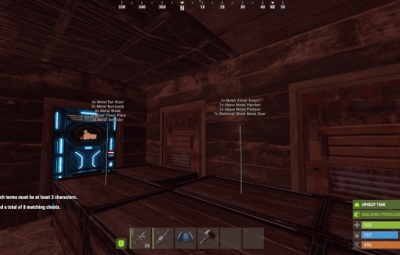
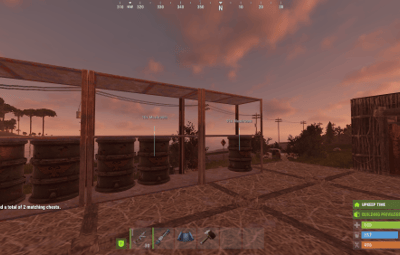
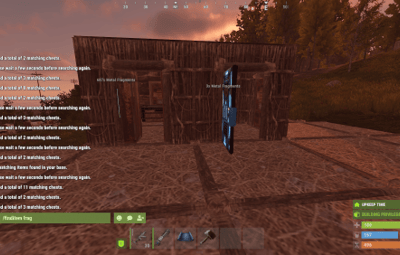
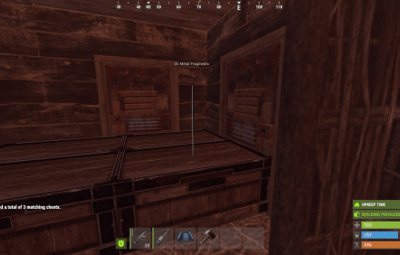
Matching containers are marked for the searching player, with item names and quantities shown.
Use /finditem <item> to search by an item name or part of a name. Searches are case-insensitive and match exact names, prefixes, and partial names.
Features
- Markers are visible only to the player who searched.
- Markers show matching item names and total quantities per container.
- Searches are limited to the same building as the authorized TC.
- Previous markers are replaced when a new search starts.
- Search cooldown.
- Maximum marked containers.
Setup
- Place ChestFinder.cs in carbon/plugins.
- Grant the chestfinder.use permission to the desired users or groups.
-
Load the plugin. Its configuration file is created automatically (ChestFinder.json).
- The configuration includes search distance, marker duration, cooldown, minimum search length, marker limit, height, scale, color, and opacity.
Tested on Carbon.