
- Prefabs
- 1,157
- Unique prefab types
- 248
- Placement span (X × Y × Z)
- 101.0 × 31.4 × 149.2 m
- Terrain layers
- heights, splat0, splat1, topology
- Large Water Catcher ×3
- NPC Vending Machine Attire
- NPC Vending Machine Building
- NPC Vending Machine Components
- NPC Vending Machine Extra
- NPC Vending Machine Farming
- NPC Vending Machine Hapisexchange
- NPC Vending Machine Resources
- NPC Vending Machine Tools
- NPC Vending Machine Vehicles
- NPC Vending Machine Vehicleshigh
- NPC Vending Machine Weapons
- Recycler ×6
- Repair Bench
- Research Table
- Small Oil Refinery
- Small Water Catcher ×2
- Workbench Level 1 ×2
About Mini Outpost & Bandit Camp
bout Mini Outpost & Bandit Camp
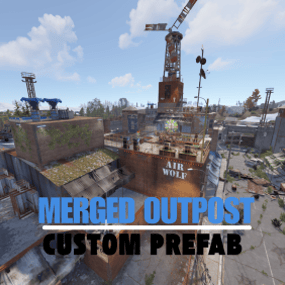
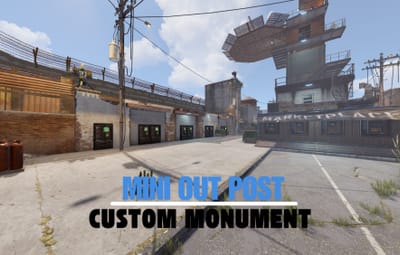
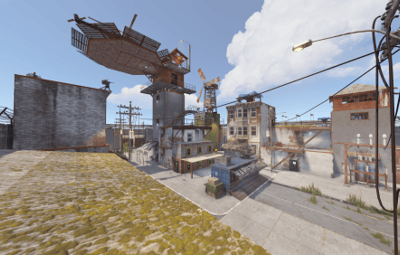
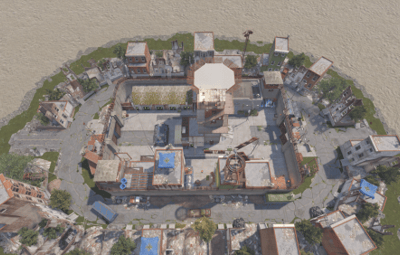
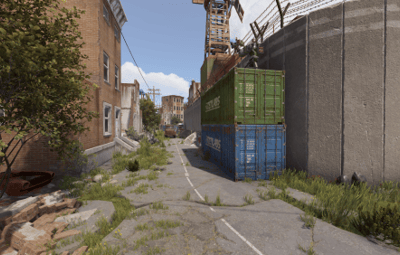
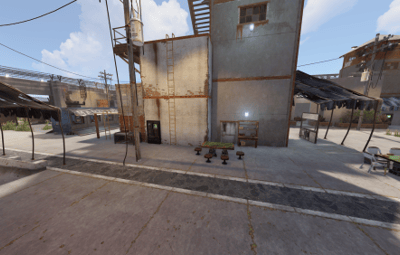
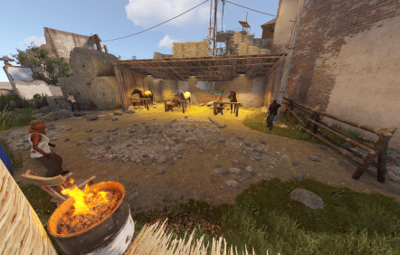
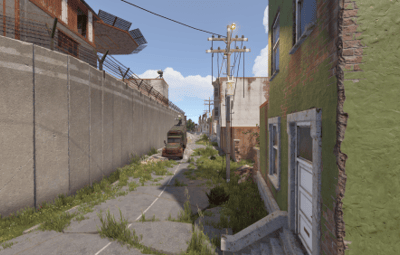
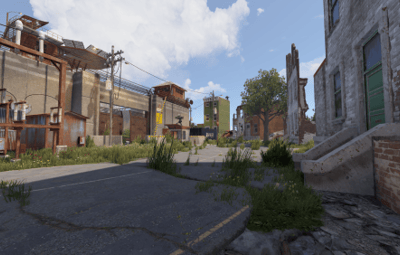
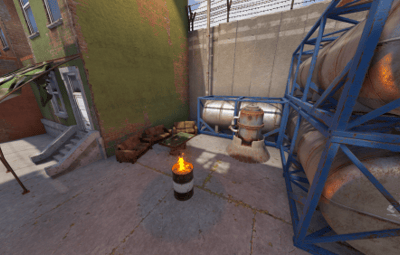
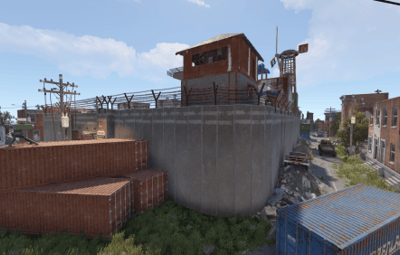
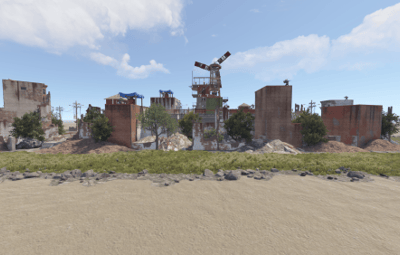
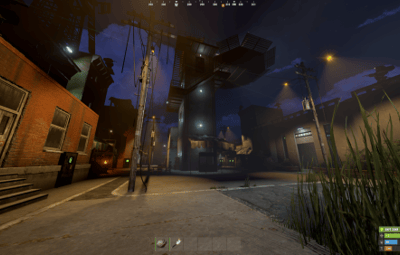
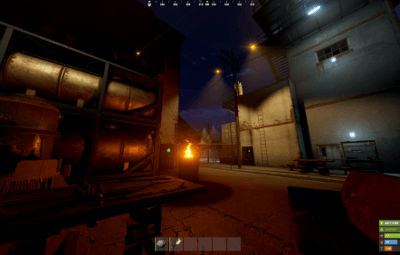
Mini Outpost & Bandit Camp is the perfect addition for Rust servers looking for a compact yet resourceful gathering point. This monument merges the functionality of both an Outpost and a Bandit Camp into a clean, space-efficient design—ideal for servers that need a safe zone without taking up too much of the map.
⸻
Key Features:
Compact and efficient layout – perfect for small to mid-sized servers.
Fully integrated NPC shops – offering a wide range of trade options.
Safe trading and gathering area – to enhance player interaction.
Compatible with all modern Rust versions – ensuring easy integration.
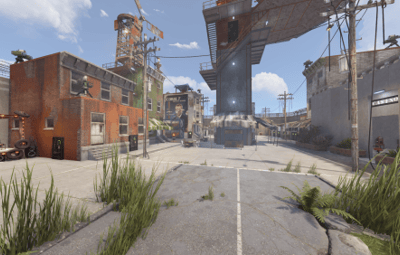
Immersive, detailed environment – improves player experience.
⸻
Additional Details:
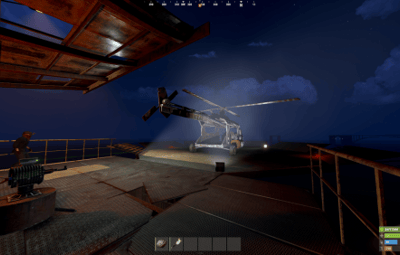
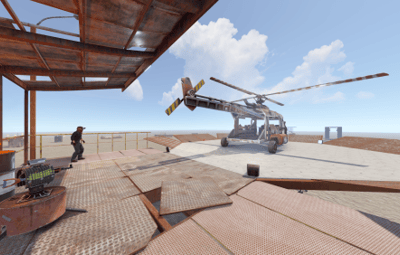
Airwolf helicopter vendor – for quick and easy aircraft purchases.
Recycler – convert unwanted items into useful resources.
Workbench Level 1 – for basic crafting and gear production.
Research Table – to unlock new blueprints.
Vending Machines – to support player-to-player trade.
Water Collectors – for passive water gathering.
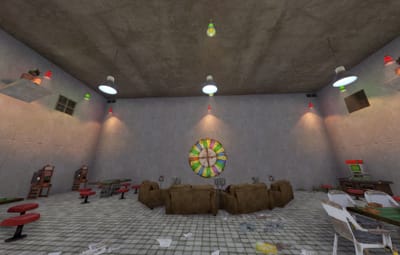
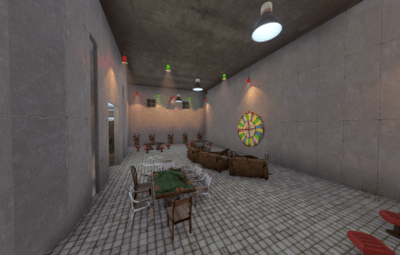
Mini Casino – includes slot machines for betting and rewards.
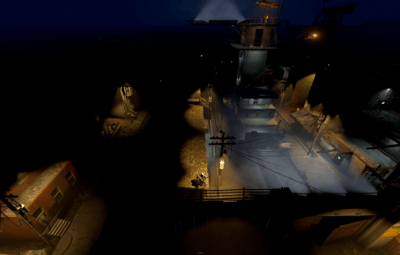
Enhanced lighting – provides clear visibility at night.
Seating and social areas – encourages player communication and roleplay.
⸻
Quick Installation Guide:
Extract the ZIP file into your RustEdit installation folder.
Launch RustEdit.
Click on "Prefabs” in the top menu and open the Prefab List.
Locate the prefab under the Custom category.
Double-click the prefab file to spawn it into your map.
Move it to the desired location.
Apply the Height Mask, Topology Mask, and Splat Mask for proper terrain blending.
⸻
Please rate ️️️️️ the prefabs Thank you
Easy to install, fully functional, and a valuable upgrade for any Rust server.


.thumb.png.24b2872db09415c0fc65daa4469cac4a.png)
.thumb.gif.3075bf2fa70a26820799d7bad9f5a40b.gif)
.thumb.gif.373d36627c47510f354795c4bac4a85e.gif)