.thumb.png.4ddeb2c13b4aba300fdd88652ff93a00.png)
.thumb.png.50ae402a3e2285b5ee11a9860d65b648.png)
.thumb.png.b0b0b38155d80cde790d5b5eb322b861.png)
.thumb.png.1d3cba746f89f27397f05472dc5bbf17.png)
.thumb.png.8d911324656bef68b61d8c33205e4a2a.png)
.thumb.png.a42e0c2cd4aea75c13845d1bd64ecf07.png)
- Prefabs
- 730
- Unique prefab types
- 161
- Placement span (X × Y × Z)
- 77.0 × 18.6 × 68.7 m
- Terrain layers
- heights, splat0, splat1, topology
- Military Crate
- Recycler ×2
- Workbench Level 1
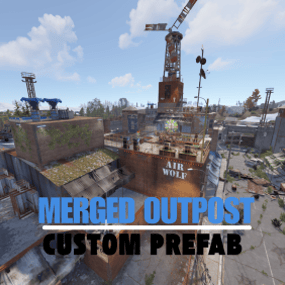
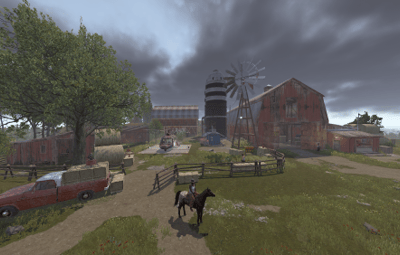
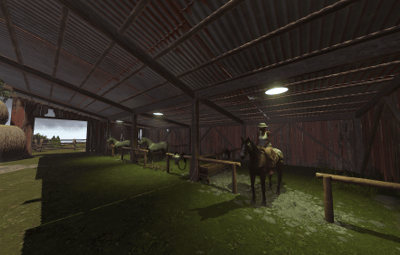
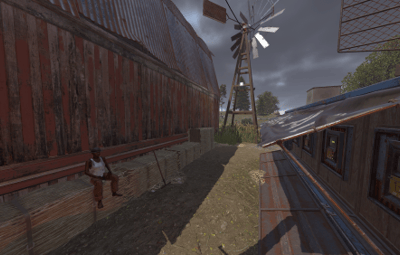
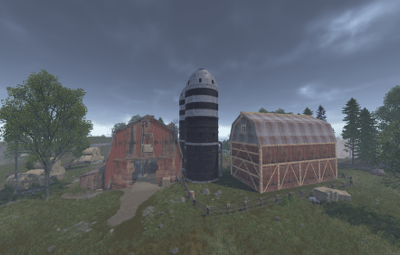
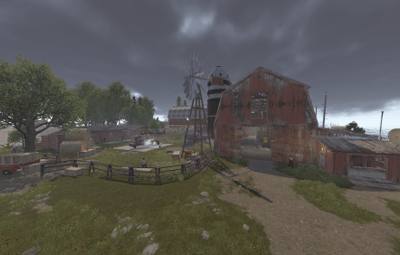
About Ultimate Ranch & Bandit Camp Casino + Airwolf + Stables
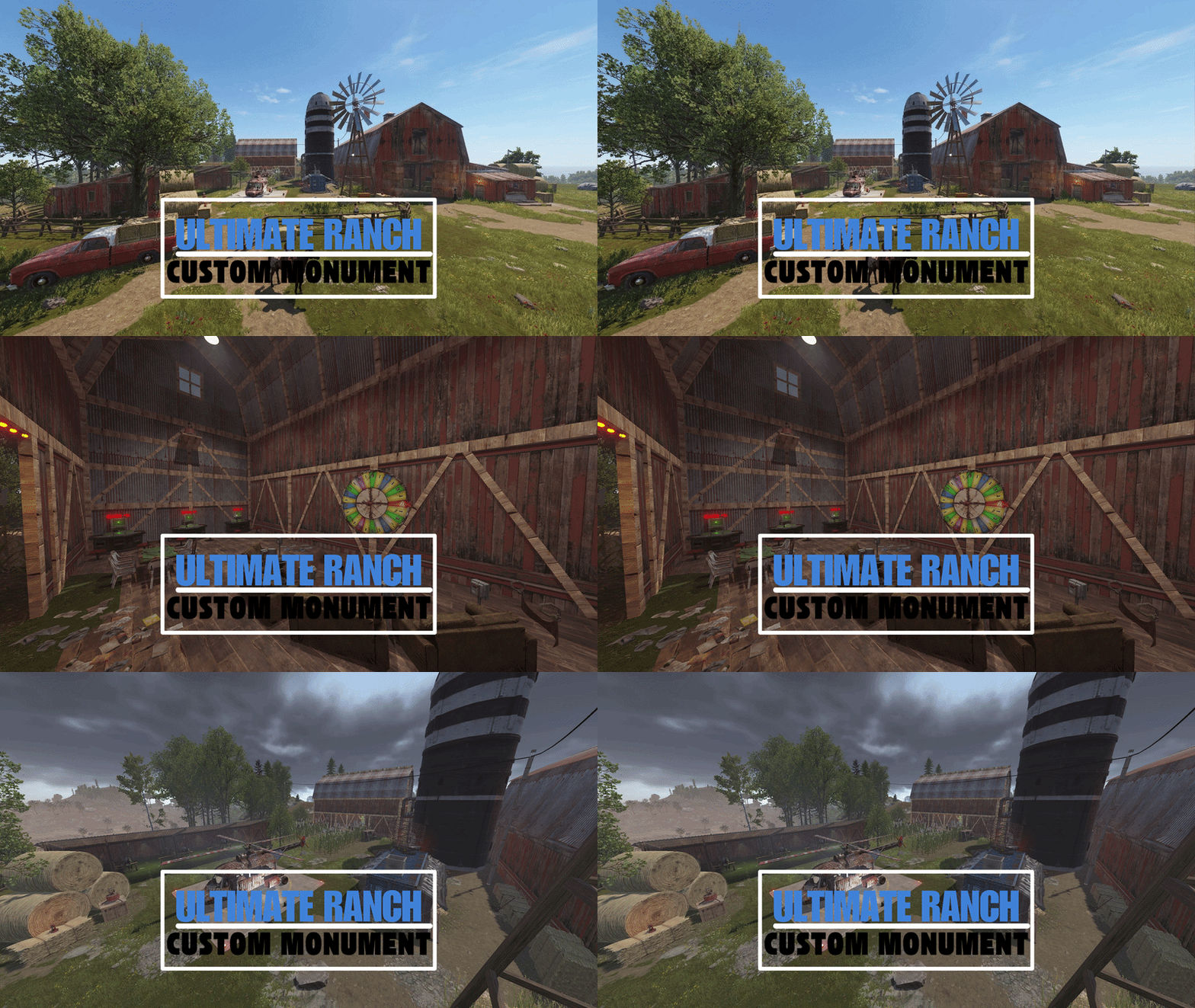
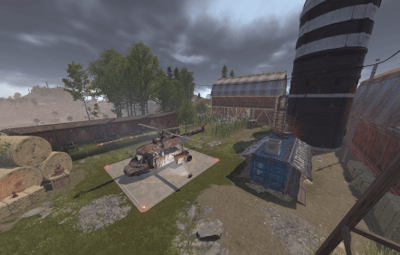
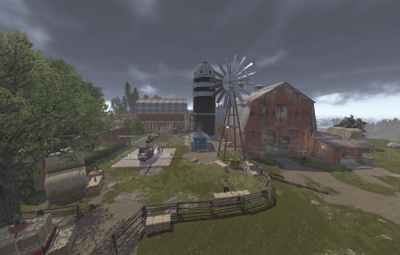
The Ultimate Ranch Hub is a heavily modified and enhanced version of the vanilla Ranch. This prefab transforms the standard horse outpost into a high-tier Service & Entertainment Center, perfectly blending utility with an immersive rustic aesthetic.
Designed to be the heart of any map, it combines essential survival utilities with endgame transport and gambling systems.
⸻
Key Features:
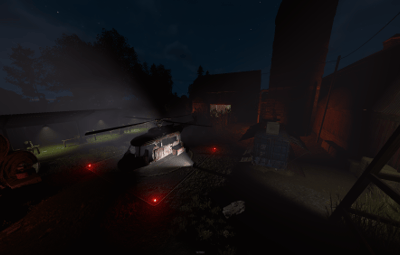
Airwolf Helicopter Vendor – Now you can purchase Scrapyard Helicopters and Minicopters directly from the Ranch.
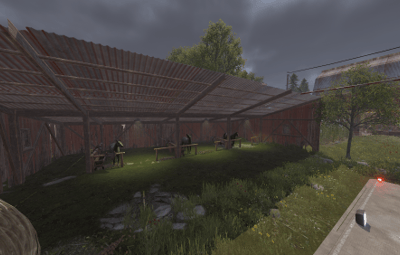
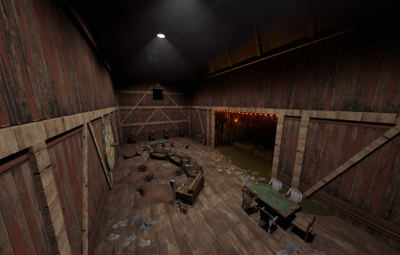
Integrated Small Casino – Featuring fully functional Slot Machines and Big Wheel gambling to keep players entertained.
Drone Marketplace – Includes a Drone Terminal for convenient remote shopping across the map.
Merged Utility Zone – Access to a Recycler, Workbench Level 1, and Research Table in one safe location.
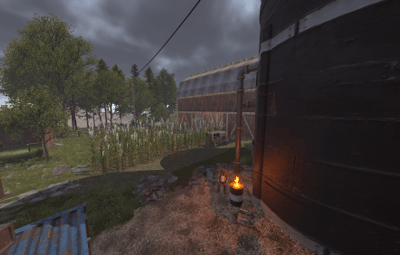
Enhanced Visual Aesthetics – Custom-placed props, improved vegetation, and atmospheric detailing for a "premium" feel.
Strategic Lighting – Professionally placed lights and lanterns for perfect night-time visibility and "Safe Zone" vibes.
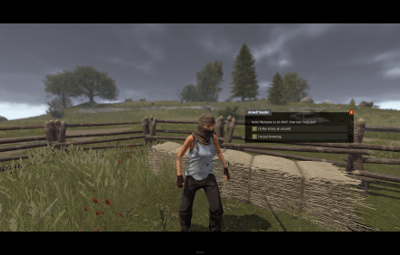
Horse & Tack Shop – Original Ranch functionality preserved with all horse-related vendors and hitches.
Optimized Collision & Topology – Ready-to-use layers (Alpha, Topology, and Height) for seamless map integration.
⸻
Performance & Compatibility:
Vanilla Friendly: Works on any server without requiring extra plugins.
FPS Optimized: Custom detailing with low entity overhead to maintain server performance.
Perfect for 2x/3x Servers: A great addition to fast-paced servers where players need quick access to transport and recycling.
⸻
Quick Installation Guide:
Extract the ZIP file into your RustEdit installation folder.
Launch RustEdit.
Click on "Prefabs” in the top menu and open the Prefab List.
Locate the prefab under the Custom category.
Double-click the prefab file to spawn it into your map.
Move it to the desired location.
Apply the Height Mask, Topology Mask, and Splat Mask for proper terrain blending.
⸻
Please rate ️️️️️ the prefabs Thank you
Easy to install, fully functional, and a valuable upgrade for any Rust server.

.thumb.png.24b2872db09415c0fc65daa4469cac4a.png)
.thumb.gif.3075bf2fa70a26820799d7bad9f5a40b.gif)
.thumb.gif.373d36627c47510f354795c4bac4a85e.gif)