
Ovniper
-
Posts
71 -
Joined
-
Last visited
Content Type
Profiles
Warranty Claims
Downloads
Forums
Store
Services
Downloads Plus Support
DOWNLOADS EXTRA
Reels
Everything posted by Ovniper
-
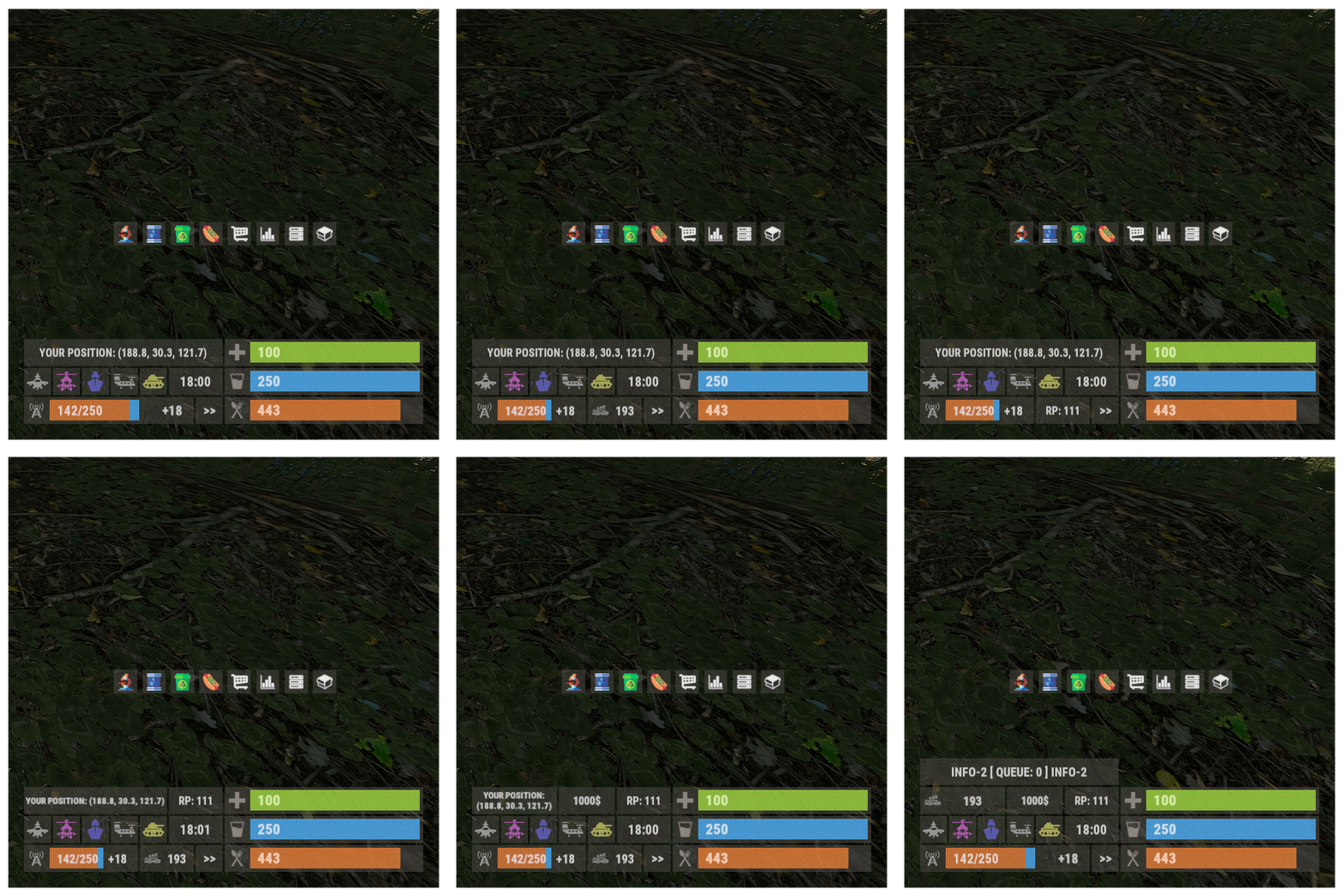 The XPanelPlus plugin is a top-notch info panel for Rust servers, standing out for its clean and organized design. It enhances gameplay by providing buttons that allow players to access kits and shops with a simple click, eliminating the need to type commands in chat. The configuration file offers flexibility, letting you customize commands effortlessly. The developer, Monster, is known for excellent communication and support, making the experience even better. Given its quality and functionality, this plugin is worth more than its price. Kudos to Monster for the fantastic support and a stellar plugin!
- 107 comments
-
- 1
-

-
- #panel
- #infopanel
- (and 5 more)
-
The XPanelPlus is causing issues with the Welcome Info UI from David. When new players join the server, they encounter a white background and the only thing visible on the screen is the FPS. However, when I remove the XPanelPlus, the white background issue is resolved, and players can see the game properly.
-
Could you explain how to center the panel above the inventory slots?
-
I didn't select the incorrect one, I downloaded the version that displays the sleepers, but unfortunately, that option isn't available in the configuration file, my friend I also download the other one you say and they both the same.
-
anything?
-
Can you please tell me where I need to go to change the background opacity so when new player join the can see when they run and close the Welcomepage when they finish reading the rules etc..
-
I do not see the option to toogle online, joining, queued or sleeping this is what I have on my Pop.json { "BroadcastCommand": "!pop", "BroadcastDelay": 10, "Command": "pop", "EnableGlobalCommand": true, "EnablePersonalCommand": true, "JoiningColor": "#ff686b", "OnlineColor": "#ff686b", "QueuedColor": "#ff686b" }
-
I do not see the option to display how many players are sleeping in the server.
-
 This plugin is an absolute must-have for any Rust server owner or administrator. Its seamless integration offers invaluable real-time insights into server dynamics, providing accurate player count data, including online, sleeping, joining, and queued players.
 -
Oh okay but my time zone is not showing EST is showing UTC.
-
Can you please tell me how I can change the time zone (UTC ) to my time zone (EST) also I want the time to be displayed like this MM, DD, YYYY, please?
-
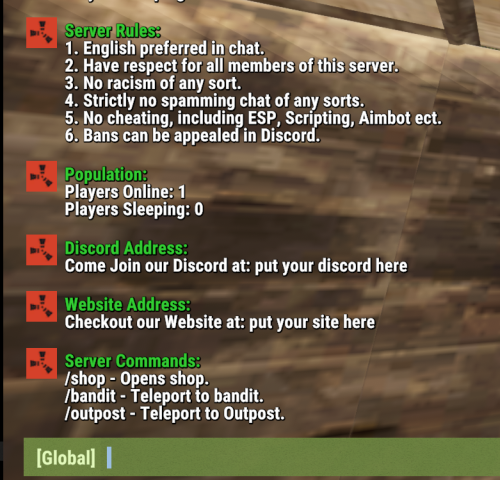 All in one, easy, simple, and clean. Thank you so much.
 -
The Plugin stop working for today Rust FORCE UPDATE
-
how do I rung the plugin for monthly wipe?
-
Okay, I hope to see this in the next update. Thanks
-
would they be available one day?
-
Where is the config to enable the Sleeping Players and Reward Points RP
-
How I can make the button look like the one from the inventory?
-
Failed to call hook 'OnServerInitialized' on plugin 'WPKits v1.1.4' (NullReferenceException: Object reference not set to an instance of an object) at Oxide.Plugins.WPKits.DownloadImages () [0x00065] in <be234d14e070445ca4e66c2a741b07a2>:0 at Oxide.Plugins.WPKits.OnServerInitialized () [0x00006] in <be234d14e070445ca4e66c2a741b07a2>:0 at Oxide.Plugins.WPKits.DirectCallHook (System.String name, System.Object& ret, System.Object[] args) [0x00038] in <be234d14e070445ca4e66c2a741b07a2>:0 at Oxide.Plugins.CSharpPlugin.InvokeMethod (Oxide.Core.Plugins.HookMethod method, System.Object[] args) [0x00079] in <09575a60985045248bcb43b20faeeb99>:0 at Oxide.Core.Plugins.CSPlugin.OnCallHook (System.String name, System.Object[] args) [0x000d8] in <bae5f1223fce49c493b01571c99dce02>:0 at Oxide.Core.Plugins.Plugin.CallHook (System.String hook, System.Object[] args) [0x00060] in <bae5f1223fce49c493b01571c99dce02>:0