

flutes
-
Posts
143 -
Joined
-
Last visited
Content Type
Profiles
Warranty Claims
Downloads
Forums
Store
Services
Downloads Plus Support
DOWNLOADS EXTRA
Reels
Everything posted by flutes
-
Version 2.0.0
118 downloads
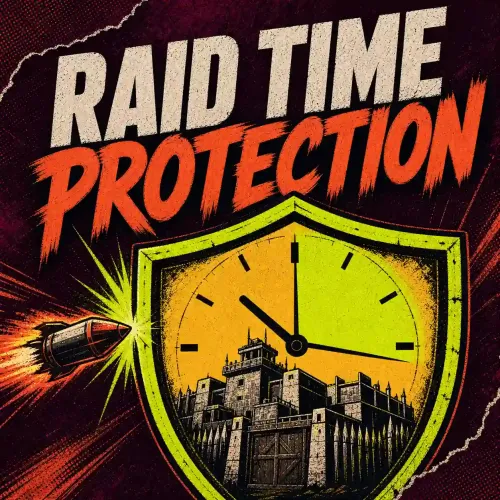
Raid Time Protection Give your community clear raid hours. Choose when raids are allowed each day, protect the start of a wipe and let players check the current rule with /raid_date. Choose when raids are allowed One allowed raid window per day, including windows that cross midnight. A fixed UTC offset for the schedule. Post-wipe protection that takes priority over the weekly schedule. Optional prefab and Zone Manager exceptions. Chat notices when protection changes, plus the public /raid_date command. For example, a window starting at 18:00 and lasting 300 minutes allows raids until 23:00. Outside the allowed windows, eligible targets stay protected while Global Protection is enabled. The UTC offset does not change automatically for daylight saving. Build your schedule on PimpMyRust Choose raid hours, wipe protection and exceptions in the browser. Import your current file or export a new configuration for your server. Open the Raid Time Protection configurator → Install the policy Back up the existing configuration and install RaidTimeProtection.cs. Load it once, then install your exported oxide/config/RaidTimeProtection.json or Carbon's corresponding config file. Reload and check /raid_date. Test allowed and protected damage on a private server before changing live rules. Readable older configurations can migrate to version 2. Keep the generated .v1.bak until you have checked the result. Know what is protected Protection covers player-attributed damage to eligible owned buildings with a tool cupboard. TC-authorized players may damage their own protected target; configured exceptions can also allow damage. This is not protection for every damage source. Decay, electricity, NPC players, Bradley APC and CH47 damage are excluded. Indirect damage without an attributed player is not claimed as covered. Runs on Oxide or Carbon. Zone Manager is optional; Notify is not required for chat notices. Schedule, exceptions and protection guide →$6.49 -
Version 1.1.0
24 downloads
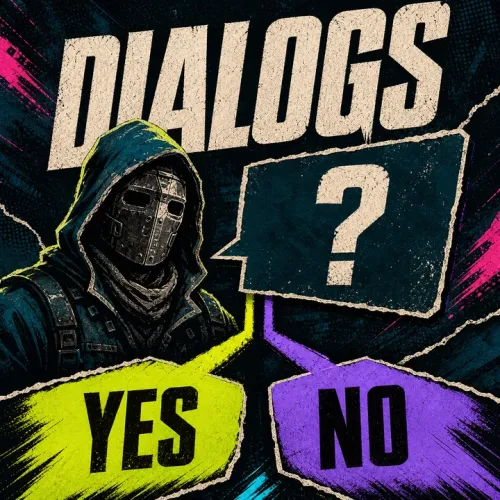
Give your NPCs something to say Dialogs creates branching conversations for your Rust server. Write an NPC's message, add player replies and decide what each choice does: continue to another message, record a decision or trigger a server action. Offer different replies according to a player's progress. Remember choices with Player Event States and reuse them in another conversation. Open a dialogue through an NPC interaction, a server command or another plugin. Present conversations with five built-in interfaces and paginated replies. Required: Player Event States, installed separately. Dialogs 1.1.0 on this page is the native edition. It requires neither PimpMyCUI nor ImageLibrary. Conversations that react to players An NPC can introduce the camp to a newcomer, offer another reply after the player speaks with a second character, or stop offering a one-time choice once it has been taken. Set conditions on opening messages and replies. Record a true/false player state after a choice, then use that state elsewhere through Player Event States. The included Alice and Bob examples demonstrate linked conversation paths; they do not give items or create a complete quest system. For rewards, events or other gameplay, add your installed plugins' console commands or hooks to a reply. %steamid% passes the player ID in string parameters. Those integrations handle the actual reward or gameplay action. NPC Overlay is optional: it can display an NPC's name or role, but does not open Dialogs or spawn characters. Five interfaces included Choose Cinematic Ember, Wasteland Radio, Monument Dossier, Arctic Signal or Carbon Terminal. Set one style globally and override it for individual dialogues when needed. Each template displays up to four replies per page, with controls for the remaining replies. Conversations with no available replies still have a close action. New installations use Cinematic Ember. An existing native configuration without the new presentation settings retains its previous legacy layout. The native templates are built into Dialogs; applying a custom CUI Editor project belongs to the separate beta edition below. Create and edit dialogues on PimpMyRust Use the dialogue graph to see the conversation's branches, select a message or reply to edit it, and choose what happens next. Import your current files or create a new conversation. Export only the dialogues, NPC associations or configuration you want to install. Create and edit dialogues on PimpMyRust → Installation and dialogue guide → With an NPC, or without one NPC interaction: create a character with Human NPC, or another provider compatible with Dialogs, then associate its actual NPC ID with a dialogue. Dialogs handles the conversation, not NPC spawning. Server command: open a dialogue for a connected player from the server console, RCON or a trigger plugin: dialogs.show <steamid> Bob Replace <steamid> with the connected player's SteamID64 and Bob with the ID of a loaded dialogue. A dialogue named Bob is stored in DialogData_Bob.json. Plugin integration: another plugin can open a conversation through Dialogs's API. See the guide for commands, hooks and their parameters. Start with the supplied conversations Install PlayerEventStates.cs and Dialogs.cs. Back up your existing conversations. Add the optional Alice/Bob examples from the ZIP to oxide/data/Dialogs/ and reload. Join as an administrator and enter /dialog_show Bob to try a conversation. Edit its files on PimpMyRust and export your changes. The main configuration is oxide/config/Dialogs.json. Dialogue files and DialogsNpcsData.json belong in oxide/data/Dialogs/. Use Carbon's corresponding configured directories. Optional PimpMyCUI beta Separate beta on PimpMyRust — not the native Codefling download above. The separate Dialogs beta lets you edit its interface in PimpMyCUI Editor. It still requires Player Event States and additionally needs the free PimpMyCUI plugin, installed separately. Explore the Dialogs beta → Access is for verified Dialogs buyers: sign in to PimpMyRust, link your Codefling account and refresh your purchases. Install one Dialogs edition at a time. Both editions currently display version 1.1.0, so choose the native/stable configurator for the Codefling ZIP and the beta configurator for the PimpMyCUI download. Compatibility and support Back up your configuration, conversations and NPC associations before updating. Review commands and hooks on a test server before exposing them to players. Dialogs does not include NPC reaction animations or a complete quest/reward system. Codefling support · PimpMyRust Discord Artwork is illustrative. Interface images are offline previews over a Rust screenshot, not new in-game captures. Configurator images are software captures. DialogData_Alice.json DialogData_Bob.json$12.99 -
Version 1.0.0
417 downloads
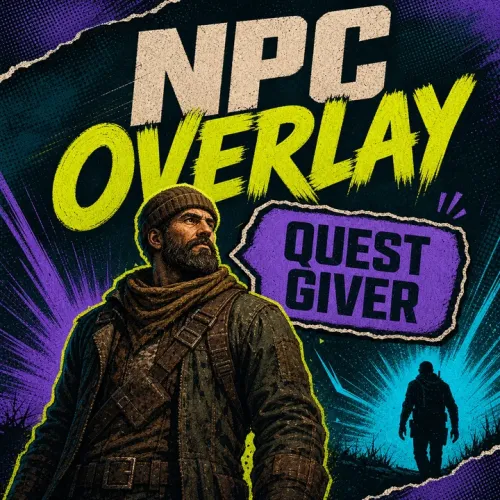
NPC Overlay Give each NPC a visible name, role or short instruction. Help players spot the trader or quest giver, then choose the label's colour and position. NPC Overlay displays text. Your NPC plugin still handles spawning and interactions. Labels players can recognise Use a name such as “Bob — Supplies”, a role such as “Quest giver”, or your own short text. Translations come from the plugin's language files. With Dialogs, use the same NPC user ID in both plugins. The label points players to the NPC; Dialogs handles the conversation. A label saying “E — Talk” does not bind the E key. Configure NPC labels on PimpMyRust Add the real NPC ID, choose its language key, colour and position, then export the data file. Add matching label text to the language file as shown in the guide. Open the NPC Overlay configurator → Install it alongside your NPC provider Install NpcOverlay.cs in oxide/plugins. Back up and install the exported oxide/data/NpcOverlay.json. Add the matching text keys to oxide/lang/<language>/NpcOverlay.json. Reload with oxide.reload NpcOverlay and check the labels near your NPCs. Use the NPC's actual user ID, not a prefab ID. Your NPC provider must send compatible proximity hooks. Check label removal before live use The current download has a known leaving-hook mismatch: labels may remain visible after a player leaves the NPC. Check both entering and leaving with your provider. Setup guide and compatibility details → For help, use the Codefling Support tab with the installed version, NPC provider and relevant console error.Free -
Version 1.0.0
354 downloads
Player Event States For plugin developers and admins using Dialogs. Store true/false values for individual players or the whole server, then read them from another plugin to change later interactions. For example: meeting Bob sets a player state. Alice can check that state before offering the next conversation. A previous choice changes the next conversation Dialogs already reads and writes these states. Create dialogue conditions and state changes in its PimpMyRust editor, without writing your own integration plugin. Open the Dialogs editor → Player Event States is a storage/API plugin: no standalone configurator, player interface, quests or rewards. Dialogs requires it; it does not require Dialogs. Connect your own gameplay plugin Install PlayerEventStates.cs in oxide/plugins, reference it with [PluginReference], then use its API. Method Purpose GetEventStatePlayer_API(ulong, string) Read a player's state; an absent key returns false SetEventStatePlayer_API(ulong, string, bool) Set or create a player's state GetEventStateGlobal_API(string) Read or create a global state SetEventStateGlobal_API(string, bool) Set an existing global state PlayerHasRecquiredStates_API(ulong, Dictionary<string, bool>) Check a set of expected player states Keep the published spelling Recquired. For a new global key, call its getter before the setter. Keep the progress files States live in oxide/data/PlayerEventStates/: user_<steamid>.json and global_events.json. They are saved on server saves and plugin unload, not immediately after every API call. There is no automatic expiry or wipe reset. Back up this directory and do not replace live progress with example files. API examples and persistence guide →Free- 2 comments
-
- 2
-

-
- #development
- #developer api
- (and 5 more)