


About Marketplace+ (with AuctionHouse)
Overview
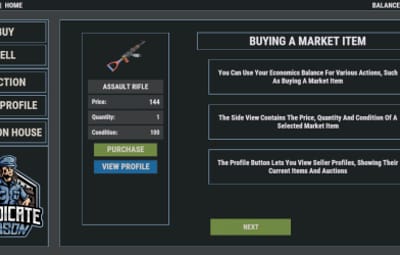
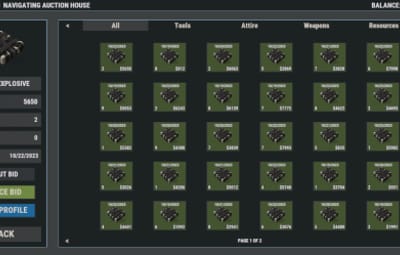
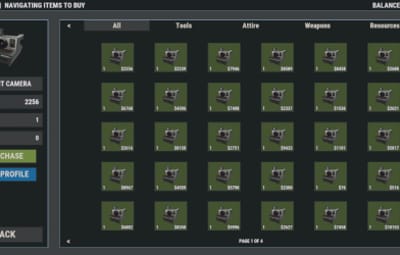
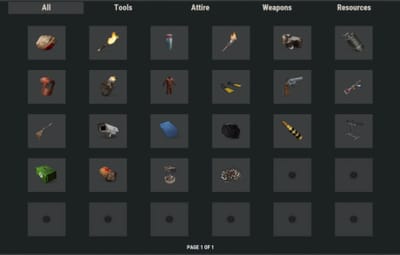
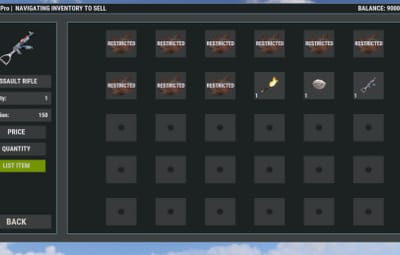
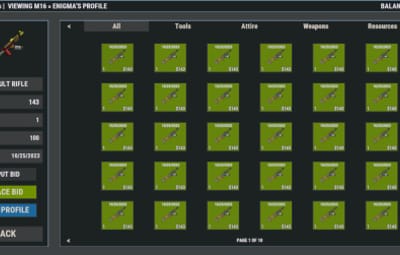
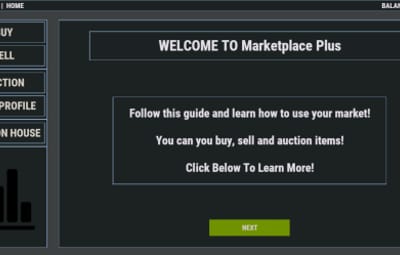
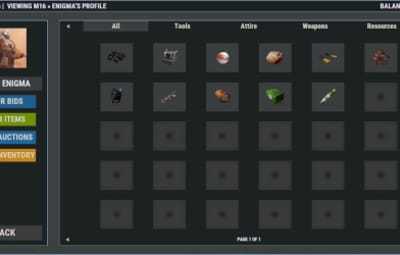
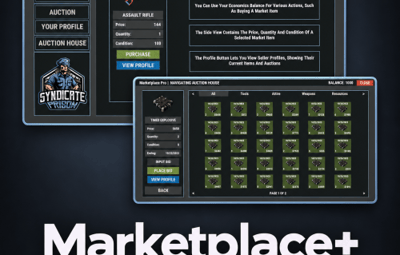
Buy, sell, and auction items through a polished in-game marketplace. Players use /market to browse listings, manage inventory, place bids, and run their own sales. Servers can seed wipe defaults, brand the UI, and choose the currency mode that fits their economy.
Warning
Economics and Server Rewards cannot both be enabled. Pick one virtual currency, or use item currency instead.
Oxide and Carbon are both supported.
Economics, Server Rewards, and NoEscape are optional. Install only what you need for the currency / block features you enable.
Features
- Buy and sell market. Players list items with price and quantity, then buyers purchase into market inventory.
- Auction house. Timed auctions with starting bids, duration input, and held balance while bidding.
- Currency modes. Item currency (scrap or custom item/skin/name), Economics, or Server Rewards RP.
- Server defaults. Start a wipe with preconfigured sale and auction listings.
- Player profiles. Seller profiles, market inventory, and claim flow for purchased or returned items.
- Custom items. Skins, custom display names, attachments, ammo, condition, and genetics data are supported.
- VIP limits. Permission-based listing, auction, and inventory slot limits.
- Branding. Hex colors, logo/icons, language file text, and optional Steam avatars.
- Filters. Search and filter listings by price, condition, attachments, ammunition, and more.
- Tool Cupboard checks. Optional TC privilege requirement for sales and purchases.
- Chat announcements. Optional broadcast when players create listings or auctions.
- NoEscape support. Optional raid / escape / combat block checks on sell actions.
Commands
-
/marketopens the marketplace UI
Command names are configurable under Open Market Commands.
Currency Modes
Pick one mode.
Item currency
Scrap by default, or any custom item / skin / display name.
"Economics Currency Settings": {
  "Use Economics": false
},
"Server Rewards Currency Settings": {
  "Use Server Rewards (RP)": false
},
"Item Currency Settings": {
  "Item ID": -932201673,
  "Custom Skin ID": 0,
  "Custom Display Name": "Scrap"
}
Economics
Requires Economics.
"Economics Currency Settings": {
  "Use Economics": true,
  "Unload If Null Economics": false
},
"Server Rewards Currency Settings": {
  "Use Server Rewards (RP)": false
}
Server Rewards (RP)
Requires Server Rewards.
"Economics Currency Settings": {
  "Use Economics": false
},
"Server Rewards Currency Settings": {
  "Use Server Rewards (RP)": true,
  "Unload If Null Server Rewards": false
}
Tip
After changing currency mode, run oxide.reload MarketplacePlus and open /market to confirm the balance line updates.
Use Economics price limits for both Economics and Server Rewards modes. Item price limits are used only in item currency mode.
Permissions
Use the onboard listing / auction / inventory permission settings to limit how many items players can list, auction, or store.
- Enable
Use Listing Permissions,Use Auction Permissions, and/orUse Inventory Permissions - Set default limits
- Grant higher-limit permission tiers to VIP groups
This is how you restrict auctioning or selling to VIP only.
Dependencies
- Economics - optional, for money balance mode
- Server Rewards - optional, for RP balance mode
- NoEscape - optional, for raid / escape / combat block on sell
Configuration
Tip
Quick start
- Install
MarketplacePlus.cs - Reload once so the config generates
- Pick a currency mode above
- Set branding / logo / colors if wanted
- Reload again
- In-game:
/market
Auction duration input accepts formats like 30d30h30m30s.
{
  "Save Cycle Interval": 10.0,
  "Wipe On New Save": true,
  "Enable Marketplace Filters": true,
  "Drop Item On Remove": false,
  "Require Tool Cupboard Privilege For Sales": false,
  "Require Tool Cupboard Privilege For Purchases": false,
  "Announce New Listings In Chat": true,
  "Announce New Auctions In Chat": true,
  "Open Market Commands": [
    "market"
  ],
  "Currency Settings": {
    "Item Currency Settings": {
      "Item ID": -932201673,
      "Custom Skin ID": 0,
      "Custom Display Name": "Scrap"
    },
    "Economics Currency Settings": {
      "Use Economics": true,
      "Unload If Null Economics": false
    },
    "Server Rewards Currency Settings": {
      "Use Server Rewards (RP)": false,
      "Unload If Null Server Rewards": false
    }
  }
}
Tool Cupboard checks
"Require Tool Cupboard Privilege For Sales": true,
"Require Tool Cupboard Privilege For Purchases": true
- Sales covers listing items and creating auctions
- Purchases covers buying and bidding
- Player must be TC authorized when enabled
Chat announcements
"Announce New Listings In Chat": true,
"Announce New Auctions In Chat": true
Broadcasts when players list an item or start an auction.
Warning
If both Economics and Server Rewards are set to true, Server Rewards is disabled automatically and a console warning is printed.
Existing configs are migrated on load. New keys for Server Rewards, TC checks, and announcements are added for you.
More Information
- Change the main menu logo in Branding Settings
- Edit most UI text in the language file
- Confirm tips show during buy, bid, and sell
- UI is sized to avoid stretching
- Compatible with Oxide and Carbon
Support
Need help? Open a support ticket on this page or join Discord: https://discord.gg/GG2Vdvkhvg


