


- Prefabs
- 1,686
- Unique prefab types
- 464
- Placement span (X × Y × Z)
- 56.9 × 14.0 × 75.1 m
- Terrain layers
- None
Loot containers
- Ammo Crate
- Basic Crate
- Diesel Barrel ×4
- Dm Construction Tools
- Elite Crate ×3
- Food Box ×2
- Food Crate
- Fuel Crate ×2
- Loot Barrel ×14
- Medical Crate ×2
- Military Crate ×5
- Mine Crate
- Oil Barrel ×5
- Tech Parts Crate ×3
- Tool Crate ×5
- Trash Pile 1
- Vehicle Parts Crate ×2
- Wooden Crate ×2
Puzzle entities
- Blue Puzzle Door
- Card Reader ×2
- Fuse Box ×2
- Red Keycard
- Red Puzzle Door ×2
- Security Door ×2
Utilities
- NPC Vending Machine Components
- NPC Vending Machine Tools
- Research Table
- Small Water Catcher
- Workbench Level 2
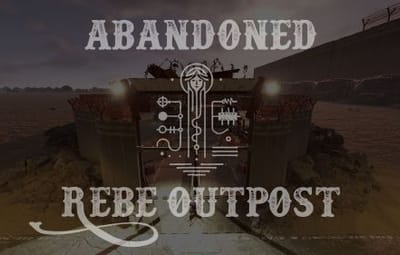
About Abandoned Rebel Outpost
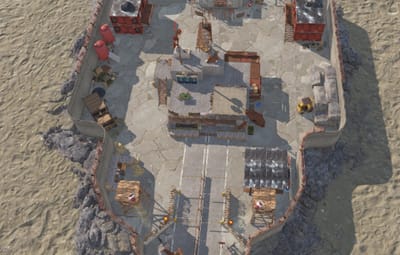
--== Abandoned Rebel Outpost ==--
Roughly 1700 Entities (Growing due to updates)
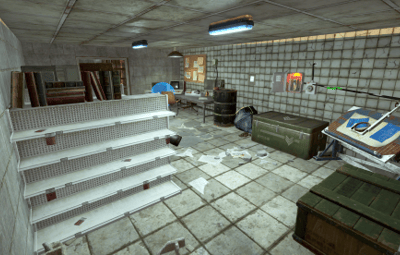
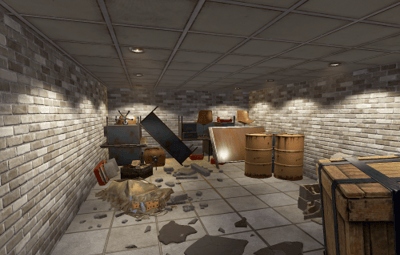
This monument is designed as a little outpost, it has two puzzles:
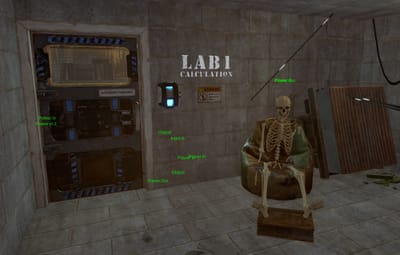
Blue room: "Lab 1 - Calculations"
- Diesel x1
- Elite Crate x1
- Red card x1
- Red room fusebox x1
- Tool Crates x2
- Normal Crate x1
- Food Crate x1
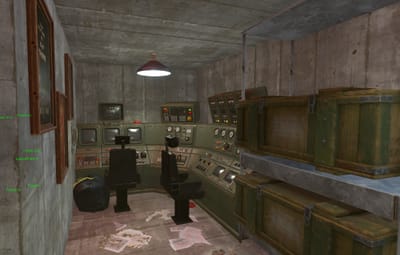
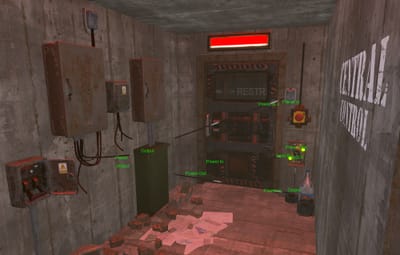
Red room: "Bunker - Central Control"
- Diesel x2
- Fuel Barrel x2
- Loot Barrel x2
- Elite Crate x2
- Normal Crate x3
- Tool Crate x2
- Tech Crate x2
Quick Start
- Extract the zip file into your RustEdit install folder.
- Start Rust Edit.
- Click on Prefabs at the top & open up your Prefab List.
- Under the Custom category you will now find "Phobetor's Prefabs".
- Double click on the prefab file and it will spawn it into the map for you.
- Drag it to the general area you want to place it and click on Snap To Terrain
Contact And Help
Fastest way to contact me for support is discord: mrphobetor
Or
Join my discord (under-construction) https://discord.gg/CUDdgnEmWu

![More information about "[MiniMonument] Roadside Coffee Shop"](https://codefling.com/cdn-cgi/image/width=285,height=285,quality=80,fit=cover,format=webp/https://codefling.com/uploads/monthly_2026_06/Schermafbeelding2026-06-12210636.thumb.png.c7042b9548231bf706d2f575b62c7217.png)
![More information about "[MiniMonument] Parts & Repair shop"](https://codefling.com/cdn-cgi/image/width=285,height=285,quality=80,fit=cover,format=webp/https://codefling.com/uploads/monthly_2026_06/Schermafbeelding2026-06-16042419.thumb.png.6d70e90b38a53a7eeb7d507753ac4249.png)