

maxalt
-
Posts
235 -
Joined
-
Last visited
Content Type
Profiles
Warranty Claims
Downloads
Forums
Store
Services
Downloads Plus Support
DOWNLOADS EXTRA
Support Replies posted by maxalt
-
-
        "Marker_Enabled": true,
        "Marker_Visible_When_NPCs_Are_Dead": false,
        "Marker_Main_Colour": "#ffff00",
        "Marker_Outer_Colour": "#000000",
        "Marker_Opacity_Percent": 15,
        "Marker_Radius_Percent": 20,
        "Immune_From_Damage_Beyond": 400,
        "Short_Roam_Vision": false,
        "Off_Terrain": false,
        "APC_Safe": true,
        "WeaponTrap_Safe": true
Hey! Thanks as always for your help!
I have another question.With this configuration, will a marker not appear at the bot’s current location?
The map size is 4500, and RoamRange is set to 2250, so I’d like to be able to see where they are. -
17 hours ago, maxalt said:
"Blacklist of item shortnames that will not trigger the max repair buff": [
      "lmg.m249",
      "smg.mp5",
      "lifle.l96",
      "rifle.ak",
      "rifle.lr300",
      "rocket.launcher",
      "jackhammer",
      "chainsaw"
    ]
  },
Thank you for the amazing plugin!
It seems the MaxRepair issue was fixed in 1.7.9, but even with this setting, repairing a rocket launcher still restores its durability to full!It seems that when using the RPG-7 skin, everything gets fully repaired!!
-
"Blacklist of item shortnames that will not trigger the max repair buff": [
      "lmg.m249",
      "smg.mp5",
      "lifle.l96",
      "rifle.ak",
      "rifle.lr300",
      "rocket.launcher",
      "jackhammer",
      "chainsaw"
    ]
  },
Thank you for the amazing plugin!
It seems the MaxRepair issue was fixed in 1.7.9, but even with this setting, repairing a rocket launcher still restores its durability to full! -
Thank you!! You’re a genius!
By the way, is it possible to display the “I understood” button over two lines vertically?
I don’t mind if either Japanese or English is smaller. -
{
  "NoPermission": "You don't have permission to use this command.",
  "WarnUsage": "Usage: /warn <player name or steamid> <message>",
  "PlayerNotFound": "Player not found. Use SteamID for offline players.",
  "DuplicateWarning": "Duplicate warning prevented for player {0}",
  "WarningSent": "Warning sent to {0}: {1}",
  "WarningSaved": "Warning saved for offline player {0}.",
  "WarnAllUsage": "Usage: /warnall <message>",
  "WarnAllSent": "Global warning sent to {0} online players: {1}",
  "ConsoleWarnUsage": "Usage: warn <player name or steamid> <message>",
  "ConsoleWarnAllUsage": "Usage: warnall <message>",
  "AcknowledgeThanks": "Thank you for acknowledging the warning.",
  "GuiTitle": "SERVER WARNING",
  "GuiButtonText": "✔  I understood | ✔  理解しました。",
  "GuiDatePrefix": "Date",
  "GuiWarningFormat": "Hello {0}, you have received a warning.\n{0}様、鯖缶から警告を受けています。"
}
Thank you.
Putting Japanese aside, for now I’d be happy if commands like <size> and <color=> were supported/applied!At the moment, it doesn’t seem to be applied even when this .json file is loaded.
-
Thank you for this amazing plugin!
Does the lang/en/AdminWarn.json file in this plugin support rich text?I’d love it if rich text like this could be applied:
<size=5> test </size>I use Japanese, but when I edit the lang file, any text that overflows doesn’t get displayed.
-
Thank you for this amazing plugin!
Does the lang/en/AdminWarn.json file in this plugin support rich text?I’d love it if rich text like this could be applied:
<size=5> test </size>I use Japanese, but when I edit the lang file, any text that overflows doesn’t get displayed.
-
Thank you very much!
I’ll be waiting!! -
I just noticed something.
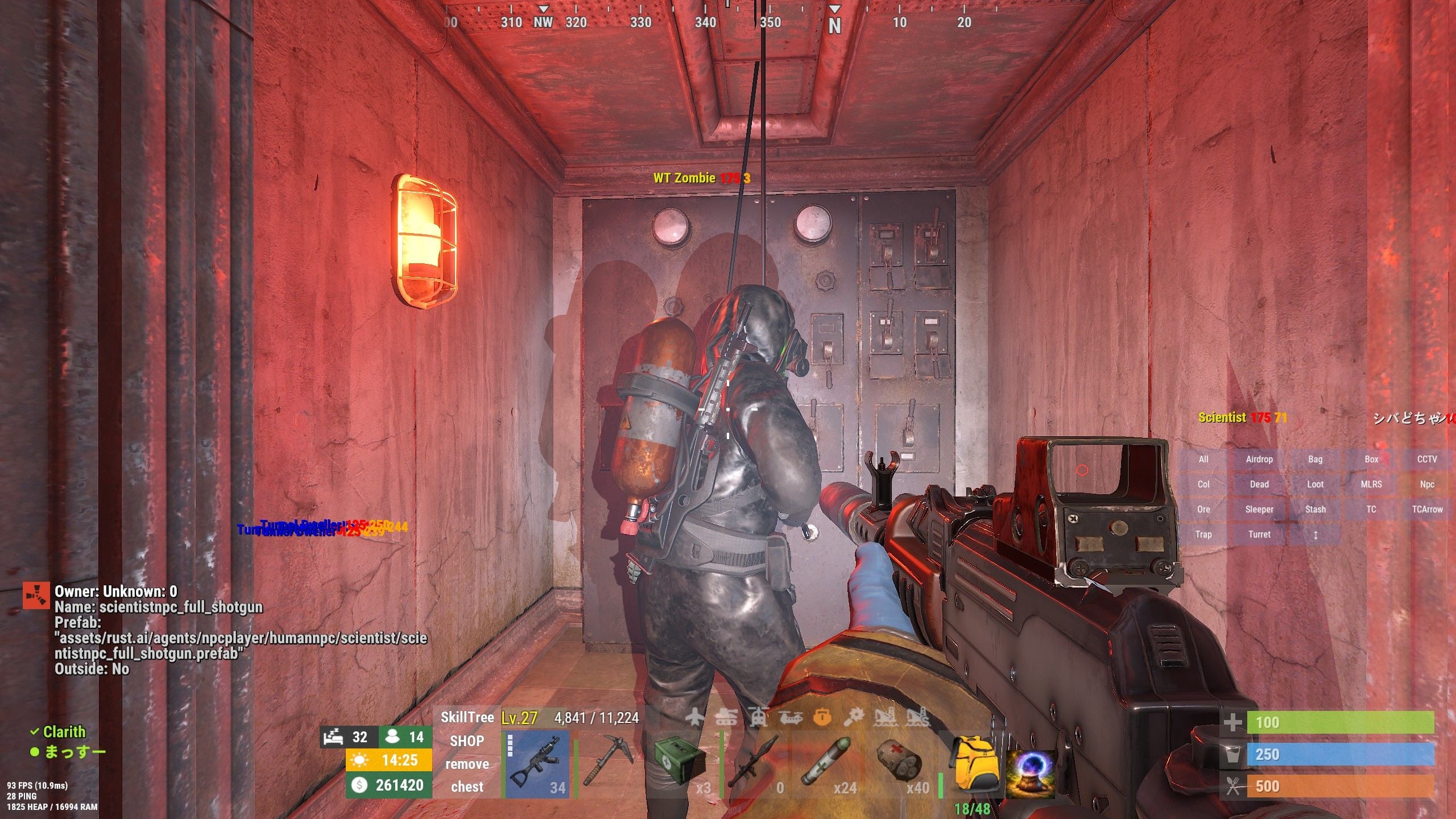
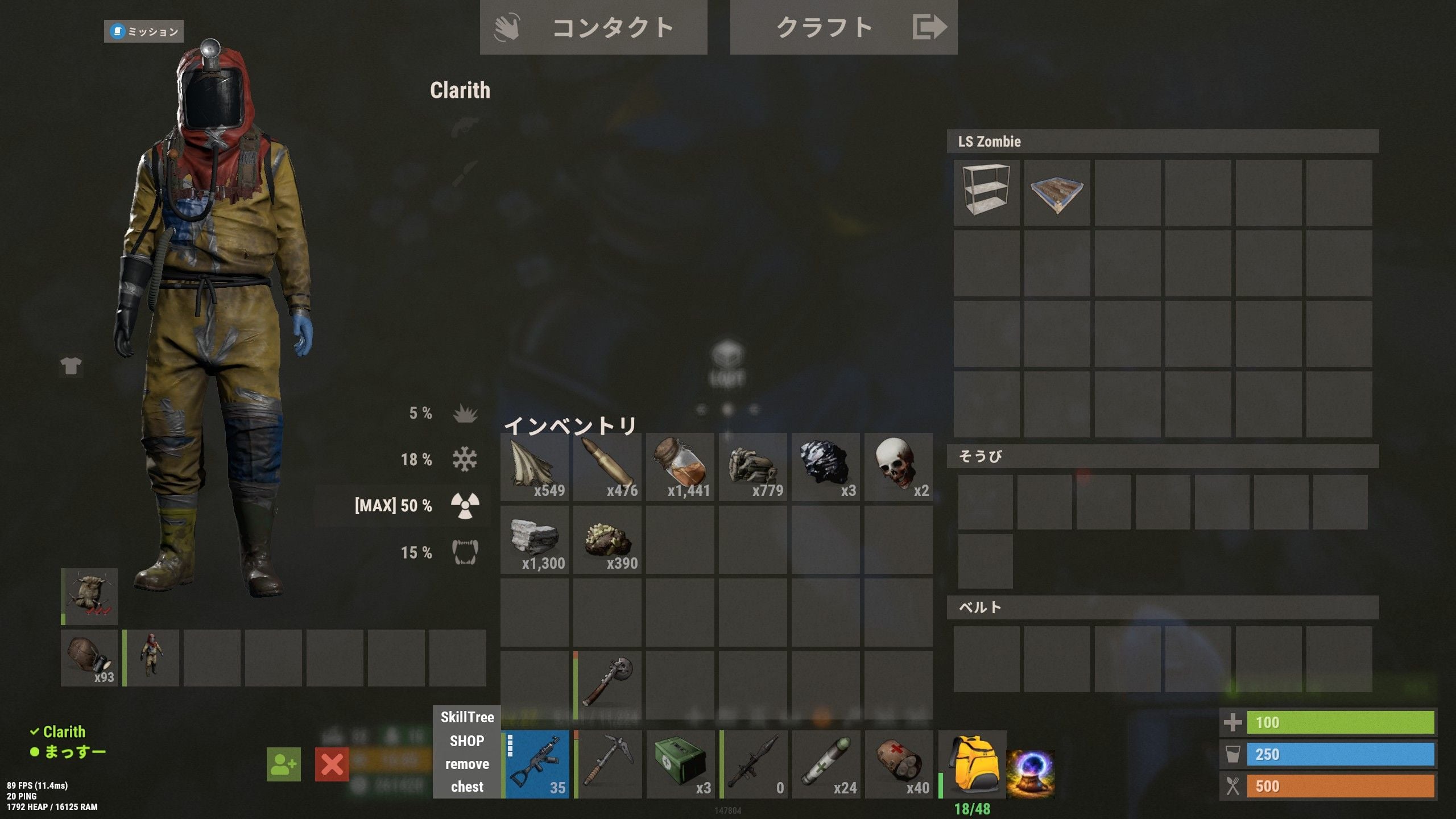
Uninstalling BRS fixes the issue. However, a new problem appears that wasn’t there yesterday: scientists now drop the skull specified in CustomLoot.
After uninstalling BRS and things return to normal, once a player kills a zombie or scientist, the issue reappears. Could this be NPC ID duplication like before?
NPCs from Scientist2 (AIGen2) seem unaffected. The ones impacted might be regular Scientists and Heavy Scientists.
-
5 minutes ago, maxalt said:
こんにちは。
今シーズンから、以前とは少し違った形で科学者の方々と接点を持つようになったように感じています。問題は、特定のモニュメント(ミサイルサイロ、軍事トンネル、深海)にいる科学者たちが、BRSによって用意されたゾンビに変貌しているように見えることです。
しかし、彼らの外見は変化せず、戦闘中は通常の科学者として行動します。ただし、ドロップアイテムは一貫性がなく、科学者の戦利品が手に入る場合もあれば、CustomLootのゾンビの頭蓋骨しか手に入らない場合もあります。科学者を殺害すると、次のログが表示されます:
WT Zombie[881334] は ???[7656119] によって (993.05, -13.29, 1787.35) で殺害されましたWTゾンビは浄水場のゾンビにのみ割り当てられるはずだったが、今回のキルはミサイルサイロで発生した。

Just in case, I’ll let you know what I changed since last season.
I increased the number of bots — it’s currently 896.
Also, it feels like scientists have disappeared from the Military Base.I’m not sure if it’s related, but I wanted to mention it.
-
Hello.
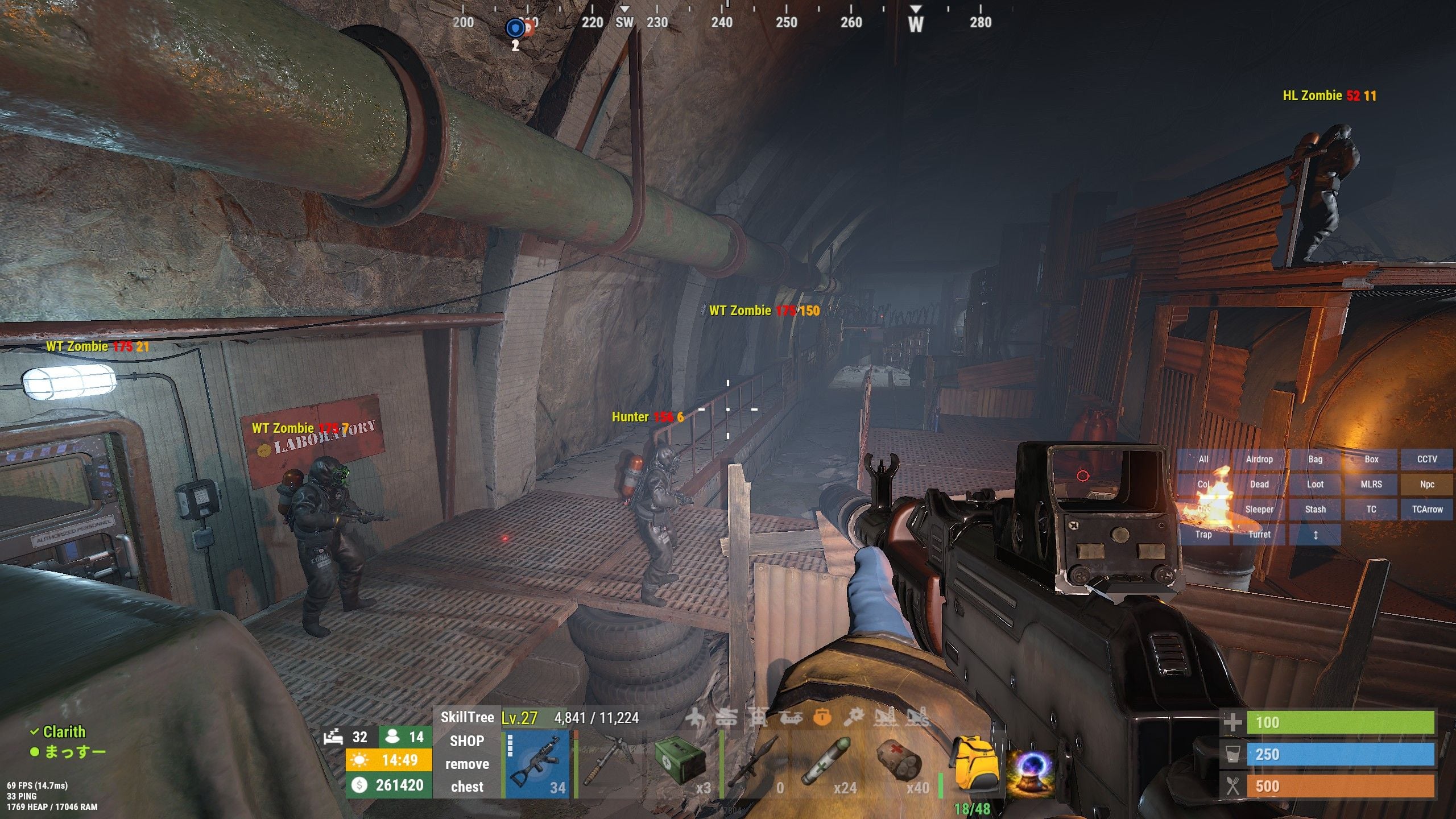
Since this season, I’ve been seeing a slightly different kind of overlap with scientists compared to before.The issue is that scientists at certain monuments (Missile Silo, Military Tunnels, Deep Sea) seem to be turning into zombies prepared by BRS.
However, their appearance doesn’t change — when engaged, they behave as normal scientists. But their loot is inconsistent: sometimes it’s scientist loot, and other times it’s only the zombie skull from CustomLoot.When killing a scientist, the following log appears:
WT Zombie[881334] was killed by ???[7656119] at (993.05, -13.29, 1787.35)WT Zombie is supposed to be assigned only to zombies at the Water Treatment Plant, but this kill happened at the Missile Silo.

-
Thank you for such an incredibly fun plugin!
I had a quick question: if I create a custom permission node using addtestpermsnode and assign permissions from another plugin to it, what happens if a player acquires that node and then performs a respec while those permissions are active?Will the permissions remain while all skill points are reset, allowing players to exploit this as a workaround?
-
On 2026/1/5 at 午前4時9分, David said:
返信が遅くなってすみません、留守中でした。問題は、ボタンを「SkillTree」と呼んでいて、おそらくそのプラグインの作者がUIで使っている名前と同じだということです。ボタンの名前を変えれば改善するはずです。
Long time no see.
It seems this issue still hasn’t been resolved.
I changed the button name to something completely different, but the problem where the button disappears after opening and closing the SkillTree still persists.
If I open and close a UI like the recycler, the button comes back.
There are no other issues, but it’s a bit inconvenient to use.-
 1
1
-
-
For example, if I set Access Granted to false, and instead I want to make Blacksmith the Ultimate for BuildCraft,
would this be the correct way to do it?"Access Granted": { "Permission required to show this node": null, "Minimum prestige required to unlock this node": 0, "Minimum player level required to unlock this node": 0, "Skill required to unlock node [Requires max level]": null, "Skill that if unlocked, will prevent this node from unlocking": null, "enabled": false, "max_level": 1, "tier": 100, "value_per_buff": 1.0, "buff_info": { "Key": "Build_Craft_Ultimate", "Value": "IO" }, "icon_url": "https://www.dropbox.com/s/58hmrgytnntn314/Access_Granted.png?dl=1", "skin": 2873051221, "permissions": null }, "Blacksmith": { "Permission required to show this node": null, "Minimum prestige required to unlock this node": 0, "Minimum player level required to unlock this node": 0, "Skill required to unlock node [Requires max level]": null, "Skill that if unlocked, will prevent this node from unlocking": null, "enabled": true, "max_level": 1, "tier": 100, "value_per_buff": 1.0, "buff_info": { "Key": "Build_Craft_Ultimate", "Value": "IO" }, "icon_url": "https://www.dropbox.com/s/b4k6p03u77x9d7t/Blacksmith.png?dl=1", "skin": 2873051294, "permissions": null -
On 2026/2/19 at 午前6時56分, imthenewguy said:
コンソールコマンド: strespecallplayers
Since it's a “respec,” that means they can reassign their points.
Sorry, I understand now! -
Does this command reset the player’s levels?
Or will they be able to reassign points to each node based on the levels they had previously earned? -
Is there a command to force-respec all players during a wipe, or something similar?
-
Thanks for the reply!
So, will the accelerated time stop once it reaches 10:00?
I haven't tested it yet, though…Anyway, I'm really looking forward to the update!
-
On 1/16/2026 at 4:45 AM, ZEODE said:
Is the loot in the crates correct? Normally an error like could point to a container being killed before my plugin logic runs. Or perhaps a error in your loot tables. You will have to upload your config file for me to help
I’m really sorry to bother you again,
but I would appreciate it a lot if you could reply when you have time.
-
With the settings below, when I check MagicClockPanel, the time moves extremely fast even during the day (like 10:00 or 13:00).
Are my settings incorrect?Also, even if I unload the plugin, the accelerated time speed remains.
When I turn on Debug Mode and reload the plugin, it shows “day is active”,
but even at 18:00, 19:00, or 20:00 it never says “night is active.”However, the time progression does seem to speed up according to the night settings.
The strange thing is that even at 7:00 or 8:00 in the morning, the time is still accelerating,
as if it never switches back to daytime speed.{ "Settings": { "dayTime": 113, "DEBUG": false, "nightTime": 7, "Preset": false, "Preset_Day (if Preset is true)": 24, "Preset_Month (if Preset is true)": 7, "Preset_Year (if Preset is true)": 2021 } } -
https://codefling.com/files/support/26227-will-this-nre-also-be-fixed-in-the-next-update/
Thank you for the reply.
Here it is!
Thank you in advance.
-
Or is this caused by a mistake in my loot configuration?
(21:36:06) | [Heli Signals] Error in OnLootSpawn timer: Object reference not set to an instance of an object
(21:36:06) | [Heli Signals] StackTrace: at Oxide.Plugins.HeliSignals+<>c__DisplayClass90_0.<OnLootSpawn>b__0 () [0x000a3] in <c45e65ae03d84f24af42870995c0032b>:0
(21:36:06) | [Heli Signals] Error in OnLootSpawn timer: Object reference not set to an instance of an object
(21:36:06) | [Heli Signals] StackTrace: at Oxide.Plugins.HeliSignals+<>c__DisplayClass90_0.<OnLootSpawn>b__0 () [0x000a3] in <c45e65ae03d84f24af42870995c0032b>:0
(21:36:06) | [Heli Signals] Error in OnLootSpawn timer: Object reference not set to an instance of an object
(21:36:06) | [Heli Signals] StackTrace: at Oxide.Plugins.HeliSignals+<>c__DisplayClass90_0.<OnLootSpawn>b__0 () [0x000a3] in <c45e65ae03d84f24af42870995c0032b>:0
(21:36:06) | [Heli Signals] Error in OnLootSpawn timer: Object reference not set to an instance of an object
(21:36:06) | [Heli Signals] StackTrace: at Oxide.Plugins.HeliSignals+<>c__DisplayClass90_0.<OnLootSpawn>b__0 () [0x000a3] in <c45e65ae03d84f24af42870995c0032b>:0
(21:36:06) | [Heli Signals] Error in OnLootSpawn timer: Object reference not set to an instance of an object
(21:36:06) | [Heli Signals] StackTrace: at Oxide.Plugins.HeliSignals+<>c__DisplayClass90_0.<OnLootSpawn>b__0 () [0x000a3] in <c45e65ae03d84f24af42870995c0032b>:0
(21:36:06) | [Heli Signals] Error in OnLootSpawn timer: Object reference not set to an instance of an object
(21:36:06) | [Heli Signals] StackTrace: at Oxide.Plugins.HeliSignals+<>c__DisplayClass90_0.<OnLootSpawn>b__0 () [0x000a3] in <c45e65ae03d84f24af42870995c0032b>:0
(21:36:06) | [Heli Signals] Error in OnLootSpawn timer: Object reference not set to an instance of an object
(21:36:06) | [Heli Signals] StackTrace: at Oxide.Plugins.HeliSignals+<>c__DisplayClass90_0.<OnLootSpawn>b__0 () [0x000a3] in <c45e65ae03d84f24af42870995c0032b>:0
-
-
Hello!
Thank you for this amazing plugin.
There has never been another helicopter-related plugin with this level of flexibility — it truly stands out.Yesterday, I encountered an NRE.
It might be the same issue as the one mentioned here (consol - サポート - Codefling),
but unfortunately I was not in-game at the time, so I could not see what exactly happened.
Also, the player who triggered the event (the one who shot down the helicopter) did not report anything unusual,
so I only have limited information.Here is what I currently know:
The player used HeliSignal (Medium)
The following error occurred:
Failed to run a 1800.00 timer in 'HeliSignals v1.2.32' (NullReferenceException: ) at (wrapper managed-to-native) UnityEngine.Component.GetComponentFastPath(UnityEngine.Component,System.Type,intptr) at UnityEngine.Component.GetComponent[T] () [0x00021] at Oxide.Plugins.HeliSignals+<>c__DisplayClass148_0.<RetireHeli>b__0 () [0x0001b] at Oxide.Core.Libraries.Timer+TimerInstance.FireCallback () [0x00018]
About 3 days ago, another player attempted several runs using HeliSignal (Easy/Expert),
but none of those produced this error.That's all the information I have for now.
I’m very sorry that the details are so limited,
but if you could tell me what might be causing this, it would really help.I will also attach my current config file.
Thank you in advance! -
With the latest version, the console seems to output the same log twice.
Is this intended behavior?
Is it possible to make it display only once?(20:18:25) | [Shop] Player ??? (7656119) bought items for 3000RP$: [ITEM-41] jackhammerx1(DN: , SKIN: 0)[x1].
(20:18:25) | [Shop] Player ??? (7656119) bought items for 3000RP$: Jackhammer[x1].
-
No, that doesn’t seem to be the case.
By the way, I found one more thing:
I’m also using a plugin called Backpacks, and here’s what happens:
I open SkillTree through a CustomButtons UI button
After closing it, the button disappears
Then if I open something like a recycler or a Backpacks window
When I close it, the UI button reappears
That’s the current behavior.
-
14 hours ago, maxalt said:
まずは、この素晴らしいプラグインをありがとうございます。
新しいボタンを追加しましたが、そのボタンだけが一度クリックすると消えます。
すべての設定が他のボタンと同じなので、なぜこうなるのか分かりません。もしプラグインが死んだり再起動すると、ボタンは再び現れますが、
クリックするとまた消えてしまいます。これが原因になっているかご存知ですか?
コンソールエラーは一切ありません!
https://codefling.com/files/support/9022-button-vanish-skill-tree/
-
Is there any hint inside CustomButtons.cs?
What kind of keywords should I search for to find the UI element name?
I know this might not really be something I should be asking you,
but it would really help me a lot if you could tell me…
-
Is there anything I can do on my end to prevent this issue?
-
When I add the /st command to the plugin linked below, pressing the UI button causes it to disappear.
Other UI-based plugins such as Shop work without any issues, so I’m wondering if the SkillTree UI might be causing the conflict.
Do you think SkillTree could be interfering with this plugin’s UI?
-
First of all, thank you for this amazing plugin.
I added a new button, but only that button disappears after I click it once.
All of its settings are the same as the other buttons, so I’m not sure why this is happening.If I die or reload the plugin, the button appears again —
but as soon as I click it, it disappears once more.Do you know what might be causing this?
There are no console errors at all!
-
Thank you for the quick reply!
It’s been resolved. Thank you so much! -
ご返信ありがとうございます。
もしそのUIの動作が意図されたものであれば、理解できます。ありがとうございます。もう一つ質問があります。
プレイヤー設定でXP HUDを有効にしても、画面のどこにも表示されません。
なぜこのようなことが起こるのかご存知ですか? -
-
I recently purchased this plugin, and after loading it, when I open the UI with /st, the top buttons such as Mining, WoodCutting, etc. appear shifted to the right, as shown in the image.
Is there a way to center these UI elements properly? -
混乱してしまったので、説明をお願いします。
例えば、現在、予定されているイージーイベントをクリアすると、NormalLockout UI が表示され、90分(ナイトメアは180分)と表示されます。
しかし、別の予定イベントに参加しようとすると、チャットに次のようなメッセージが表示されます。「2時間57分5秒間、イージーレイドに参加できません」
ロックアウト時間は90分に設定されているのに、チャットメッセージには3時間のクールダウンと表示されます。なぜでしょうか?
私が達成したいことは次のとおりです。
プレイヤーがチームに所属している場合、一部のメンバーがレイドに参加していなくても、チーム全体がクールダウンを受ける必要があります。
スケジュールされたイベント: 1 つをクリアした後、次のスケジュールされたイベントに参加するためのクールダウンは 90 分になります (ナイトメアのみ 180 分)
購入可能な基地:どの難易度でもクリア後、クールダウンは120分になる
また、可能であれば、ロックアウトとクールダウンの違いを説明していただけますか?
私の理解は以下の通りです。ロックアウト = 次のレイドに参加するまでの待機時間
クールダウン = 購入可能なレイドにのみ適用されるもの
それは正しいですか?
私は英語が得意ではないので、これを翻訳しました。少しおかしな点があったらごめんなさい...
-
They don’t fire rockets.
They almost never shoot rockets.
Also, even though I set the crate drop count to 6, only 5 appeared.
I don’t have any other Patrol Helicopter–related plugins installed. -
Thaks!
By the way, on a different note — does version 3.0.9 include any fixes related to NPC userIDs compared to 3.0.8?
-
I see!
So if I set this option to false, does that mean bases will spawn in random locations based on the population points generated when the server starts?
-
Distance To Spawn Bought Raids From Player (500.0)
Where is the above setting located?
It doesn’t seem to exist in either the config or profile files.
I’d like to adjust how far apart player-purchased Raidable Bases are spawned!
-
So, even after setting the gender to Male and the skin tone to Light, it still doesn’t seem to be fixed.
In particular, the three scientists at the Airfield monument puzzle still look like scientists on the outside, but internally they are treated as Zombies, and their loot only contains a skull — the one defined in the CustomLoot profile.
Also, a UnityEngine error appears in the top-left corner — could this be related?
-
Same error here.
The bot is 746.
Failed to call hook 'OnPlayerDeath' on plugin 'BotReSpawn v1.4.3' (ArgumentException: An item with the same key has already been added. Key: 1)
at System.Collections.Generic.Dictionary`2[TKey,TValue].TryInsert (TKey key, TValue value, System.Collections.Generic.InsertionBehavior behavior) [0x000dd] in <f98723dd4586469db5213ec59da723ca>:0
at System.Collections.Generic.Dictionary`2[TKey,TValue].Add (TKey key, TValue value) [0x00000] in <f98723dd4586469db5213ec59da723ca>:0
at Oxide.Plugins.BotReSpawn.OnEntityKill (ScientistNPC npc, HitInfo info, System.Boolean killed) [0x005a0] in <29374630ed504a5480dd0af9ff4e0462>:0
at Oxide.Plugins.BotReSpawn.OnPlayerDeath (BasePlayer player, HitInfo info) [0x00080] in <29374630ed504a5480dd0af9ff4e0462>:0
at Oxide.Plugins.BotReSpawn.DirectCallHook (System.String name, System.Object& ret, System.Object[] args) [0x00f39] in <29374630ed504a5480dd0af9ff4e0462>:0
at Oxide.Plugins.CSharpPlugin.InvokeMethod (Oxide.Core.Plugins.HookMethod method, System.Object[] args) [0x00079] in <42f9bedc659b4f4786eb778d3cd58968>:0
at Oxide.Core.Plugins.CSPlugin.OnCallHook (System.String name, System.Object[] args) [0x000de] in <112d89ea5d3348c8b949af0ab1a866d2>:0
at Oxide.Core.Plugins.Plugin.CallHook (System.String hook, System.Object[] args) [0x00060] in <112d89ea5d3348c8b949af0ab1a866d2>:0
-
You’re truly a genius.
Thank you so much!
I haven’t tested it yet, but I’ll give it a try.

-
2 minutes ago, maxalt said:
申し訳ありませんが、防護服がDLCアイテムになったようです。
Additionally, it seems that the **Large Backpack** has also become a DLC item…
-
Sorry, it seems that the Hazmat Suit has now become a DLC item.
-
Sorry, I still have a few questions.
On my server, I’m only using the Difficulty_Loot files.For Easy, about 150 items are loaded with 30 loot rolls.
Because of that, the dog tag rarely appears — maybe about 2 out of 10 times.For Medium, 236 items are loaded with 60 loot rolls.
The dog tag usually appears, but not always — maybe 6 out of 10 times.For Nightmare, 293 items are loaded with 150 loot rolls.
The dog tag always appears.Currently, in each Difficulty_Loot, for example in Easy,
I have C4 = amountMin 3, amountMax 7, probability 0.5.
For Medium, it’s a bit higher, and for Nightmare, quite a bit higher —
but the probability for all of them is 0.5.So, if I set the probability to 0.5 in Base_Loot, what happens?
Will it still always appear?Also, if I set amountMin 0, amountMax 5, probability 1.0,
since amountMin is 0, does that mean it still might not appear
even though the probability is 1.0?In my case, would it be better to just use Base_Loot only?
Or should I use both Difficulty_Loot and Base_Loot?
What would be the best setup?The items I want to always appear are the dog tag and resource-type items like scrap.
Other things — like C4 or M249 — can appear or not, that’s fine! -
Thank you so much!
Just to make sure I understand correctly —
The issue I want to solve is that for some difficulties, the dogtag sometimes appears and sometimes doesn’t, but I want it to always appear.
For Nightmare, I’m actually happy with the current behavior (the dogtag always drops), even if that’s because the loot table is small — that’s the intended result.
However, for Easy and Medium, there’s no guarantee that it will appear, and I want to make it always drop.
If I use RBLootEditor, and load Base_Loot/Easy.json, then add the dogtag there with a 1.0 probability, will that solve the issue?
-
Thank you for your reply.
So, if I add dogtag to Base_Loot/Easy.json and set the option you mentioned in the profile to True, that would make it appear 100% of the time, while the regular loot items would still be selected from Difficulty_Loot/Easy.json — is that correct?
However, even though Base_Loot/Nightmare.json is also empty like Easy, the TC always drops a dogtag in Nightmare.
Why is that?
-
I’m sorry for always asking so many questions…
Actually, I’m having trouble because a resource item set with a 1.0 probability sometimes doesn’t appear in the TC.
The strange thing is, in **Nightmare** difficulty it always appears, but in **Easy** or **Medium** it sometimes does and sometimes doesn’t.
The item’s probability is definitely 1.0 in `Difficulty_Loot/Easy.json`, and the Amount value is fine (it’s the same as in `Nightmare.json`).
Also, in the config file, the item isn’t listed among those excluded from appearing in the TC.
What could be causing this? -
Thank you for this amazing plugin!
I noticed something today: when I try to add a Large Backpack from the in-game admin Shop panel, it shows up as LargeBackpack* — with the asterisk in red — and it can’t be purchased.
Why is that? -
It seems that scarecrows are spawning during the current Halloween event, and the breathing assets have returned.
Will they be removed again with next month’s wipe?
I’d be happy if the breathing stayed.
-
Thank you so much for your quick response and support

I’m really happy to be able to use such an amazing editor thanks to your genius!
-
Is it possible to have four display lines for Health, Thirst, Hunger, and Economics?
-
The vanilla rocket launcher now shows a “DLC” tag and gives a warning saying it violates the TOS.
Is this a problem? -
Thank you very much!
If possible, I would love for this to be implemented!
It would be amazing if the config file had an option to toggle whether cooldowns and daily limits are shared within a team — something like a True/False setting!
-
If players are in a team, is it possible to make them share cooldowns and daily limits?
For example, let’s say there’s a two-person team: A and B.
If A purchases something with a cooldown (whether a command or an item), they won’t be able to buy it again until the cooldown ends (that’s how it currently works).
I’d like that timer to also apply to B.
So when B tries to buy the same thing, it would be hidden or unavailable because the cooldown timer is active.
Is this possible?
-
On 10/1/2025 at 6:05 PM, Steenamaroo said:
That's how peacekeeper is set up to work.
Peacekeeper npcs will ignore you if you're not hostile.
Once you've attacked those other npcs, the peacekeeper:true npc sees that you are hostile and considers you a target.
There isn't really a way to make npcs ignore you until you attack them directly.
It used to be that way a long time ago but it was weird because you could have had a group of npcs but the fight was essentially just sequential 1V1, if you were careful.One way you could get closer, with current settings, would be to reduce npc Aggro Distance.
In that case directly hitting an npc would get their attention regardless,
but a peacekeeper:true npc would ignore you, while you're hostile, unless you come quite close to them?Good evening!
I’m a bit confused about this issue.
On my server, I have bots spawned like this:A: Zombies that wander around almost the entire map
B: A very strong boss that spawns in the center of the map and roams within half the map’s radiusA becomes hostile as soon as you approach.
B has Peacekeeper: True, so it doesn’t become hostile even if you get close.I tried setting the AggroRange to the minimum value as you taught me before, but it didn’t work.
I set B’s AggroRange to 10 (the minimum in the in-game UI) and respawned it.
Then, when I killed A about 20 meters away, B immediately became hostile.
Why is that?Also, when I open default-CustomProfiles.json directly from the server files, it seems I can set AggroRange to 0.0 — is that a bad idea?
-
thank you!!
If I change this part at the beginning of /Profile/[difficulty].json"Difficulty": "Nightmare", "Difficulty Level": 4,
to something like "Abyss" and also adjust the level, will it be applied?
-
On 10/15/2025 at 7:56 PM, nivex said:
hi, no, you can make them immune with Building Blocks Are Immune To Damage but that's about it
"Building Blocks Are Immune To Damage": true,
Will this setting make it so that walls and floors no longer take damage from players?
-
1 hour ago, maxalt said:
問題は解決しましたので、このまま閉じてください。
ご迷惑をおかけして申し訳ございません。After using the Defibrillator, the player’s inventory and belt become disordered compared to right before they died.
Is this intended behavior? -
18 minutes ago, maxalt said:
/bm.giveall を実行すると、「UnknownCommand」が返されます。
何が問題なのでしょうか?It’s been resolved, so please go ahead and close this.
Sorry for the trouble... -
When I execute /bm.giveall, it returns “UnknownCommand.”
What could be the problem? -
Thank you!
That solved it.
May I ask one more question? It’s a completely different topic — in Profile/[difficulty].json, for example in Nightmare mode, is it possible to make walls or floors even more durable than high-quality metal?Well-equipped players tend to ignore garage doors or armored doors and break through the walls instead.
I’d like to make it so that walls can still be destroyed, but at a higher cost than normal.
Is that possible? -
-
Murderers don’t have the setting item "Spawn Alternate Default Scientist Loot": — is this setting shared with them?
-
I see

That makes sense!
Thank you! I’ll try that setting!
-
Can I ask about bot hostility?
Recently, I’ve been having trouble: there is a strong Bot with Peacekeeper: true.
However, the surrounding Bots have Peacekeeper: false, so when a player kills one of those Bots, the strong Bot (Peacekeeper: true) starts attacking.
No bullets hit it at all.
Why is this happening?
Is there a way to make it so that they absolutely won’t attack unless they are directly hit by my attack?
-
Thank you!
By the way, how is the loot of Murderers determined??
-
Sorry, I’ve solved it..
-
Thank you for the fun plugin!
I have a question about the loot items of Scientists inside Raidable Bases.
Currently, Scientists’ loot includes assault rifles, miniguns, purifiers, etc., but I want to make it the same as the loot of blue Scientists.
In this case, which items in /data/RaidableBases/Profile/[difficulty].json should I modify, and how should I rewrite them to achieve this?
-
2025年9月16日午後8時53分、Steenamarooは次のように述べています。
ええ、describeのようなコマンドでそれができます。
すぐに見てみます。
Hello,
Will the above feature be added in the next update?
Also, will you uncomment the breathing sounds of the Murderers?
-
Also, when I light a flare with right-click, a Unity error pops up in the top left.
-
By the way, the minigun barrel starts spinning as soon as it’s attached to the helicopter.
Would it be possible to make it spin only when the minigun is selected using Shift? -
Thank you so much

I really appreciate it.
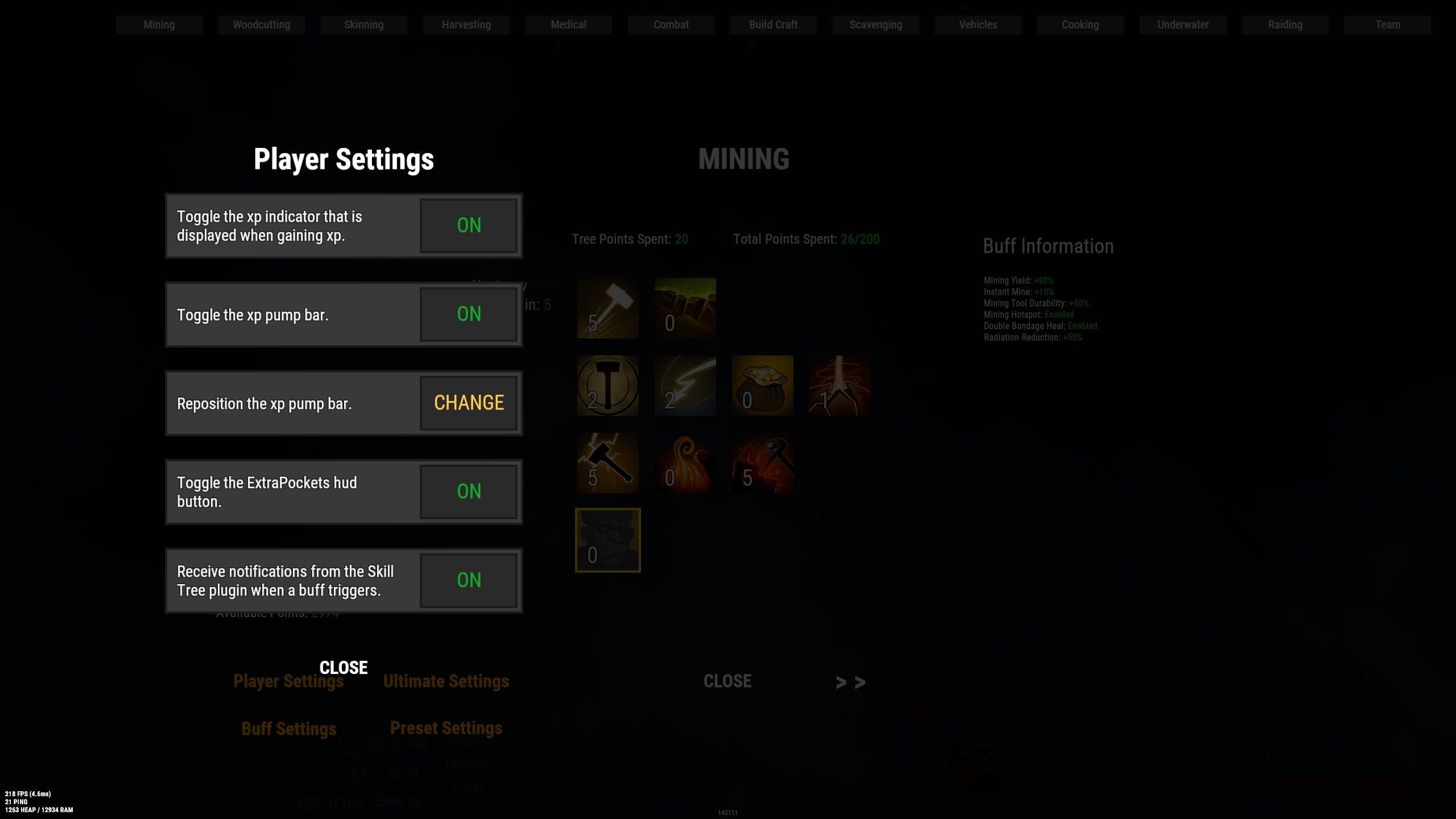
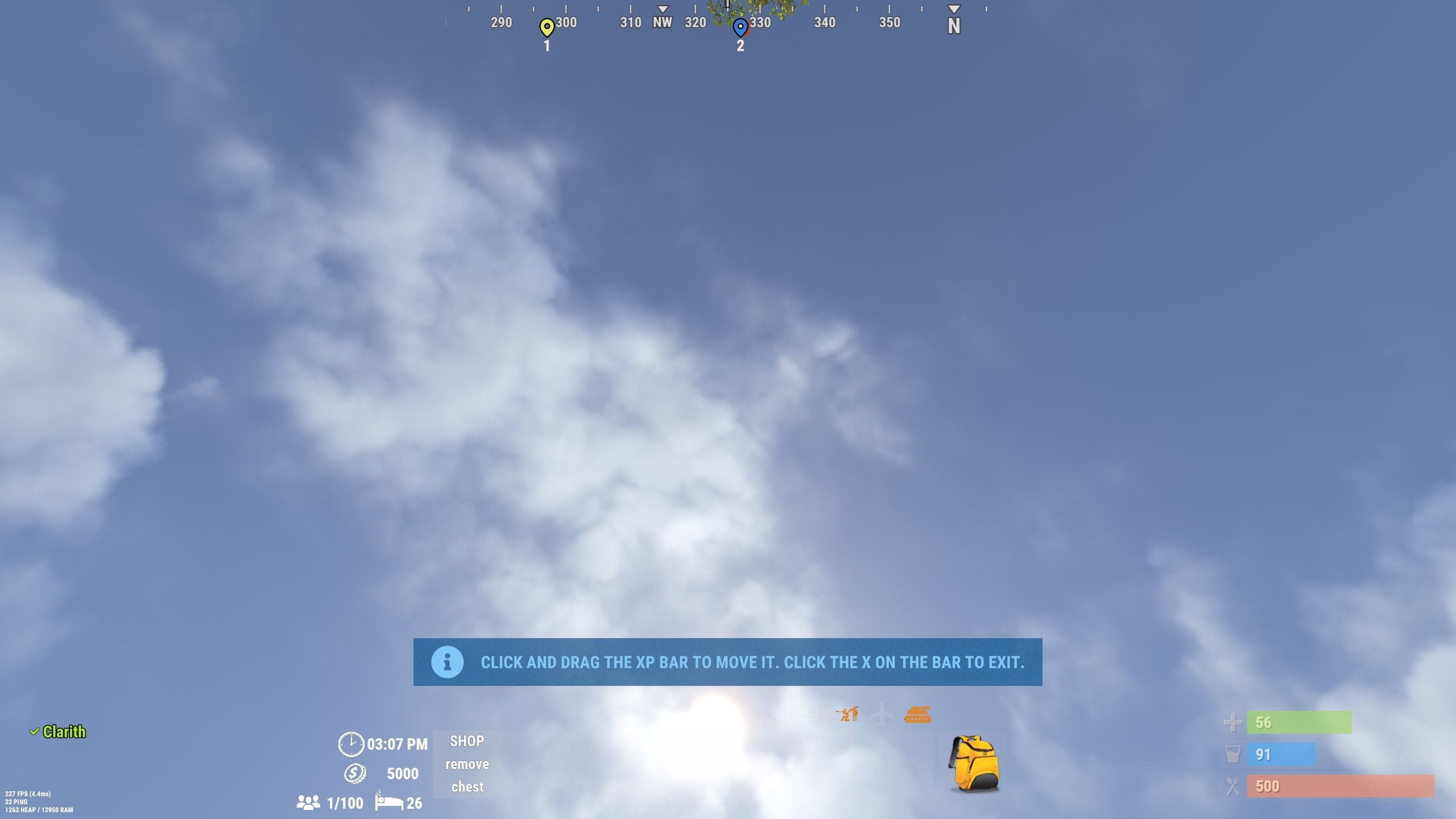
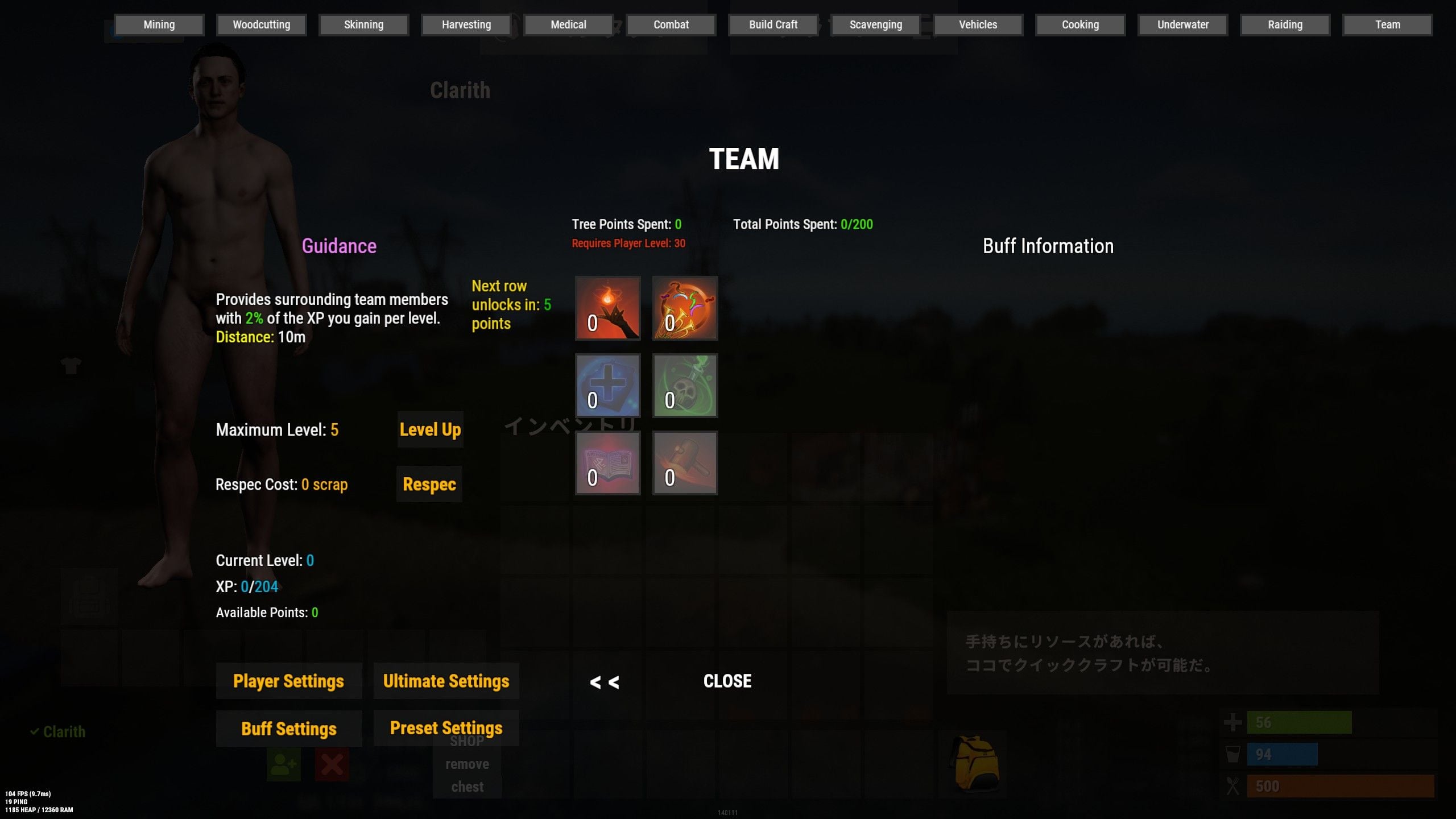 Sry
Sry
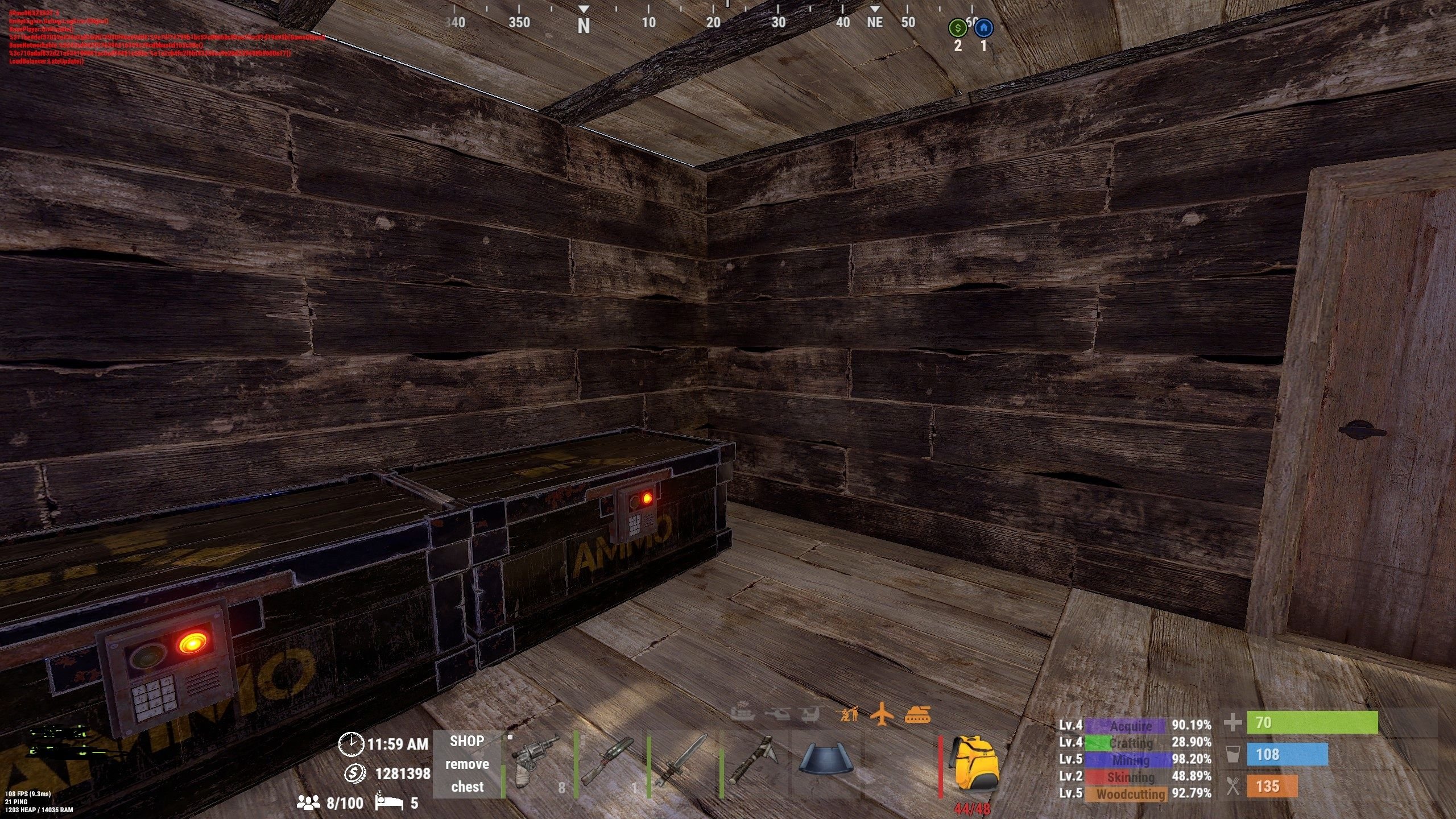
Skill points consumed
in Skill Tree
Posted
Hello!
Is it possible to set the number of skill points required to level up each node individually?