

unnefer
-
Posts
1 -
Joined
-
Last visited
Content Type
Profiles
Warranty Claims
Downloads
Forums
Store
Services
Downloads Plus Support
DOWNLOADS EXTRA
Reels
Everything posted by unnefer
-
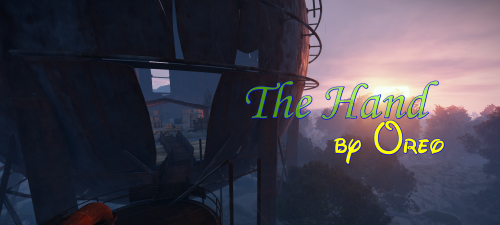 Sure there are a lot of terrain elements that are not flat on the ground and you can run under them to hide from heli, etc, but it's actually pretty good map for PvE and PvEvP. I'm not sure about others, but the way I use custom maps is to: download and extract the map zip file add the download date to the end of the map file name to prevent duplicate map id errors (eg. OreosHand_HDRP_V.1.1_20231104.map) upload the renamed map to a public file/web host or to the computer/server running your rust server. if uploaded to a public file/web host (eg. Dropbox) : I create/copy the url of the uploaded map (if using Dropbox, remove the bit at the end of the url: ?dl=0) then I add the url to your startup script (ie. server.levelurl "https://www.dropbox.com/scl/fi/hashcrap/OreosHand_HDRP_V.1.1_20231104?rlkey=blahblah") or to your Rust server control panel if uploaded to the computer/server running the rust server: I note down the file path to the map file (ie. /home/rust/maps/OreosHand_HDRP_V.1.1_20231104.map) then I add the file path to your startup script (ie. server.levelurl file:///home/rust/maps/OreosHand_HDRP_V.1.1_20231104.map") or to your Rust server control panel It's also important to remove the "server.worldsize" and "server.seed" flags from the startup script when using a custom map or it still won't use the custom map After the above and after restarting the rust server it will load the custom map Worth mentioning, the spawn points on the "OreosHand" map are not great and a lot of the times you spawn in radiation zones. I'd recommend using the 'Custom Spawn Points" mod by k1lly0u (requires "Spawns Database" mod also). Hope this helps.