-
Posts
175 -
Joined
-
Last visited
Content Type
Profiles
Warranty Claims
Downloads
Forums
Store
Services
Downloads Plus Support
DOWNLOADS EXTRA
Everything posted by VictorWang
-
Version 1.0.0
2 downloads
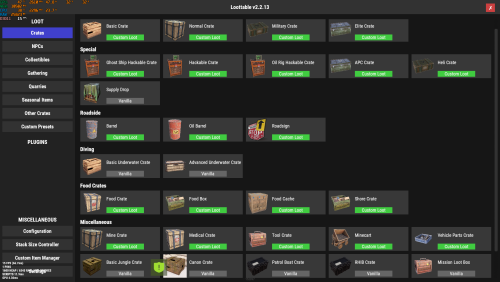
The Ultimate 2x Preset for LootTable & Stacksize GUI Are you tired of spending hours manually configuring loot tables and stack sizes for your 2x Rust server? Look no further! This is the ultimate, plug-and-play preset built specifically for the Loot Table & Stacksize GUI plugin by The_Kiiiing. Designed to provide the perfect balance between classic Vanilla gameplay and fast-paced modded progression, this preset eliminates "inventory clutter" and keeps your players engaged. -------------------------------------------------------------------------------------------------------------------------------------------------- Key Features: Zero Trash Loot (Optimized Tables): Drop rates for low-value primitive items, decorative clothing, basic electronics, and farming clutter have been significantly reduced. Double High-Tier Drops: Drop chances for high-value items (components, military-grade weapons, high-quality armor, and building essentials) have been doubled. Double Scrap (2x): The min/max quantities of Scrap in all crates and barrels have been doubled so your players can progress smoothly. Optimized Stack Sizes: Comes with pre-configured 2x stack limits for resources, components, and consumables to prevent players' inventories from overflowing instantly. Fully Balanced Progression: Carefully scaled from simple roadside barrels to high-tier monuments (Launch Site, Military Tunnels, Oil Rig, and Cargo Ship). -------------------------------------------------------------------------------------------------------------------------------------------------- How to Install: 1. Locate the Data Folder: Oxide: Navigate to oxide > data on your server. Carbon: Navigate to carbon > data on your server. 2. Remove Old Settings: Delete the existing Loottable folder from the data directory to ensure there are no file conflicts. 3. Upload the Files: Upload the unzipped Loottable folder (and its contents) into the data directory. 4. Reload the Plugin: In your server console, type the command to load the new settings: Oxide Users: o.reload Loottable Carbon Users: c.reload Loottable Requirements: Loot Table & Stacksize GUI by The_Kiiiing (Premium plugin available on Codefling). Oxide, Carbon, or uMod framework. Support is available! If you have questions or need minor adjustments to this preset for your specific server setup, feel free to open a support ticket on this page.$1.00 -

not shure how tp find .json file for skins
VictorWang replied to jesse scordo's Support Report in Support
I'm using LSkins, does that works too ? Cause when I click Import and then select LSkins, I only have the option to open a folder, not to select a file. -
Can I request for a refund ? I have mistaken this for the RaidableBases loot profile, is there any chance I can request a refund for this ? If possible please let me know. Thank you.
-
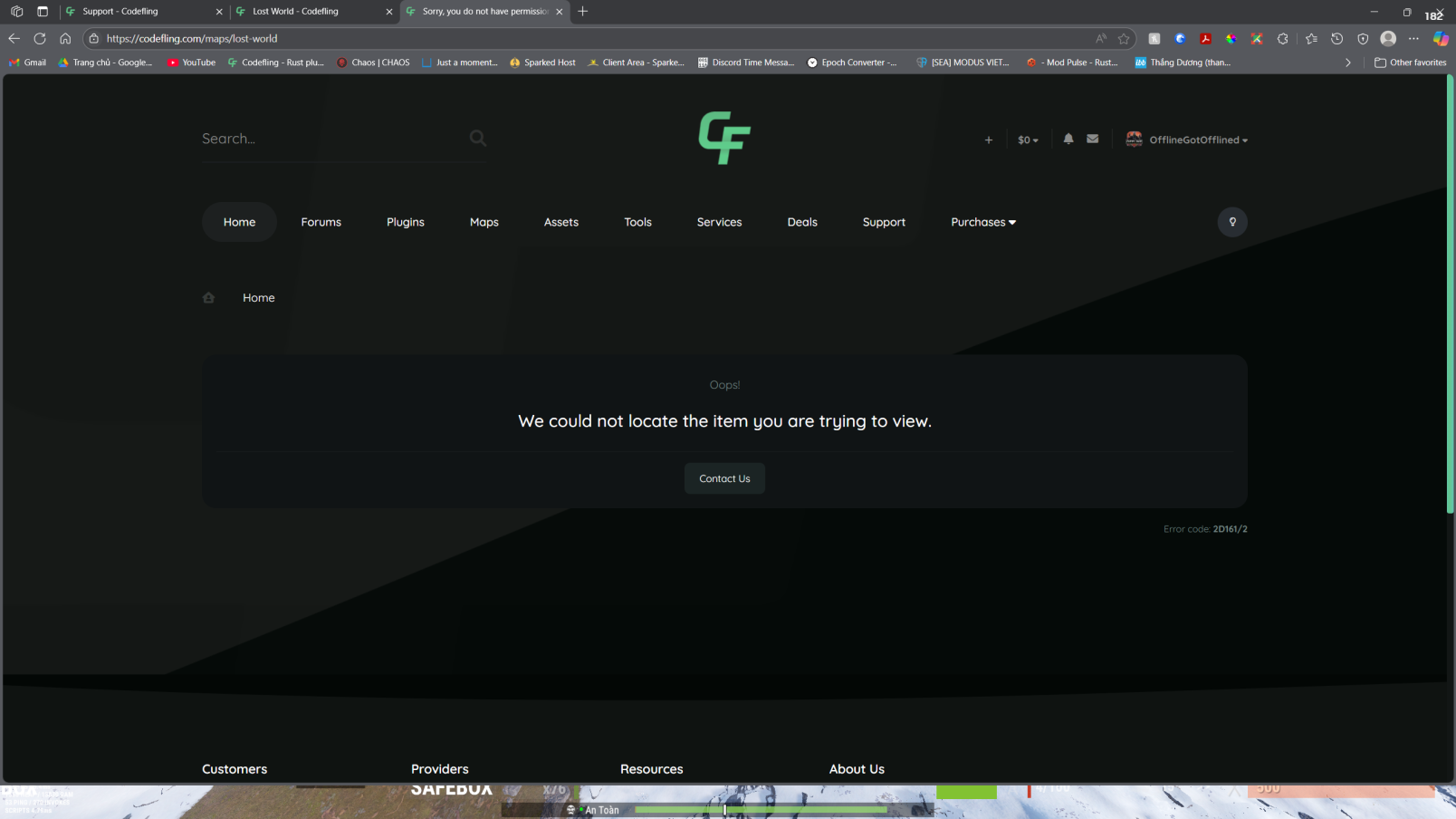
"We could not locate the item you are trying to view."
VictorWang replied to VictorWang's topic in Site Support
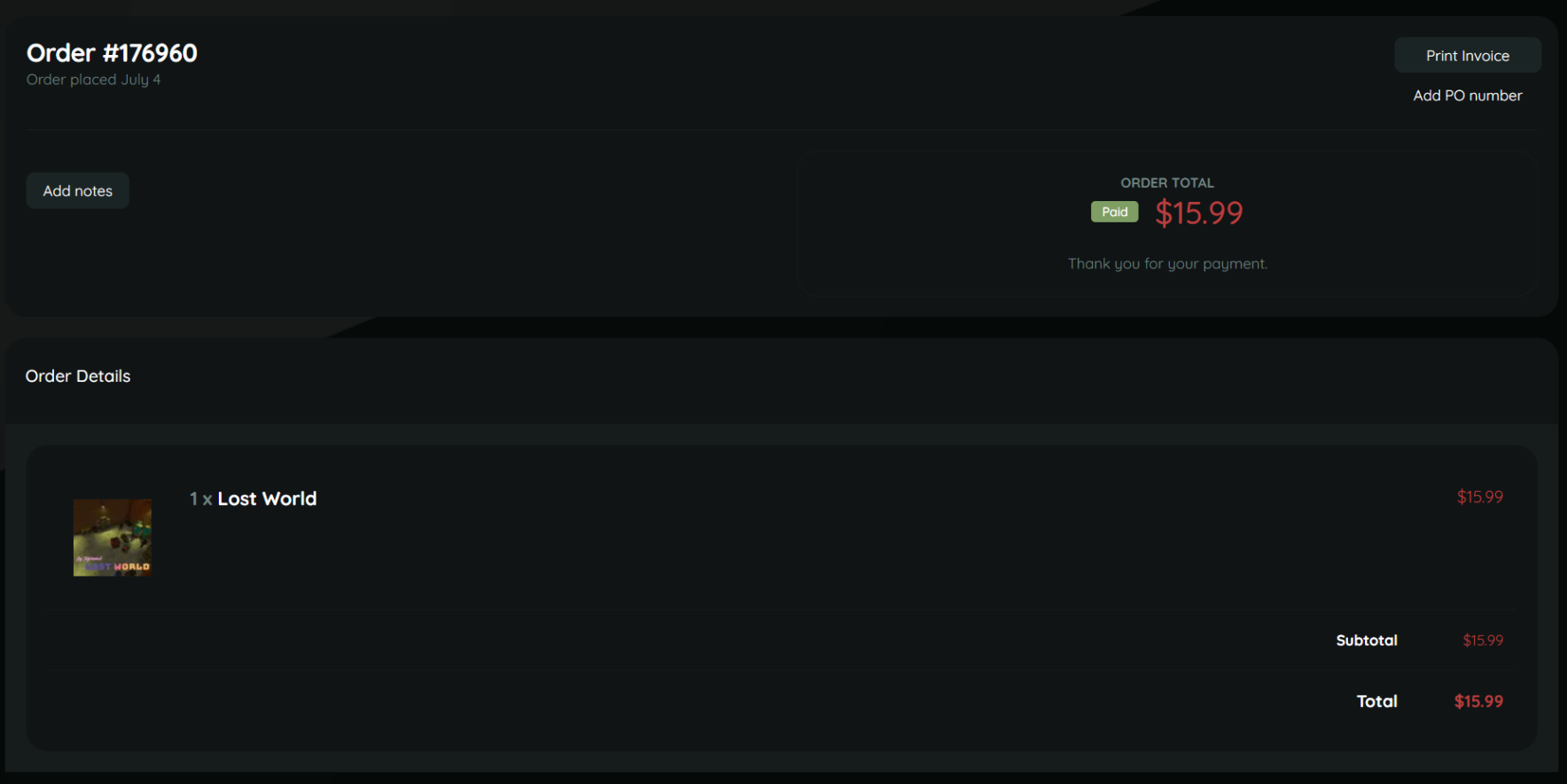
Updates* So after I created a ticket in CF discord, very quickly @Death gave me the why and then gave me a refund for the no longer exist on CF product. Thank you, -
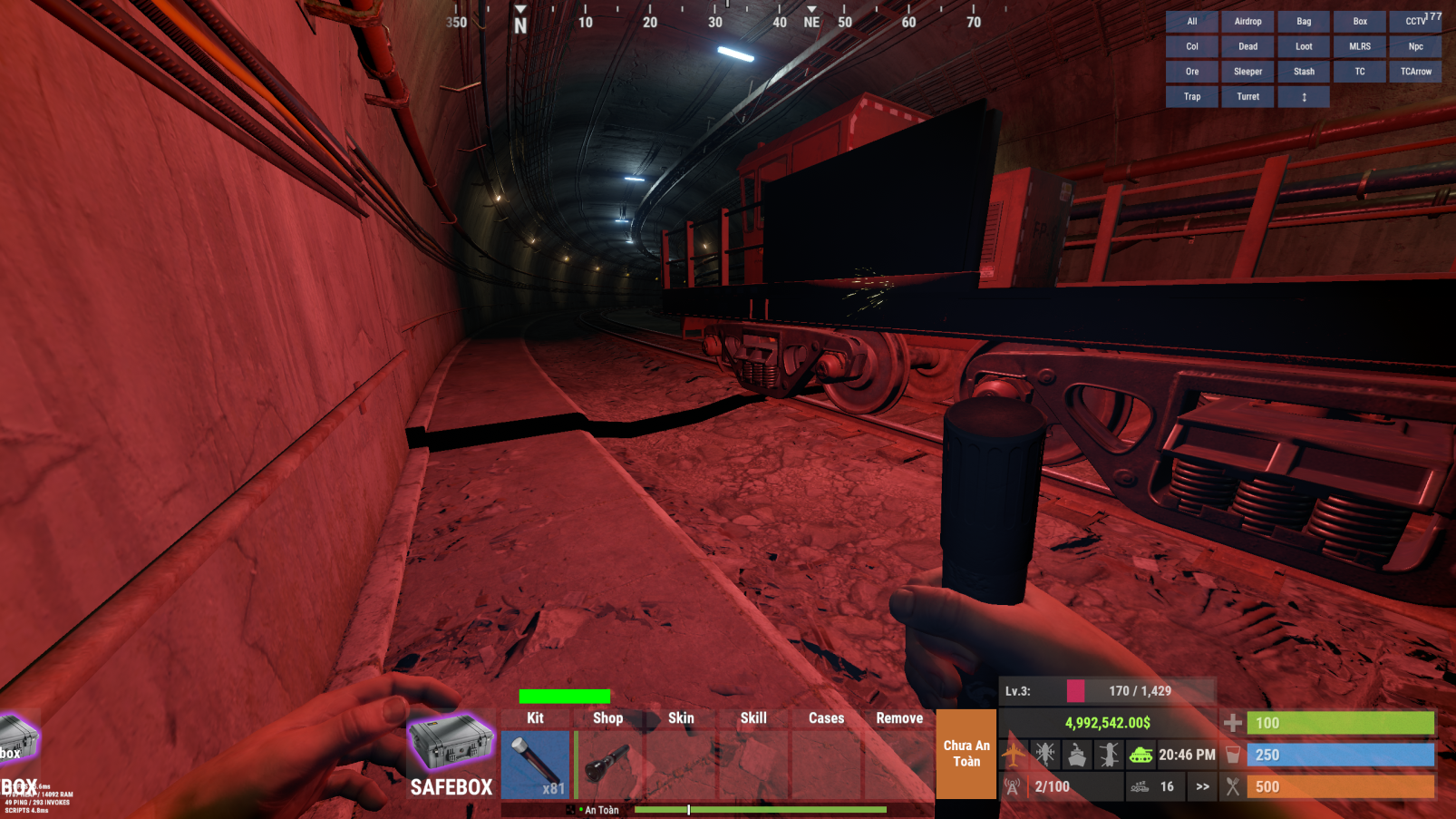
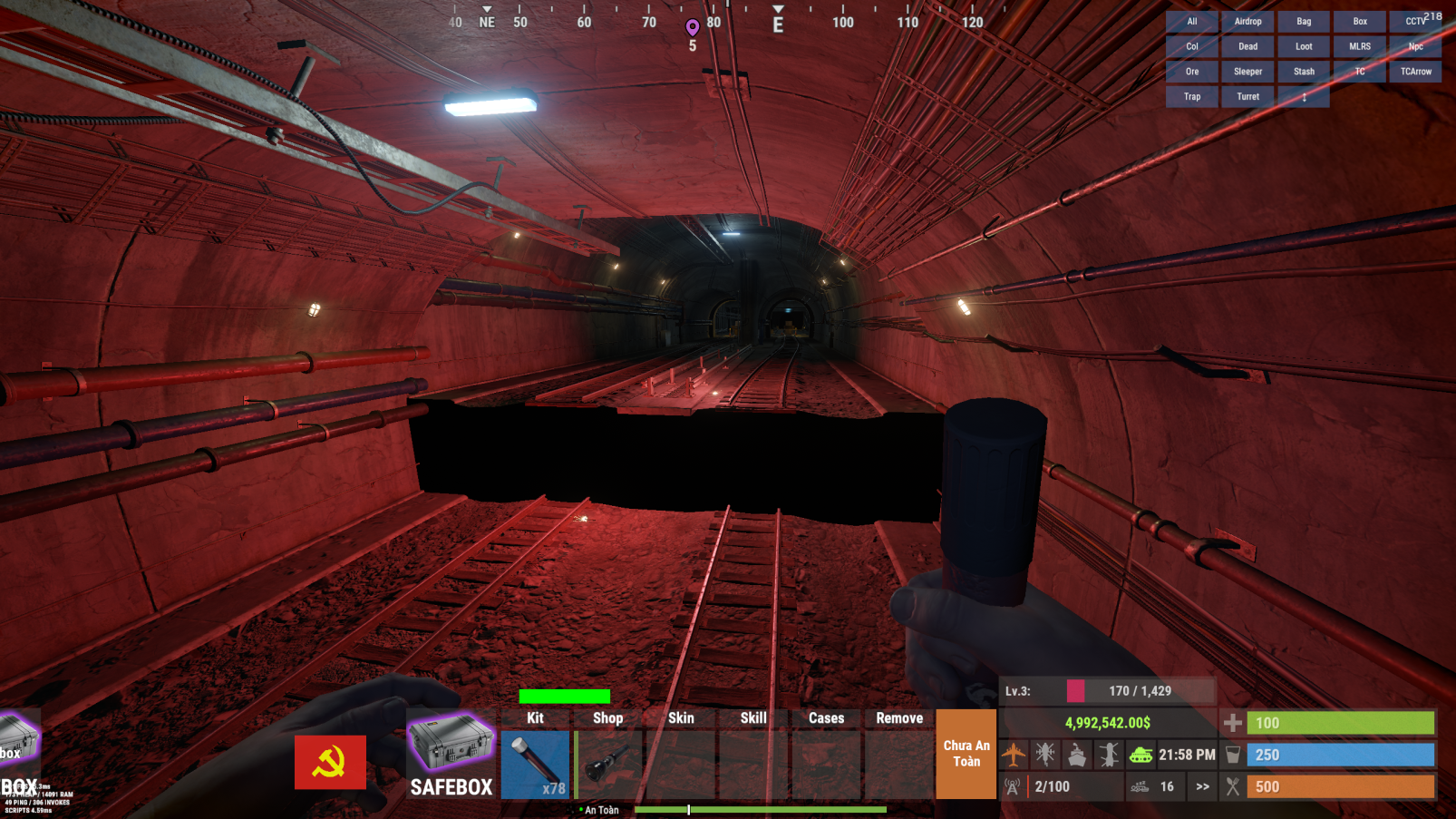
Hi everyone, I'm having problems with a map I just bought on Codefling about 2 weeks ago. Hi everyone, I'm having problems with a map I just bought on Codefling about 2 weeks ago. Everything was fine until one of my players reported to me there is a bug with the map as shown below. But then when I try to contact the map designer I believe the site said the product is no longer available on Codefling. What should I do... ? What should I do... ?

-
Thank you.
-
TEAM CAN ACCESS LOOT DOESN'T LET TEAM LOOT DEAD TEAM MEMBERS
VictorWang posted A Support Report in Support
/TEAM CAN ACCESS LOOT/ DOESN'T LET TEAM LOOT DEAD TEAM MEMBERS -
[PVPZoneStatus] You do not have one or more required plugins installed! ImageLibrary: https://umod.org/plugins/image-library ZoneManager: https://umod.org/plugins/zone-manager CustomStatusFramework: https://codefling.com/plugins/custom-status-framework Unloaded plugin PVPZoneStatus v1.0.1 by 0xF Loaded plugin PVPZoneStatus v1.0.1 by 0xF [57ms] [PVPZoneStatus] You do not have one or more required plugins installed! ImageLibrary: https://umod.org/plugins/image-library ZoneManager: https://umod.org/plugins/zone-manager CustomStatusFramework: https://codefling.com/plugins/custom-status-framework Failed compiling 'CustomStatusFramework.cs': 1. 'PlayerModifiers' does not contain a definition for 'ActiveModifierCoount' and no accessible extension method 'ActiveModifierCoount' accepting a first argument of type 'PlayerModifiers' could be found (are you missing a using directive or an assembly reference?) [CS1061] (CustomStatusFramework 42 line 841) > c.reload PVPZoneStatus Unloaded plugin PVPZoneStatus v1.0.1 by 0xF Loaded plugin PVPZoneStatus v1.0.1 by 0xF [57ms] [PVPZoneStatus] You do not have one or more required plugins installed! ImageLibrary: https://umod.org/plugins/image-library ZoneManager: https://umod.org/plugins/zone-manager CustomStatusFramework: https://codefling.com/plugins/custom-status-framework
-
Auto Door Closing time resets after Server Restart
VictorWang replied to VictorWang's Support Report in Support
Yes, I set the auto door closing time to 10 seconds and updates all, but after the server restart the time goes back to default settings (30s) -
Auto Door Closing time resets after Server Restart
VictorWang replied to VictorWang's Support Report in Support
I didn't know that would cause any trouble... Usually when I load it up and reload it automatically fixes it for me -
Auto Door Closing time resets after Server Restart
VictorWang replied to VictorWang's Support Report in Support
Here is my config file UltimateLocker.json -
Auto Door Closing time resets after Server Restart
VictorWang replied to VictorWang's Support Report in Support
Hi @Scalbox, Yes please if you don't mind, my player said they do that too but after restart the time goes back to default. Do we have to click the "Update all" after we set the time value ? -
Hi @Scalbox, There is an issue with Auto Door Closing features, when time set by players before the daily restart, everything works fine. But after the restart the timer set by players got reset and goes back to default value. Please have a look. Thank you. Best Regards,
-
Can we add the ability to deposit/withdraw money with /bank ?
-
BankSystem.jsonHere is my config BankSystem.json
-
I'm not really sure, but this happens once in a while, I tried go collecting scrap around the map ( cause I set the currency to scraps ) But the error won't show up, just pops out like that.
-
Failed to call internal hook 'OnCollectiblePickup' on plugin 'BankSystem v1.3.12' [3290943891] (Object reference not set to an instance of an object) at void Oxide.Plugins.BankSystem.OnCollectiblePickup(CollectibleEntity collectible, BasePlayer player) in /home/container/carbon/plugins/BankSystem.cs:line 1743 at object Oxide.Plugins.BankSystem.InternalCallHook(uint hook, object[] args) in BankSystem.cs/Internal:line 563 (16:43:13) | Failed to call internal hook 'OnCollectiblePickup' on plugin 'BankSystem v1.3.12' [3290943891] (Object reference not set to an instance of an object) at void Oxide.Plugins.BankSystem.OnCollectiblePickup(CollectibleEntity collectible, BasePlayer player) in /home/container/carbon/plugins/BankSystem.cs:line 1743 at object Oxide.Plugins.BankSystem.InternalCallHook(uint hook, object[] args) in BankSystem.cs/Internal:line 563
-
Duplicates clan tags after updates to new versions
VictorWang replied to VictorWang's Support Report in Support
Hi @MeventSupport, Can you please help me with this issue ? I'm running the server on Carbon, would this be the main reason why this happens ? -
Because I will modify the loot to be extremely valuable, so that the event will forcefully turns into a raid. Beside, my players asked to do so. I copied the coordinates of the main door, and paste them to the coordinates of the doors of the Captain's room. But if there is an option to do so would be nice.
-
Oh one more thing, please, Can you add the options to whether to turn on/off the code notes in Captain's dead body ? Best regards,
-
Thank you
-
Duplicates clan tags after updates to new versions
VictorWang replied to VictorWang's Support Report in Support
same here -
Duplicates clan tags after updates to new versions
VictorWang replied to VictorWang's Support Report in Support
Same here -
Duplicates clan tags after updates to new versions
VictorWang replied to VictorWang's Support Report in Support
I'm using Carbon -
Duplicates clan tags after updates to new versions
VictorWang replied to VictorWang's Support Report in Support
@MeventSupport Yes