
About Raidable Bases (Tier 1 Package) - Plugin sold separately. Bundle available.
Complete tier 1 package for the Raidable Bases plugin. Core plugin sold separately.
PLUGIN SOLD SEPARATELY
This package includes everything you need to avoid the hassle of having to setup the plugin from scratch.
Time is money, and not having to spend hours or days setting everything up is a game changer.
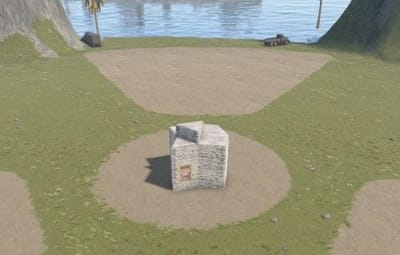
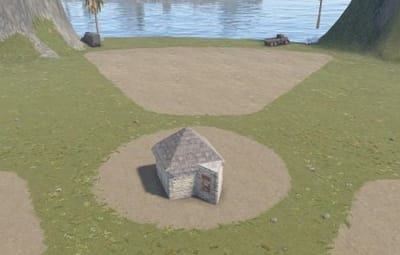
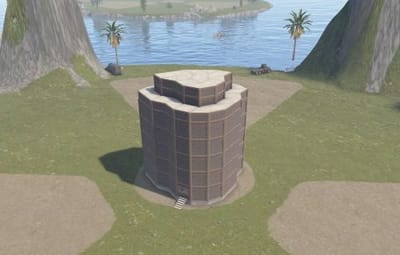
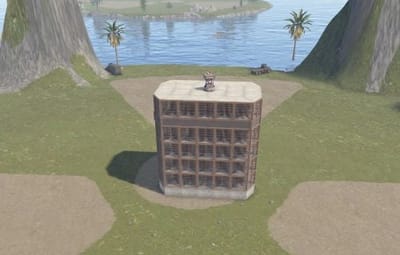
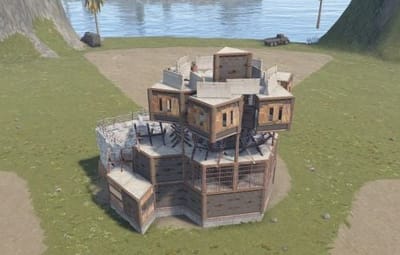
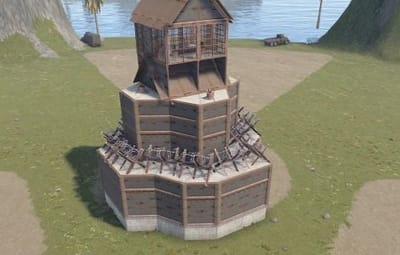
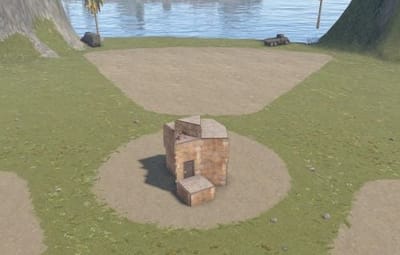
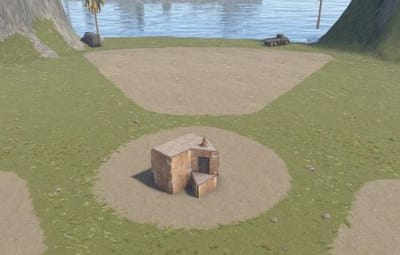
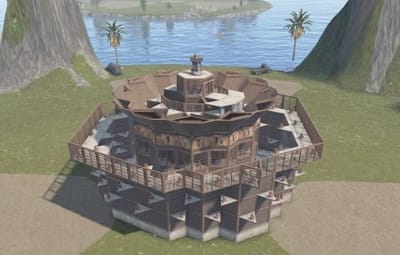
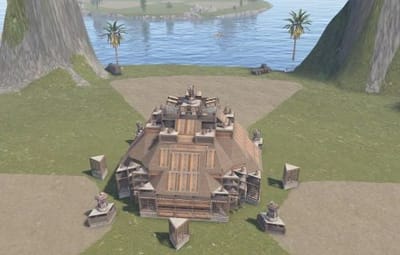
All bases can be viewed in the gallery at the top of this page.
This is the perfect starter package for someone just becoming familiar with the plugin.
Included:
- 2 bases (copypaste files) for every difficulty
- difficulty loot tables for each difficulty
- base loot tables for every profile
- profiles for each difficulty
- the configuration file
- easy to understand instructions
Free version note:
The free version can use this tier package, but it only supports one difficulty (Normal) and one Base Loot file. Remove all Base Loot files except the one you want all bases to use. You must also bypass the protection that prevents paid files from loading with the free version, which exists to stop paid users from accidentally erasing paid-only options by installing the free version over them. To bypass it intentionally, edit the config and rename the "Buyable Events" section on line 283 to "blah" or anything else. After that, the package will load with the free version. The paid version does not have these limitations and supports Easy, Medium, Hard, Expert, Nightmare, and custom difficulties. The tier package is still useful with the free version as it includes preconfigured files, copypaste files and works well for servers that manually enable and disable profiles to rotate through harder bases as the wipe progresses.
Paid plugin sold separately.
Instructions (available in zip file)
Quote
Before proceeding please unload RaidableBases by typing in the server console: o.unload RaidableBases
If you already have Raidable Bases installed then you should remove the config file and the RaidableBases data files
These files can be found in:
- oxide/config/RaidableBases.json file
- oxide/data/RaidableBases/ folderNext, navigate to the /oxide/ folder on your FTP server
You will see the following:
1. config
2. data
3. lang
4. logs
5. plugins
6. oxide.config.jsonIn this package you will find 2 folders:
1. config
2. dataCopy the 2 folders from this package into the /oxide/ folder
Congratulations, you've just installed the package!
Type in the server console: o.reload RaidableBases
This will load all of the new files, and information regarding each loot table will be shown in the server console.
Next, type in the server console: rb.config list
This will list all of the files found in this package in the oxide/data/copypaste/ folder.
If you do not see these files listed then repeat the process again and pay extra attention to the instructions.