


- Prefabs
- 66
- Unique prefab types
- 38
- Placement span (X × Y × Z)
- 7.6 × 5.4 × 19.8 m
- Terrain layers
- None
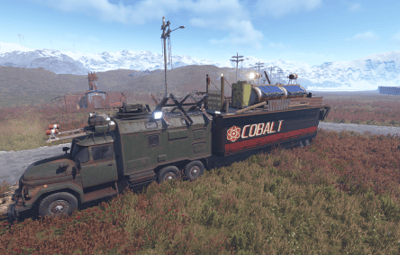
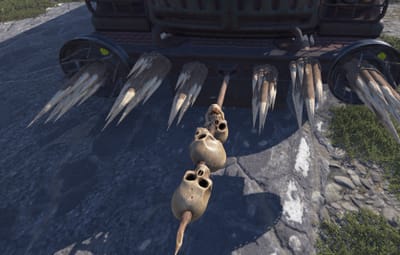
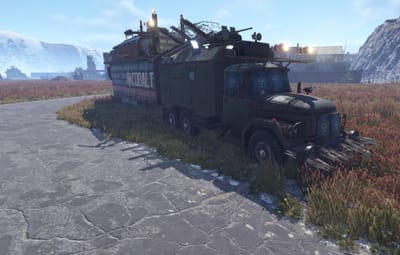
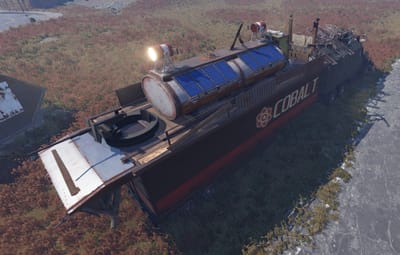
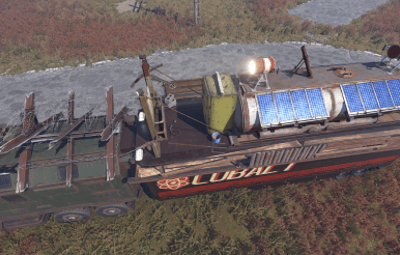
About Armored Wasteland Zombietruck (static decoration)
Armored Wasteland Zombietruck (static decoration)
Contents
- Truck666.prefab
- Screenshots pngs
Installation
- Copy both files into your RustEdit "CustomPrefabs" folder (RustEdit\CustomPrefabs).
- Restart RustEdit.
- Open Prefabs > Prefab List > category "Custom" and double-click Truck666 to place it on your map.
Notes
- Static decoration. The truck does NOT drive and has no seat or engine.
- Built only from vanilla Rust prefabs.
- No terrain modifiers (heights / splat / topology) required.
-
Saving the map as .map is required; server needs Oxide.Ext.RustEdit.dll
(RustDedicated_Data/Managed) only for maps that use electricity/vending/CCTV logic.