First off, we really love Building Sites and the Building Sites [Super Sized Bundle] — great work on these!
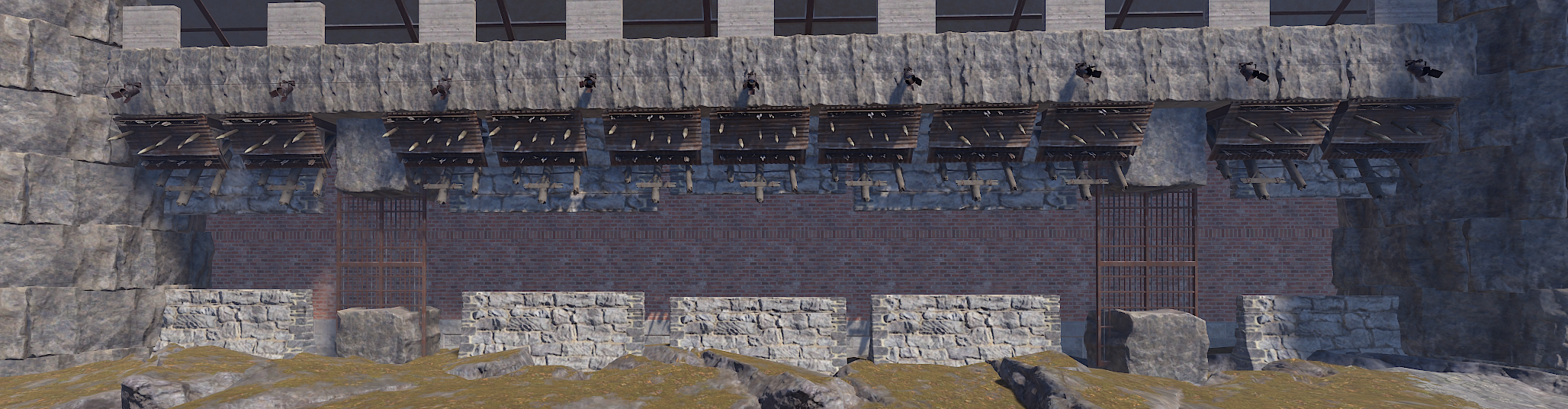
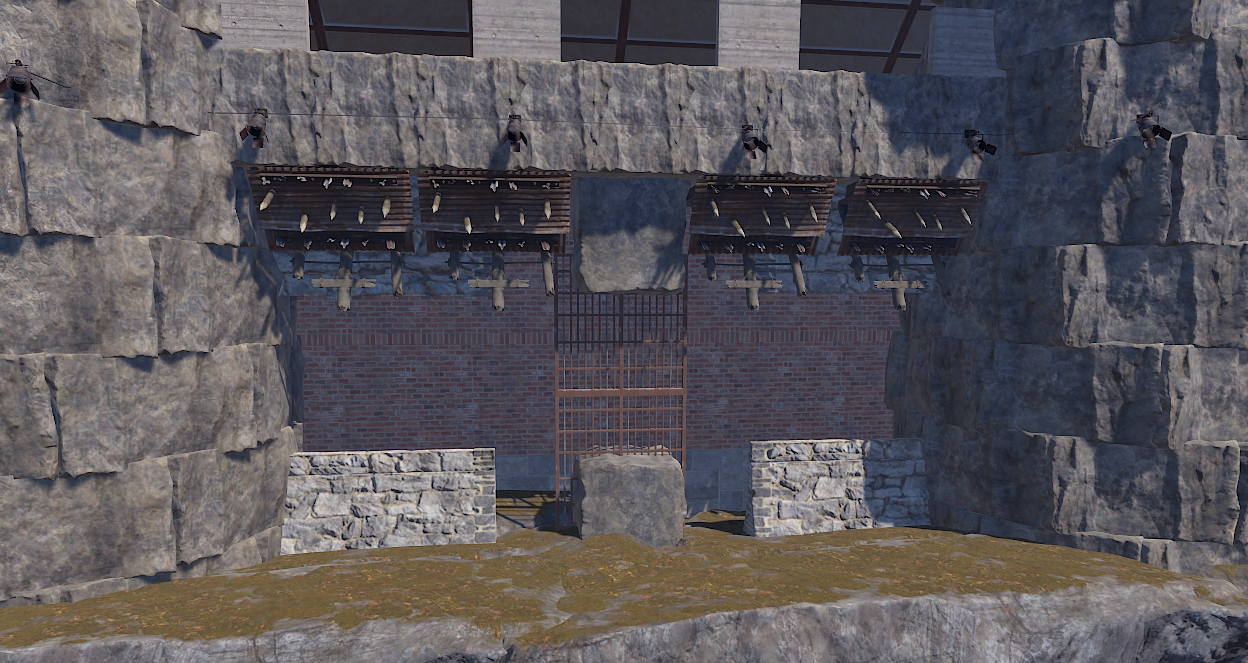
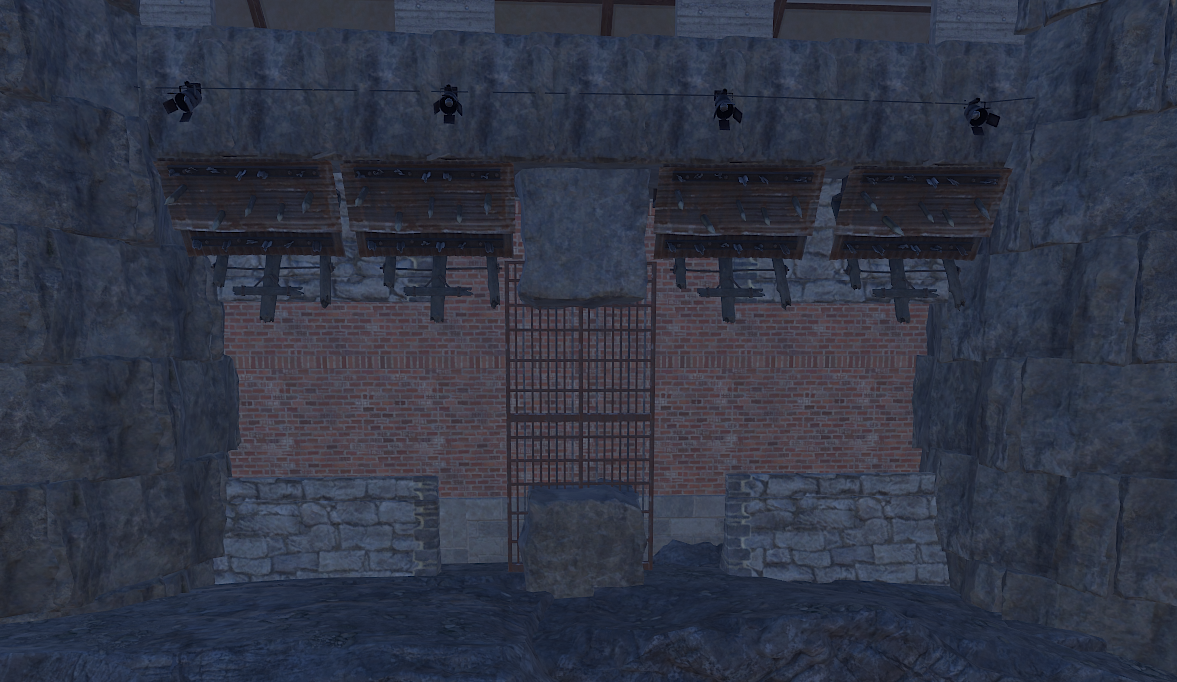
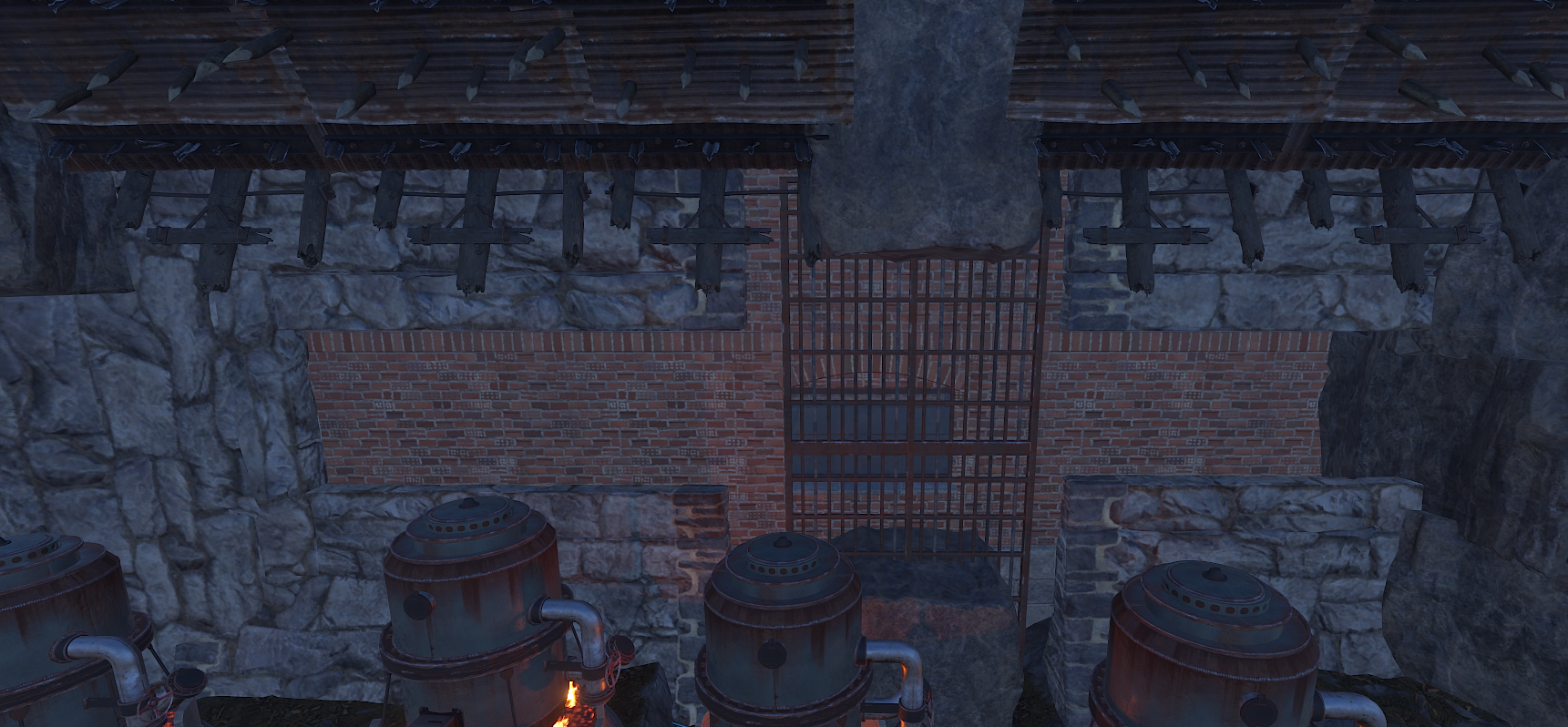
We’ve run into an issue with castle_1 (so far, this is the only site affected). When players get near the structure, parts of the building sometimes fail to spawn properly. This includes:
Missing walls (sometimes one side, sometimes all four)
Entire sections not appearing at all
The issue is visible to multiple players at the same time (so it doesn’t seem client-side or related to connection issues)
We’ve also noticed that:
If players leave the area and return a few minutes later, some parts may reappear, while others may still be missing (or new parts missing)
The only consistent fix is reloading the plugin, which isn’t practical to do frequently throughout the day
This was working fine a couple of months ago, so we’re wondering if something may have changed recently (possibly from a Rust update or entity handling changes).
If you have time to take a look, we’d really appreciate it.
Thanks again for your work!


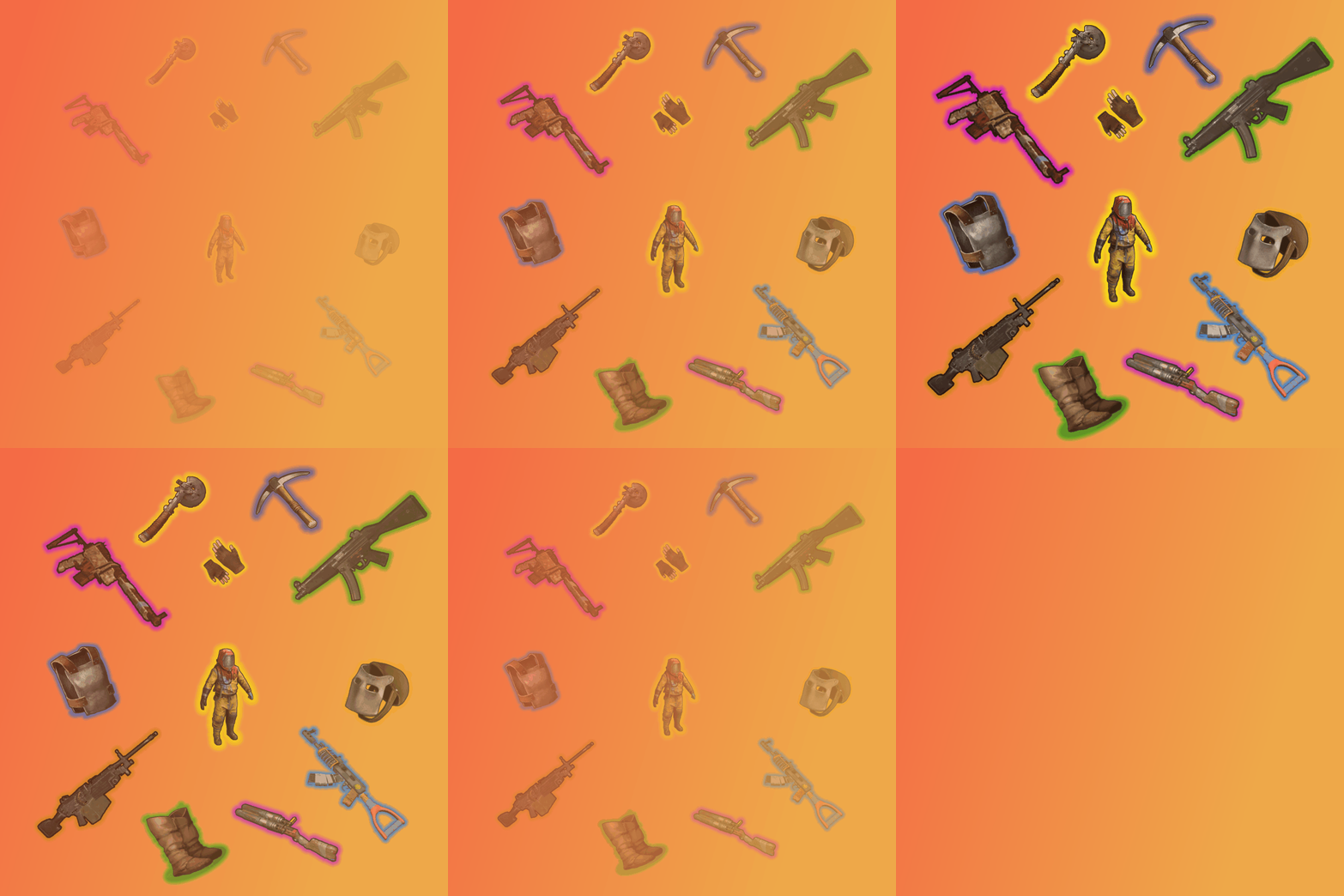 I have a suggestion for the plugin, if you could possibly add a highlight border around the epic loot item icons so that players know the item is epic loot and not just a regular item.