

About Rust Map Vote Discord Bot
 Map Vote Bot
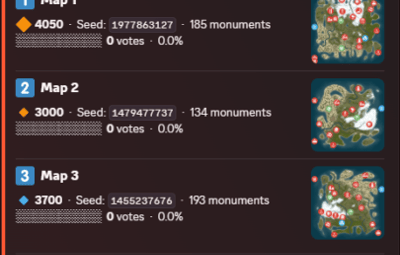
MapVote is a self-hosted Discord bot that lets your Rust community vote on the next wipe map. Built for server owners who want a clean, reliable voting system.
 What's New in v3.2.0
Custom Map Generation — Generate brand-new maps on demand via RustMaps' custom map generation API, using a saved config you've built on RustMaps' website. Available both for wipe schedule auto-pick and for manually creating a vote. Requires a RustMaps Premium (or higher) subscription.
Customizable size icons — Set your own Small/Medium/Large emoji and the size cutoffs that define them, applied consistently across every vote message, result, search, and preview.
Clearer monument breakdowns — Monument lists are now grouped into categories (Military & Endgame, Loot tiers, Ocean, Safe Zones, Resources, and more) instead of one long list.
 Features
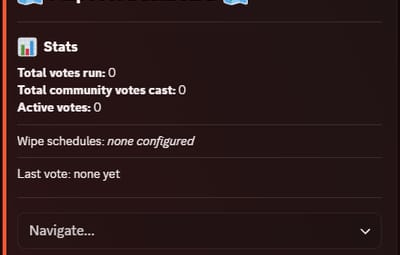
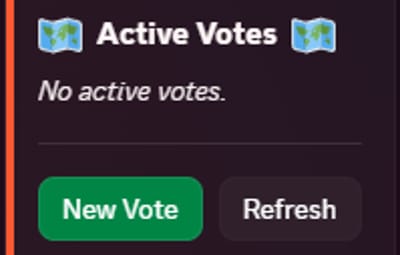
- Persistent admin dashboard with tabbed navigation (Overview, Vote, Automation, History, Settings)
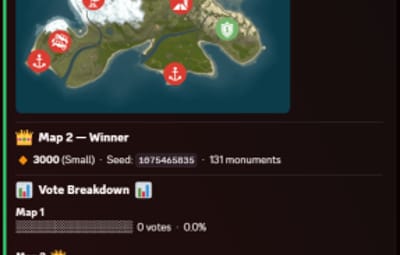
- Live vote tracking with animated progress bars
- 2–5 maps per vote
- Standard maps (any size/seed), custom RustMaps.com maps, and brand-new generated maps
- Custom map generation via RustMaps' saved configs — for wipe schedule auto-pick and manual vote creation alike (requires a RustMaps Premium or higher subscription)
- Detailed map info — biomes, islands, rivers, monuments (grouped by category), and more
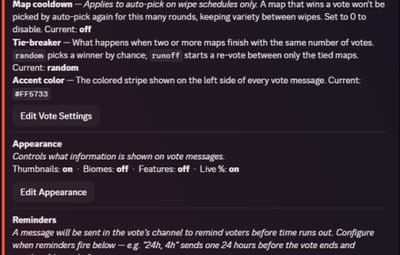
- Automatic winner determination with random or runoff tie-breaking
- Customizable size icons and thresholds for how maps are labeled Small/Medium/Large
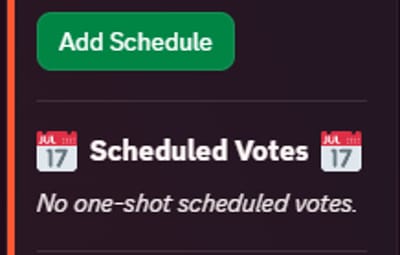
- Wipe schedule automation — weekly, biweekly, and monthly (by Nth weekday or last weekday)
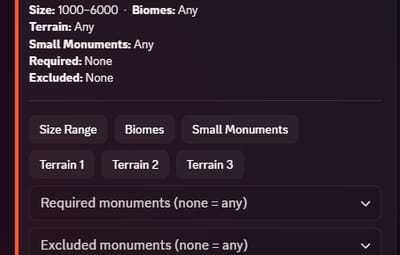
- Auto-pick maps from RustMaps based on size, biome, terrain, and monument filters
- Per-vote voter role gating — restrict who can vote per session
- Live vote editing without ending the vote
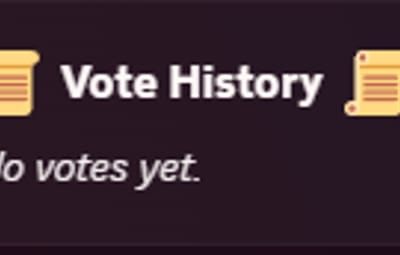
- Paginated vote history with winner links, vote counts, and win-rate stats
- Vote and dashboard message recovery on deletion
- 24-hour advance reminder when a scheduled wipe has no maps set
- All votes and config stored in SQLite — nothing is lost on restart
- Full multi-guild support
 Commands
/setup Create or move the admin dashboard to a channel
/search Browse RustMaps with filters — size range, biomes, terrain, monuments (available to all members)
 Restricting Access
/setup requires Administrator by default. You can grant it to specific roles without giving them full admin — go to Server Settings > Integrations > MapVote and configure per-command role access.
/search is available to all members by default and can be restricted the same way.
 Requirements
Node.js 24+
Discord bot token
RustMaps.com API key
 Setup
Setup
Download and extract the files
Run npm install
Fill in your TKN & RUSTMAPS_API_KEY in the .env file
(Optional — only if generating custom maps under an organization's RustMaps account rather than your personal one in the .env)
RUSTMAPS_ORG_ID=OptionalOrgIdHere
Run npm start
Use /setup #your-admin-channel to create the dashboard
Need help? Join the support server: Click Here
 Updating
Stop the bot
Delete the src/ folder
Copy in the new src/ folder and overwrite package.json, CHANGELOG, and README.md files
Delete the node_modules/ folder and package-lock.json file
Run npm install
Start the bot (npm start)
Your .env and db/ files are not touched — all settings and data are preserved.