-
Posts
179 -
Joined
-
Last visited
Content Type
Profiles
Warranty Claims
Downloads
Forums
Store
Services
Downloads Plus Support
DOWNLOADS EXTRA
Reels
Everything posted by TeddyPVE
-
Installation (3 Easy Steps) Make sure you have the Loottable plugin installed on your server. Extract the downloaded .zip file: For Oxide / UMod: Copy the oxide/config/ folder directly into your server's oxide/config/ directory. For Carbon: Copy the carbon/configs/ folder directly into your server's carbon/configs/ directory. Open your server console and type: oxide.reload Loottable (Or c.reload Loottable if using Carbon)
-
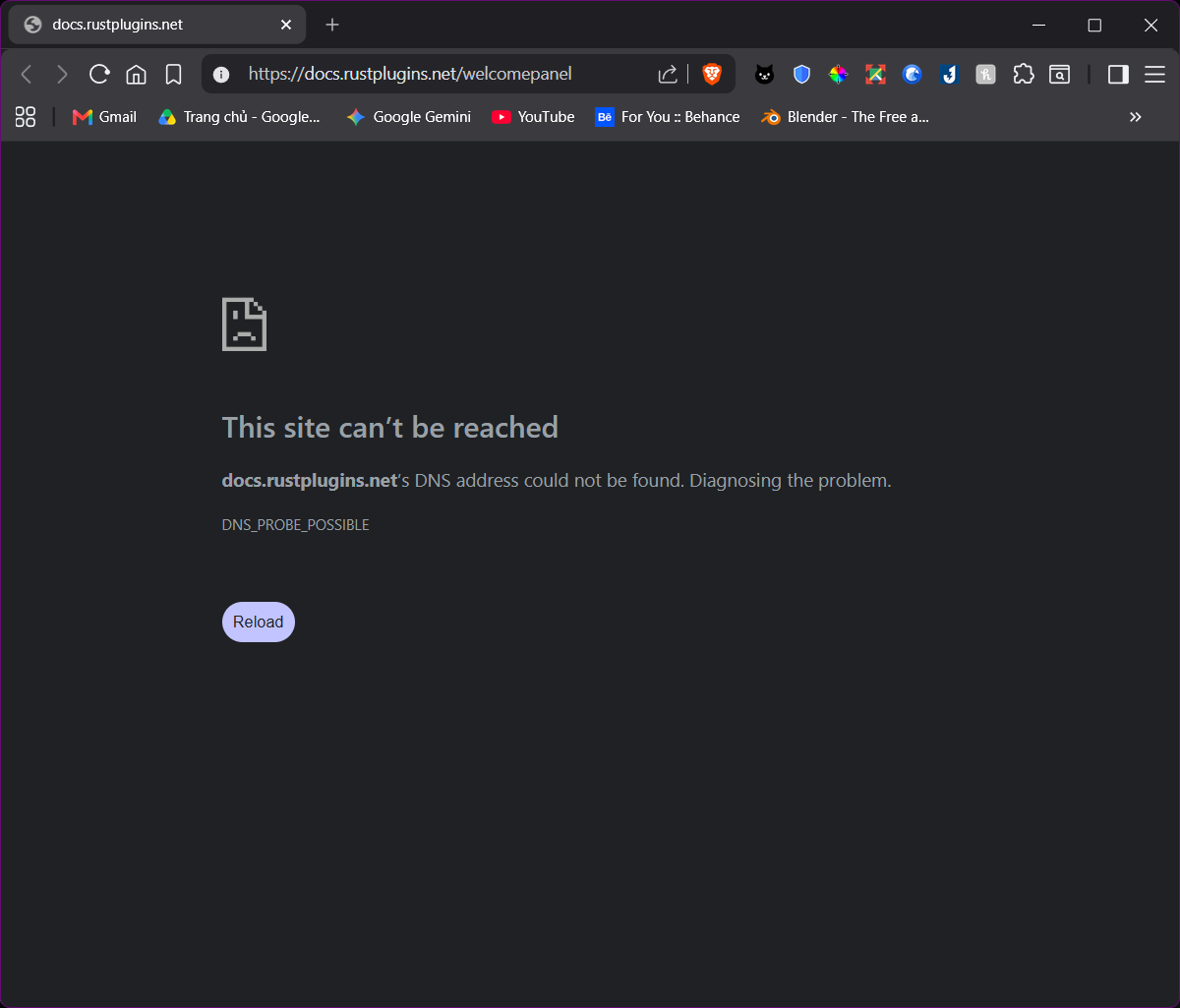
Home: https://rustplugins.net/products/welcomepanellite/2/home_button.png Rules: https://rustplugins.net/products/welcomepanellite/2/rules_button.png Wipe Cycle: https://rustplugins.net/products/welcomepanellite/2/wipe_button.png Links: https://rustplugins.net/products/welcomepanellite/2/steam_button.png Kits: https://rustplugins.net/products/welcomepanellite/2/kits_button.png Shop: https://rustplugins.net/products/welcomepanellite/2/shop_button.png Vip Ranks: https://rustplugins.net/products/welcomepanellite/2/vip_button.png Rewards: https://rustplugins.net/products/welcomepanellite/2/reward_button.png Commands: https://rustplugins.net/products/welcomepanellite/2/rules_button.png Wipe Cycle: https://rustplugins.net/products/welcomepanellite/1/richtext.png Links: https://rustplugins.net/products/welcomepanellite/1/enableaddons.png Shop: https://rustplugins.net/products/welcomepanellite/1/multiplepages.png https://rustplugins.net/products/welcomepanellite/2/rustlogo.png All of these images that the plugin depends on to work properlly are now not available. The documentary, the web app to edit config files even the discord are down too so now because of WelcomePanel is broken, the ShopUI goes down with it.

-
Version 2.0.1
17 downloads
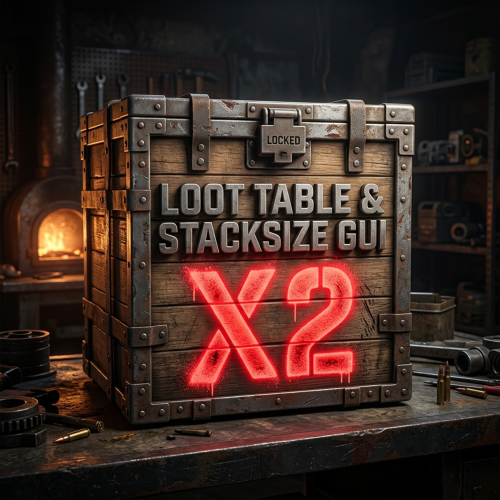
Ultimate 2X Balanced Loot Table Configuration (Wipe-Proof & Competitive) Take your 2X Rust server to the next level with the most refined, competitive, and balanced loot table preset built for the Loottable plugin. Designed by experienced server administrators, this configuration fixes the common flaws of 2X servers: it prevents Day-1 raid spam, eliminates infinite fuel exploits, and makes high-risk monument diving rewarding again. No more junk cluttering high-tier crates. No more Day-1 M249s breaking your wipe progression. Every container has been tuned to provide smooth, competitive progression from primitive bow fights to endgame roamer PvP. -------------------------------------------------------------------------------------------------------------------------------------------------- Key Highlights Tailored 2X Economy with 1.5X Sulfur Control: General resource nodes (Stone, Metal, HQM, Wood) gather at 2X, while Sulfur is strictly limited to 1.5X across nodes, wild pickups, and quarries to prevent uncounterable rocket spam early in the wipe. Anti-Exploit Pumpjack Economics: Pumpjack diesel output is fine-tuned to 1.5X (90 Crude Oil, 255 Low Grade Fuel), permanently closing the infinite Outpost fuel & scrap trade loop. +30% Underwater Lab & Diving Buff: Underwater crates reward brave divers with +30% more components/scrap/ammo and +1 extra item slot, revitalizing ocean PvP and diving monuments. Military Attachments in Boss Crates: Bradley APC & Patrol Heli drops feature guaranteed military weapon attachments (Holosights, 8x/16x scopes, Lasers, Military Silencers, Burst Modules, Extended Mags). Pristine or Degraded Gun Drops: Guns in basic and military crates spawn in true vanilla-authentic conditions: either 100% full condition or 5% degraded condition, encouraging repair-bench utilization. Authentic Seasonal Items + 8% Jackpot: Christmas presents, Easter eggs, and Halloween loot bags contain 100% thematic holiday novelty items, with a rare 8% - 10% Jackpot chance to roll an M249, L96, or MGL! Clean & Junk-Free: Food crates contain zero scrap; tool crates are stripped of gun components and populated with Tier-2 electrical components, tier 2 clothing, and defensive barricades; all invisible crates disabled. -------------------------------------------------------------------------------------------------------------------------------------------------- Gathering & Resource Balance Resource Nodes: Wood, Stone, Metal Ore, HQM Ore: 2.0X | Sulfur Ore: 1.5X. Animal & Scientist Corpses: 2.0X gather multiplier (Leather, Animal Fat, Cloth, Bone fragments) to eliminate painful furnace/syringe grinding. Wild Collectibles: Ground pickups set to 2.0X (Stone, Metal, Wood, Hemp cloth); Sulfur pickups set to 1.5X; Diesel Barrels remain Vanilla (1.0X). Farm Plants (Planter Boxes): Kept at Vanilla 1.0X to prevent cross-bred (3G3Y) automated farms from hyper-inflating the cloth/fertilizer scrap economy. Mining Quarries: Stone, Metal, HQM, Excavator: 2.0X | Sulfur Quarry: 1.5X (1500 ore/diesel) | Oil Pumpjack: 1.5X (90 crude, 255 lowgrade). Installation (3 Easy Steps) Make sure you have the Loottable plugin installed on your server. Extract the downloaded .zip file: For Oxide / UMod: Copy the oxide/config/ folder directly into your server's oxide/config/ directory. For Carbon: Copy the carbon/configs/ folder directly into your server's carbon/configs/ directory. Open your server console and type: Or if using Carbon: Done! The custom configuration is immediately active with zero errors. Frequently Asked Questions (FAQ) Q: Does this include the Loottable plugin .cs file? A: No. You must own the Loottable plugin. This package is an enterprise-grade configuration preset (.json files) that loads directly into the plugin. Q: Will this cause red console errors on startup? A: Absolutely not. All 160+ files have been pre-validated against native item definitions, container limits, and category constraints. Q: Can I edit drop chances and stack sizes? A: Yes! Every file is cleanly formatted JSON. You can modify any item chance or quantity using any text editor or via Loottable's in-game UI.$5.00 -

not shure how tp find .json file for skins
TeddyPVE replied to jesse scordo's Support Report in Support
I'm using LSkins, does that works too ? Cause when I click Import and then select LSkins, I only have the option to open a folder, not to select a file. -
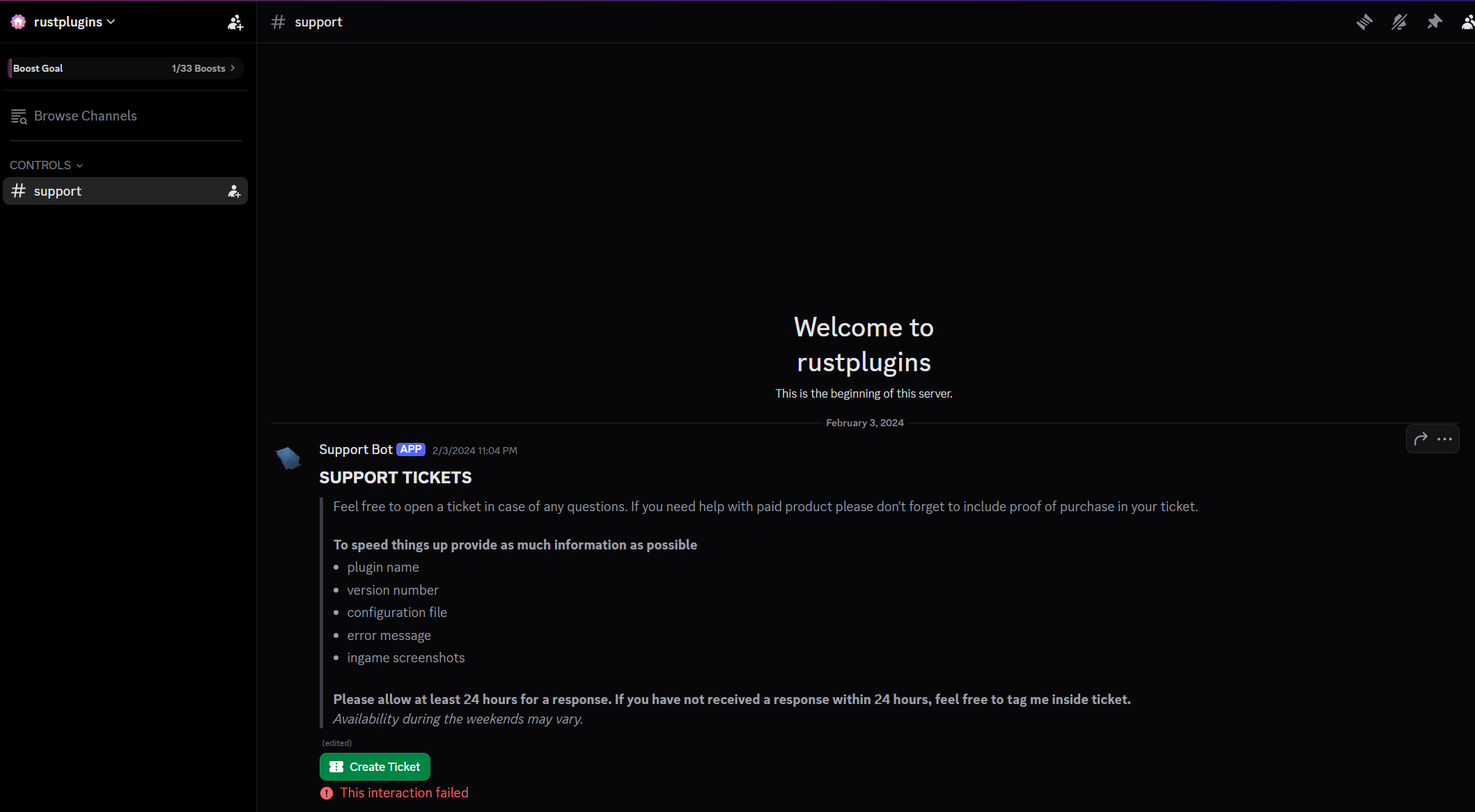
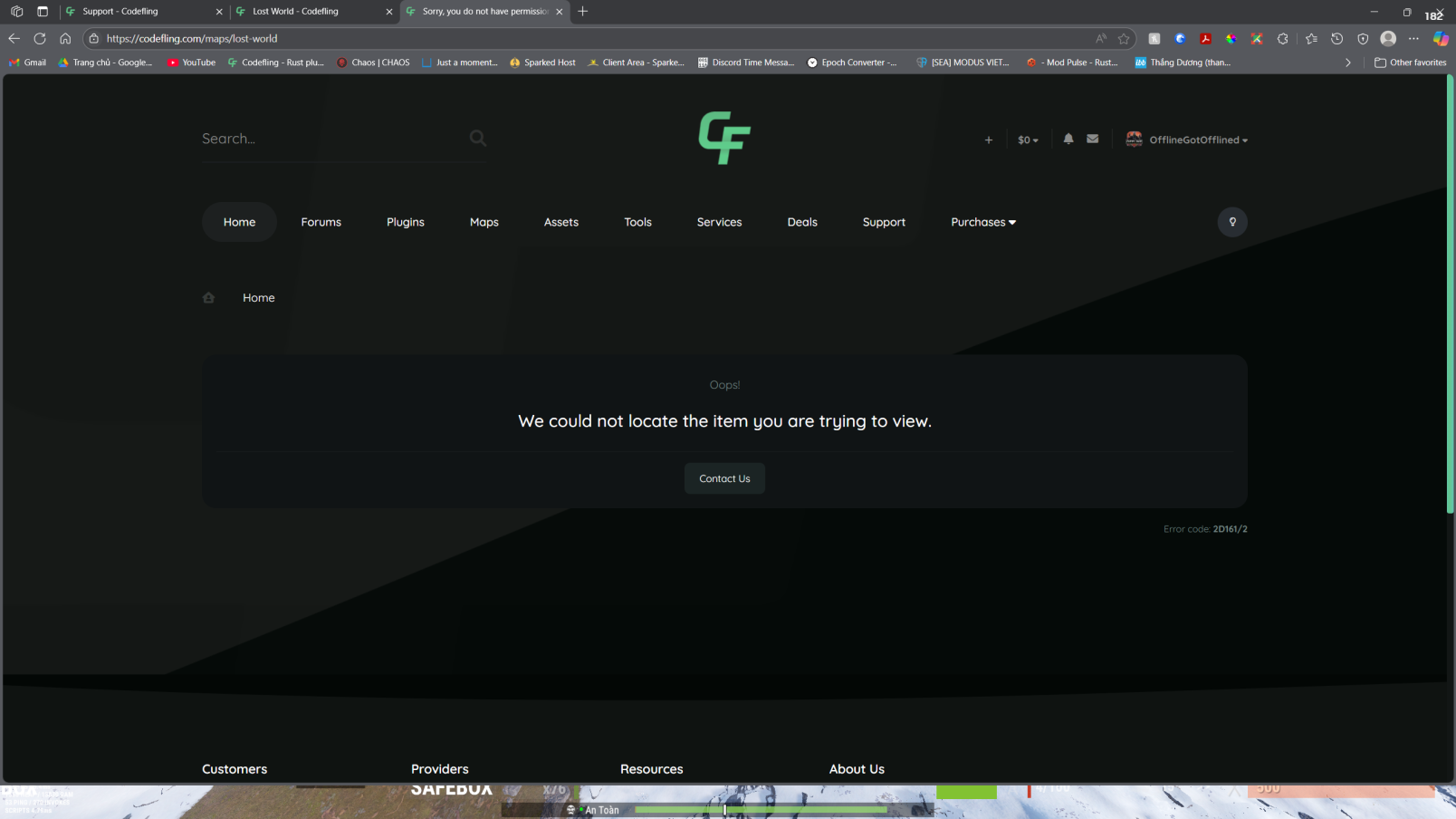
"We could not locate the item you are trying to view."
TeddyPVE replied to TeddyPVE's topic in Site Support
Updates* So after I created a ticket in CF discord, very quickly @Death gave me the why and then gave me a refund for the no longer exist on CF product. Thank you, -
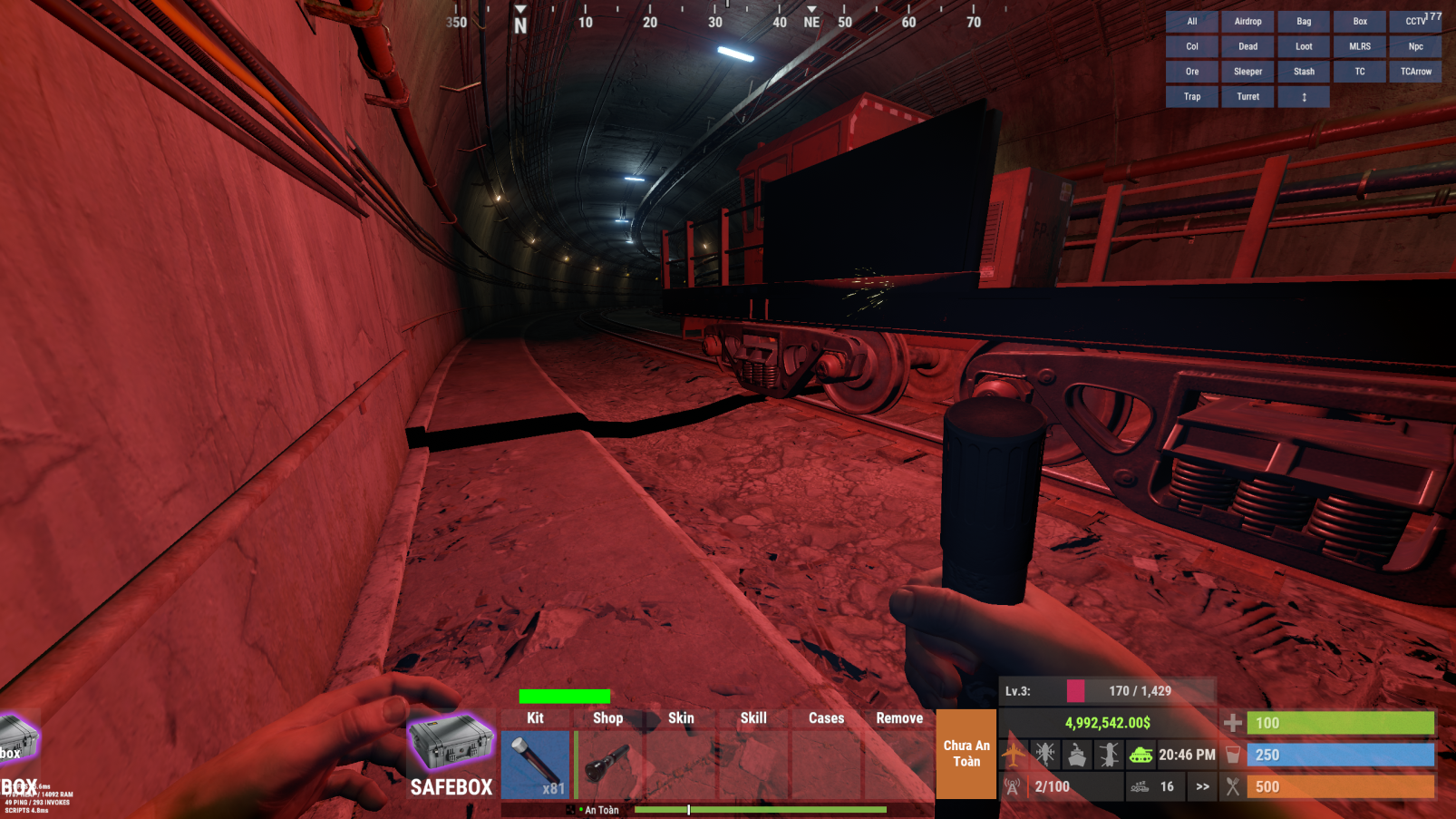
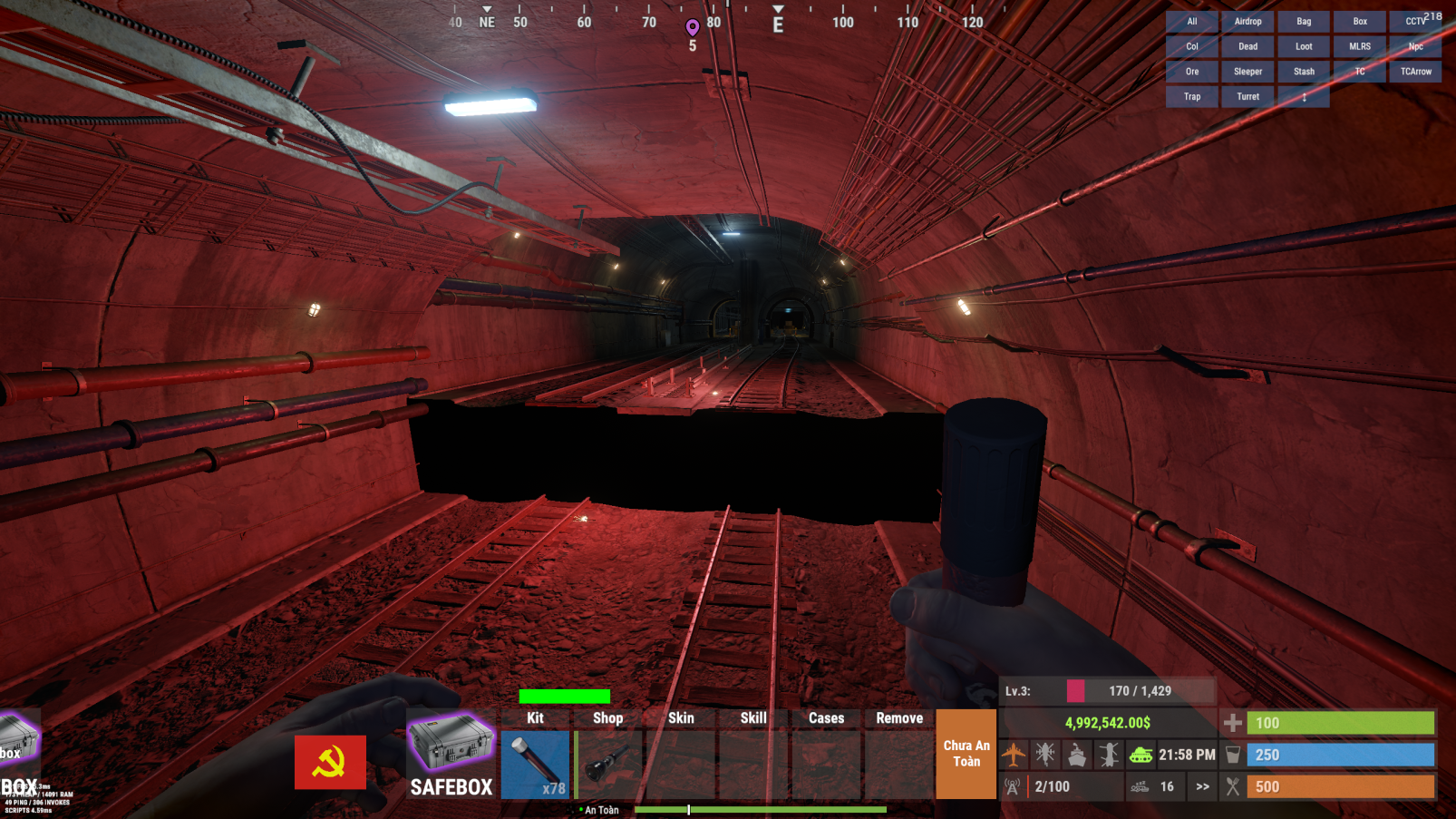
Hi everyone, I'm having problems with a map I just bought on Codefling about 2 weeks ago. Hi everyone, I'm having problems with a map I just bought on Codefling about 2 weeks ago. Everything was fine until one of my players reported to me there is a bug with the map as shown below. But then when I try to contact the map designer I believe the site said the product is no longer available on Codefling. What should I do... ? What should I do... ?
-
Thank you.
-
/TEAM CAN ACCESS LOOT/ DOESN'T LET TEAM LOOT DEAD TEAM MEMBERS
-
[PVPZoneStatus] You do not have one or more required plugins installed! ImageLibrary: https://umod.org/plugins/image-library ZoneManager: https://umod.org/plugins/zone-manager CustomStatusFramework: https://codefling.com/plugins/custom-status-framework Unloaded plugin PVPZoneStatus v1.0.1 by 0xF Loaded plugin PVPZoneStatus v1.0.1 by 0xF [57ms] [PVPZoneStatus] You do not have one or more required plugins installed! ImageLibrary: https://umod.org/plugins/image-library ZoneManager: https://umod.org/plugins/zone-manager CustomStatusFramework: https://codefling.com/plugins/custom-status-framework Failed compiling 'CustomStatusFramework.cs': 1. 'PlayerModifiers' does not contain a definition for 'ActiveModifierCoount' and no accessible extension method 'ActiveModifierCoount' accepting a first argument of type 'PlayerModifiers' could be found (are you missing a using directive or an assembly reference?) [CS1061] (CustomStatusFramework 42 line 841) > c.reload PVPZoneStatus Unloaded plugin PVPZoneStatus v1.0.1 by 0xF Loaded plugin PVPZoneStatus v1.0.1 by 0xF [57ms] [PVPZoneStatus] You do not have one or more required plugins installed! ImageLibrary: https://umod.org/plugins/image-library ZoneManager: https://umod.org/plugins/zone-manager CustomStatusFramework: https://codefling.com/plugins/custom-status-framework
-
Yes, I set the auto door closing time to 10 seconds and updates all, but after the server restart the time goes back to default settings (30s)
-
I didn't know that would cause any trouble... Usually when I load it up and reload it automatically fixes it for me
-
Here is my config file UltimateLocker.json
-
Hi @Scalbox, Yes please if you don't mind, my player said they do that too but after restart the time goes back to default. Do we have to click the "Update all" after we set the time value ?
-
Hi @Scalbox, There is an issue with Auto Door Closing features, when time set by players before the daily restart, everything works fine. But after the restart the timer set by players got reset and goes back to default value. Please have a look. Thank you. Best Regards,
-
Can we add the ability to deposit/withdraw money with /bank ?
-
BankSystem.jsonHere is my config BankSystem.json
-
I'm not really sure, but this happens once in a while, I tried go collecting scrap around the map ( cause I set the currency to scraps ) But the error won't show up, just pops out like that.
-
Failed to call internal hook 'OnCollectiblePickup' on plugin 'BankSystem v1.3.12' [3290943891] (Object reference not set to an instance of an object) at void Oxide.Plugins.BankSystem.OnCollectiblePickup(CollectibleEntity collectible, BasePlayer player) in /home/container/carbon/plugins/BankSystem.cs:line 1743 at object Oxide.Plugins.BankSystem.InternalCallHook(uint hook, object[] args) in BankSystem.cs/Internal:line 563 (16:43:13) | Failed to call internal hook 'OnCollectiblePickup' on plugin 'BankSystem v1.3.12' [3290943891] (Object reference not set to an instance of an object) at void Oxide.Plugins.BankSystem.OnCollectiblePickup(CollectibleEntity collectible, BasePlayer player) in /home/container/carbon/plugins/BankSystem.cs:line 1743 at object Oxide.Plugins.BankSystem.InternalCallHook(uint hook, object[] args) in BankSystem.cs/Internal:line 563
-
Hi @MeventSupport, Can you please help me with this issue ? I'm running the server on Carbon, would this be the main reason why this happens ?
-
Because I will modify the loot to be extremely valuable, so that the event will forcefully turns into a raid. Beside, my players asked to do so. I copied the coordinates of the main door, and paste them to the coordinates of the doors of the Captain's room. But if there is an option to do so would be nice.
-
Oh one more thing, please, Can you add the options to whether to turn on/off the code notes in Captain's dead body ? Best regards,
-
Thank you